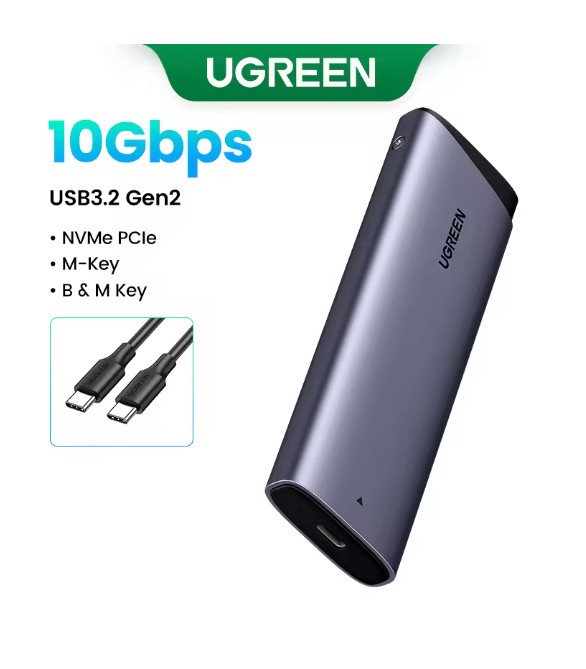
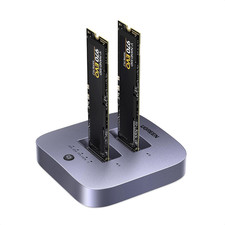
USB 3.2 Gen2x2 port of your computer is needed for 20Gbps, otherwise will
only be able to achieve 10Gbps rate.
UGREEN
◎ Brand Newest Release
With the latestUSB 3.2 Gen2x2, this M.2 enclosure can achieve a20Gbpsdata transmission rate as an NVMe enclosure and 6Gbps with SATA protocols.
Fast Transfer Rate USB3.2 Gen2Support for NVME SATA Protocol
1G File Transmission in 1 SecondUSB 3.2 Gen2 standard connector ensure high-speed transmission
NVME & SATA ProtocolFast & Stable TransmissionPlug and Play,No Driver NeededSupports Windows, LINUX, Mac OS systems, etc.
Support SSD of 4 SizesSuitable for size of 2230/2242/2260/2280 up to 8TB capacity
Sufficient Heat DissipationPremium aluminum and equipped with thermal pad that does better at heat dissipation.
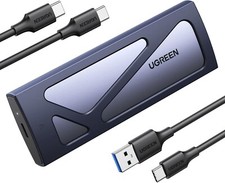
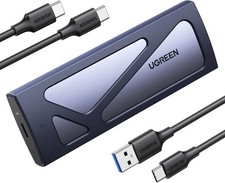
Two-wire ConfigurationComes with 33cm C to C cable and C to USB 3.0 Cable
8TB Large CapacityMobile storage files, easy to read
Work LED IndicatorShock-proof Silicone CaseSilicone protection hard drive case is scratched
Easy Installation1. Take out the silicone cover
2. Unscrew the screw to open the cover
3. Align the hard drive interface
4. Fixed hard drive by screw cap
5. Affix the heat dissipation silicone sticker
6. Completed installation
Compact & PortableProduct SpecificationWhat's in the Box