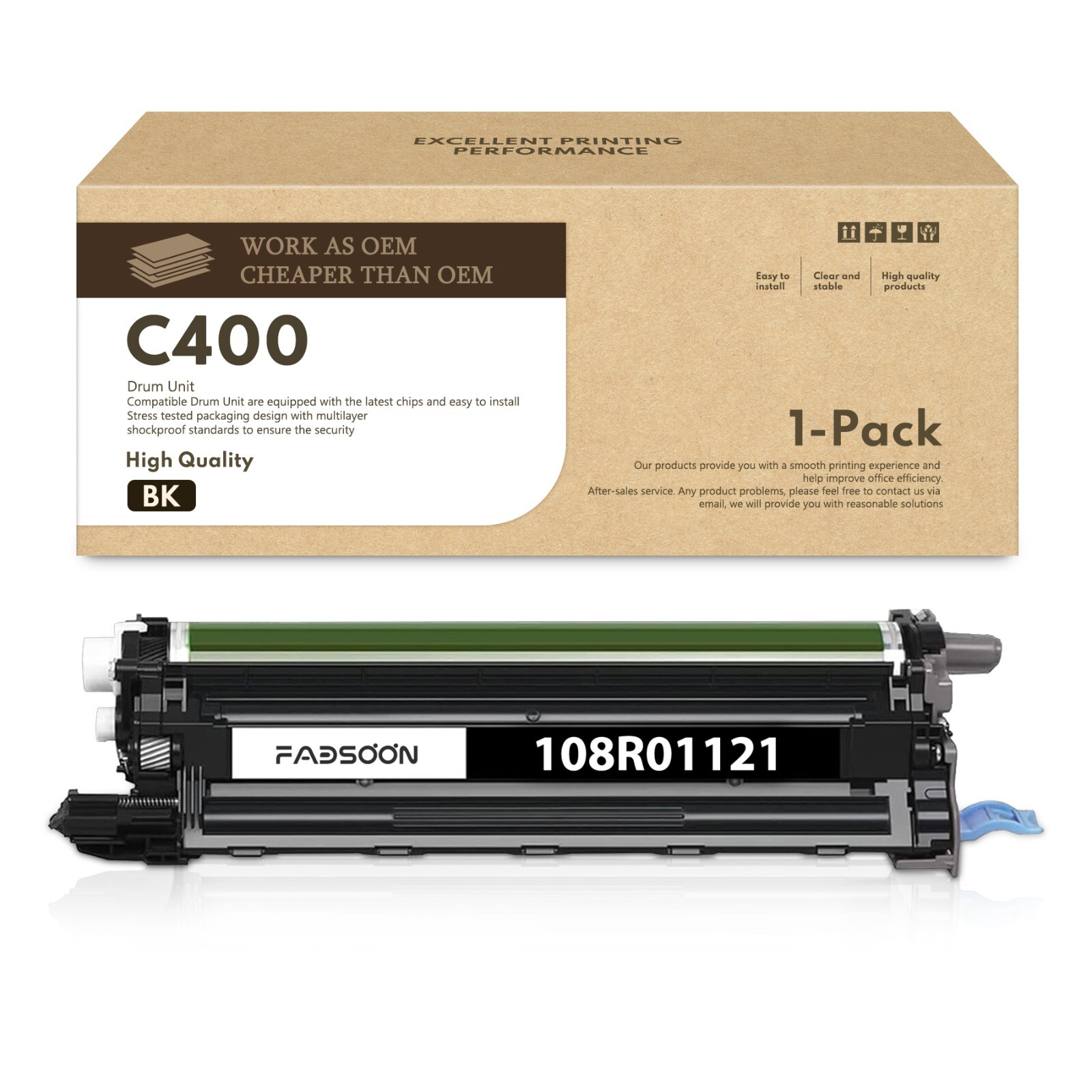
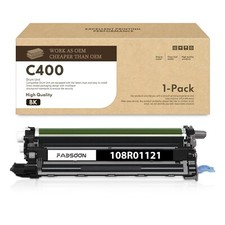
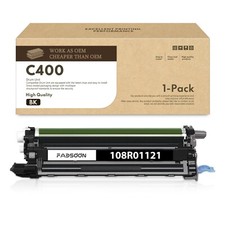
Work as OEM, Cheaper than OEM108R01121 1BK Imaging Drum Unit:
1 × 10⁸R01121 Black Imaging Drum Unit (compatible replacement)Type: Imaging Drum Unit (1BK)
Condition: Brand New (NON OEM)
Chip: With New Chip (built-in intelligent chip for seamless printer recognition)
Print Technology: Laser (Color)
Features: Premium black imaging drum unit — engineered for VersaLink C400 / C405, Phaser 6600, and WorkCentre 6605 / 6655 / 6655i series color laser printers — delivers stable, high-fidelity black image transfer for crisp text and sharp graphicsCore Compatible Models:
VersaLink C400, C400N, C400DN
VersaLink C405, C405N, C405DN, C405Z
Phaser 6600, 6600N, 6600DN
WorkCentre 6605, 6605N, 6605DN
WorkCentre 6655, 6655X, 6655XM, 6655i, 6655iX, 6655iXMLENKTOR offers ongoing deals and brand new products!
Why Choose us?
[Superior Printing Quality]
Our products are manufactured with advanced equipment to maintain the highest standards, providing clear and vivid content for your pages.[Strict Quality Control]
We always strive to provide you with the best products. We scrutinize our entire product line to ensure compatibility and reliability.[Safe Packaging]
We use separate vacuum sealed packaging to avoid damaging the items during transportation.
It is worth mentioning that there are differences between the product packaging in the pictures and the actual goods received.[Reliable transportation]
Once we receive your payment, your order will be shipped within 2 business days.
All items ship out as fast as possible from multiple warehouses around the country. We offer free shipping and free returns for most areas.
⚠️ Important Compatibility Note:
This listing contains 1 × 10⁸R01121 Black Imaging Drum Unit (compatible replacement for the 108R01121 imaging drum family, single Black drum unit).🔴 This is an Imaging Drum Unit — NOT Toner:
The 108R01121 is the imaging drum unit (long-life maintenance item) for VersaLink C400/C405, Phaser 6600, and WorkCentre 6605/6655/6655i series. It is NOT a toner cartridge. The toner cartridges for these models are 106R03500-106R03535 (Standard / High / Extra High Capacity). Do not purchase this drum unit if you only need toner — they are two separate components in the drum-and-toner separation architecture.🔴 Single Black Drum Unit:
The original 108R01121 is sold as a 4-pack bundle containing Black + Cyan + Magenta + Yellow imaging drums. This listing is for the BLACK drum unit only (1BK). If you need Cyan / Magenta / Yellow drum units, please purchase separately.Core compatible models: VersaLink C400, C400N, C400DN, C405, C405N, C405DN, C405Z, Phaser 6600, 6600N, 6600DN, WorkCentre 6605, 6605N, 6605DN, WorkCentre 6655, 6655X, 6655XM, 6655i, 6655iX, 6655iXM.This is a NON-OEM replacement product. Each drum unit is equipped with a new intelligent chip for seamless printer recognition.🔴 Chip & Installation Notice:
• The 108R01121 drum unit is equipped with a built-in intelligent chip for seamless printer recognition.
• If the printer still prompts "Imaging Unit Low" or "Replace Drum" after installation, remove the drum unit, clean the gold chip contacts, reinstall it firmly into the drum bay until it clicks, then power-cycle the printer.
• Do not touch the green imaging drum surface or the electrical contacts on the unit — handle by the edges only.
• When replacing, open the front cover, release the used drum unit from its bay, insert the new 108R01121 Black drum into the corresponding (BK) slot, then close the front cover — the VersaLink C400/C405, Phaser 6600, and WorkCentre 6605/6655/6655i series share the same 108R01121 drum slot layout (4 bays: BK/C/M/Y).
• Keep the drum unit away from direct sunlight and install within a short period after removing from packaging to protect the photosensitive surface.🔴 When to Replace the Drum:
The imaging drum is a long-life maintenance item. Replace it only when you see persistent print quality issues that do not improve after changing the toner — such as repeated ghosting, vertical streaks, grayish background, or faded black areas. Under normal average usage, the drum typically does not need frequent replacement.Please verify your exact model is one of the VersaLink C400 / C405, Phaser 6600, or WorkCentre 6605 / 6655 / 6655i series printers listed above before ordering.After sales service:
We promise to provide 100% quality and satisfaction! No matter if you have any questions or encounter a defective product, before taking any action, please contact us through . Our customer service team is committed to promptly answering all your questions.