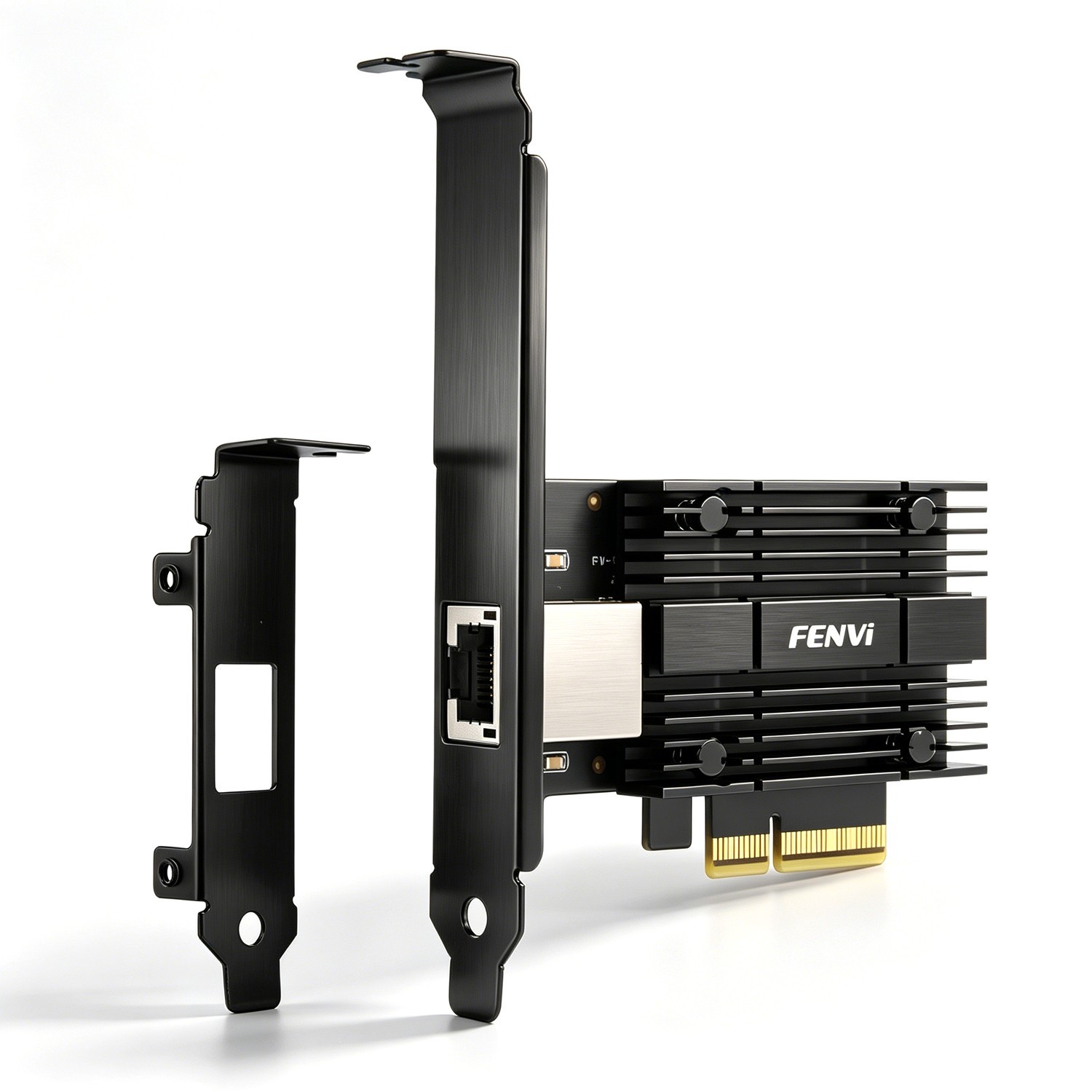
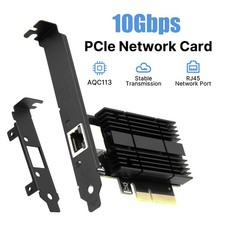
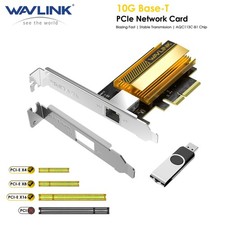
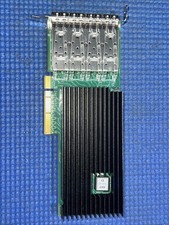
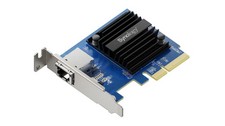
10GbE High-Speed Connectivity: Realtek RTL8127 controller provides reliable data transfer rates up to 10Gbps for demanding network tasks.Multi-Gigabit Auto-Negotiation: Supports 10Gbps, 5Gbps, 2.5Gbps, 1Gbps, and 100Mbps. Automatically matches your router, switch, or NAS speed.PCIe X4 Interface: Fits PCIe x4, x8, or x16 slots. Can be installed in available expansion slots without occupying your GPU's physical slot.RJ45 Copper Port: Standard Ethernet port compatible with existing copper cabling infrastructure.Low-Profile Bracket Included: Comes with both full-height and low-profile brackets for slim or standard desktop cases.Broad OS Support: Windows 10/11, Windows Server 2019/2022, and modern Linux distributions (Kernel 6.x and above). For older Linux Kernel 5.x systems
10G PCIe Network Card with RTL8127 10GbE Low Profile for NAS Server Workstation
Upgrade your desktop, workstation, or NAS with this 10GbE PCIe network card. Powered by the Realtek RTL8127 controller, it delivers high-speed wired connectivity up to 10Gbps. Ideal for NAS storage, home labs, online gaming, 4K video editing, and large file transfers.
10GbE High-Speed Connectivity: Realtek RTL8127 controller provides reliable data transfer rates up to 10Gbps for demanding network tasks.
PCIe X4 Interface: Fits PCIe x4, x8, or x16 slots. Can be installed in available expansion slots without occupying your GPU's physical slot.
RJ45 Copper Port: Standard Ethernet port compatible with existing copper cabling infrastructure.
Broad OS Support: Windows 10/11, Windows Server 2019/2022, and modern Linux distributions (Kernel 6.x and above). For older Linux Kernel 5.x systems, drivers are available from the manufacturer's support page.
Important Compatibility Notes
Cable Recommendation: For 10Gbps speeds, use Cat6a or Cat7 Ethernet cables. Cat6 cables may support shorter distances for 10G, but Cat6a/Cat7 are recommended for stable performance.
PCIe Slot Requirement: Requires an available PCIe x4, x8, or x16 slot. Not compatible with legacy PCI slots.
Driver Installation: Windows 10/11 and Server 2019/2022 may automatically install drivers. For Linux Kernel 5.x or custom NAS systems, you may need to manually install drivers from the Realtek chipset manufacturer's website
Not a WiFi Card: This is a wired Ethernet adapter only.
Power off your PC or NAS and disconnect the power cable.
Insert the card into an available PCIe x4, x8, or x16 slot and secure it with a screw.
Attach the appropriate bracket (full-height or low-profile) if needed.
Connect an Ethernet cable to the RJ45 port.
Power on the system and install drivers if the operating system does not detect the card automatically.
Package Includes