 When you click on links to various merchants on this site and make a purchase, this can result in this site earning a commission. Affiliate programs and affiliations include, but are not limited to, the eBay Partner Network. When you click on links to various merchants on this site and make a purchase, this can result in this site earning a commission. Affiliate programs and affiliations include, but are not limited to, the eBay Partner Network.
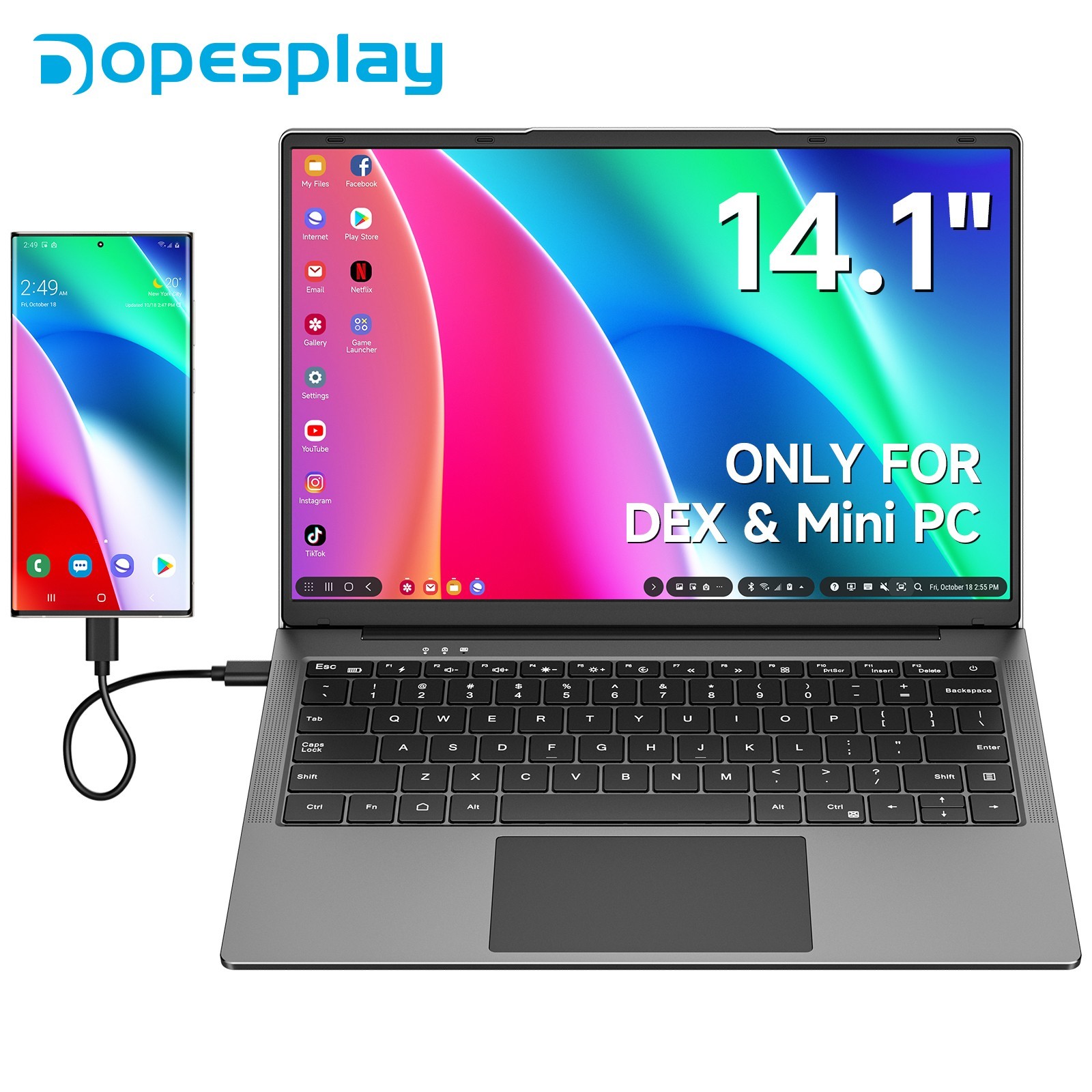
Q:Does this work with my Samsung phone? If so, which models? A:Compatible with: Galaxy S8-S24 (including + and Ultra), Note 8-20 (including Ultra), Z Fold 2-6. For other models,
if "Samsung DeX Support: Yes" is shown on Samsung's website, it's compatible. Unsure? Send us your model and
we'll check for you.Q:Will this work with non-Samsung phones?A:If your phone supports desktop mode, it's compatible. For example, Motorola "Ready For" and Huawei's
flagship models use EMUI Easy Projection. iPhones only mirror the screen and don't support desktop mode.
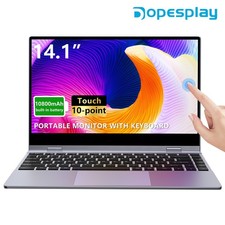
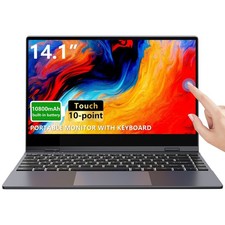
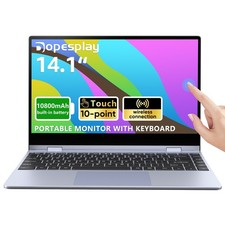
If you're unsure, just send us your model.Q:Is this a touchscreen? And does it support wireless connectivity?A:The DR1461 does not support touchscreen or wireless connectivity. However,
the DR148 offers touchscreen functionality, and the DR148W supports both touchscreen and
wireless features. If you're interested, please don't hesitate to reach out to us.Q:What should I do if it shows "no signal" after I connect?A:Please ensure your device's Type-C port supports both power and video output, as some
only supply power. If unsure, send us your device model for confirmation. Also, use the provided cable,
as some cables only support power, not video.Q:My keyboard isn't working, what's the problem?A:When connecting via a full-featured Type-C, the keyboard should work normally.
For HDMI, you'll need an additional USB-A to USB-C cable (not included) for the keyboard to function.
Without it, the screen will display, but the keyboard won't work.Facing frequent disconnections, auto-screen shutdowns, or touchpad issues
Fix them in 3 quick steps no tech skills needed: First, check cables and use the HDMI/USB-A/USB-C ones
from our package; next, confirm power (HDMI: plug Lapdock into external adapter, low power = frequent shutdowns;
USB-A: press FN+F1 when logo shows to activate Lapdock power, fixes most blackouts);
finally, press FN+Ctrl to re-enable a disabled touchpad. This fixes 90% of common problems!
Compatible DevicesSamsung mobile phones, Android phones, MINI PC, laptops, PC, Mac, Surface, PS4/5, Xbox, Samsung Dex, Steam Deck
 |
|