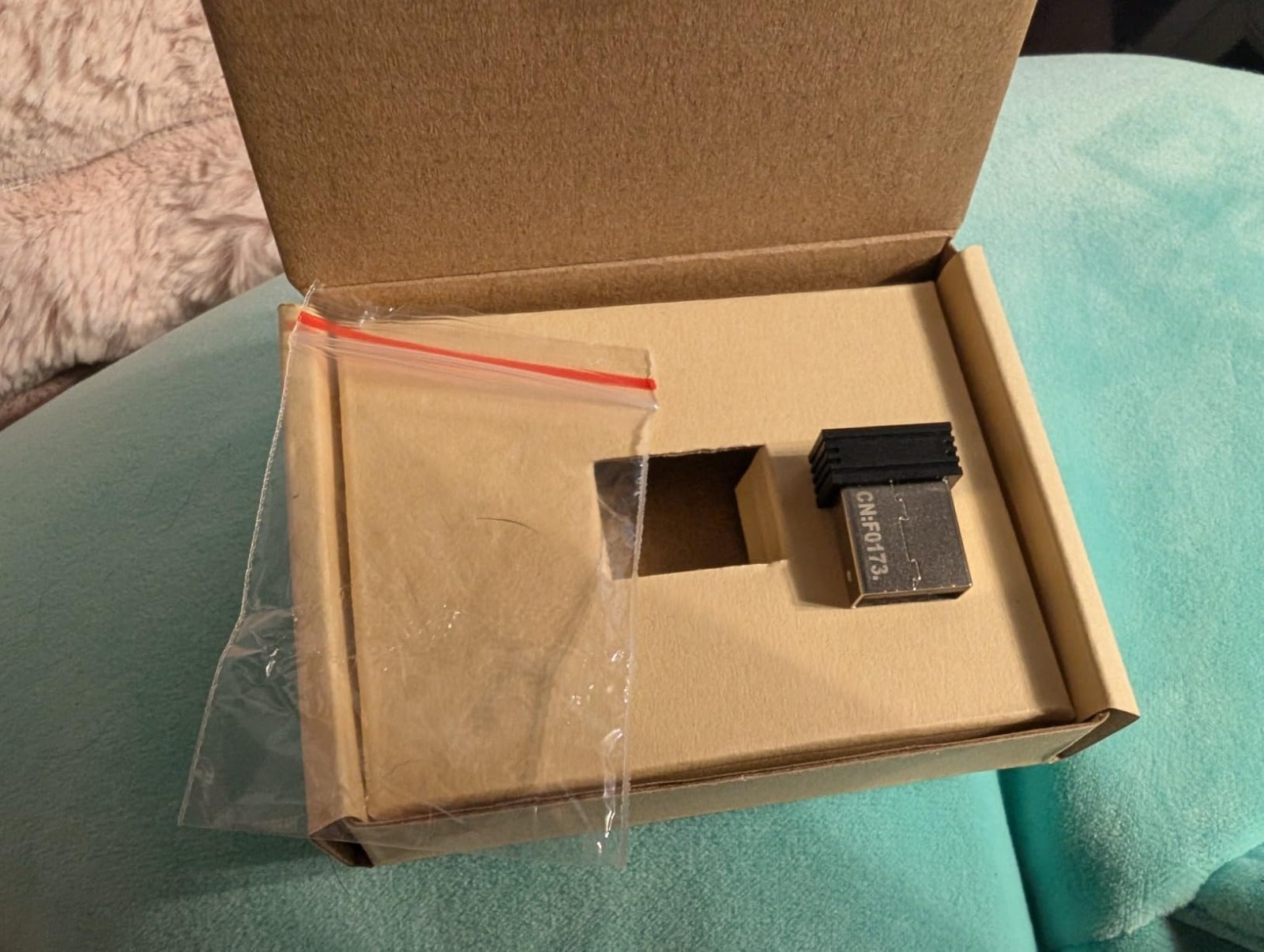
Product Description
Easy Pairing Process
Keyboard: Switch the keyboard on and press Esc + K. The keyboard indicator will start blinking. Move the keyboard close to the USB port and insert the USB receiver.
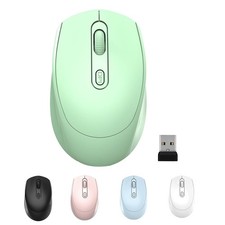
Mouse: Switch the mouse off, press and hold the right button and the scroll wheel, then turn on the mouse. Wait 2 seconds and release the buttons—the indicator will start blinking. Move the mouse close to the USB port and insert the USB receiver.
Exclusive Compatibility
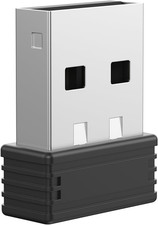
This nano USB receiver is designed specifically for Arteck 2.4G wireless products, including keyboards and mice. It is not compatible with other brands or certain Arteck models such as GW28-3, HD323, K730, HW197, HD197, MD167, MD172, or any Bluetooth keyboard or mouse.
Manual Setup Available
If you encounter issues connecting the USB receiver to your Arteck keyboard or mouse, contact the seller before returning. A manual pairing method is available if the automatic connection fails.
If you have any questions or need assistance, feel free to reach out—we’re happy to help.