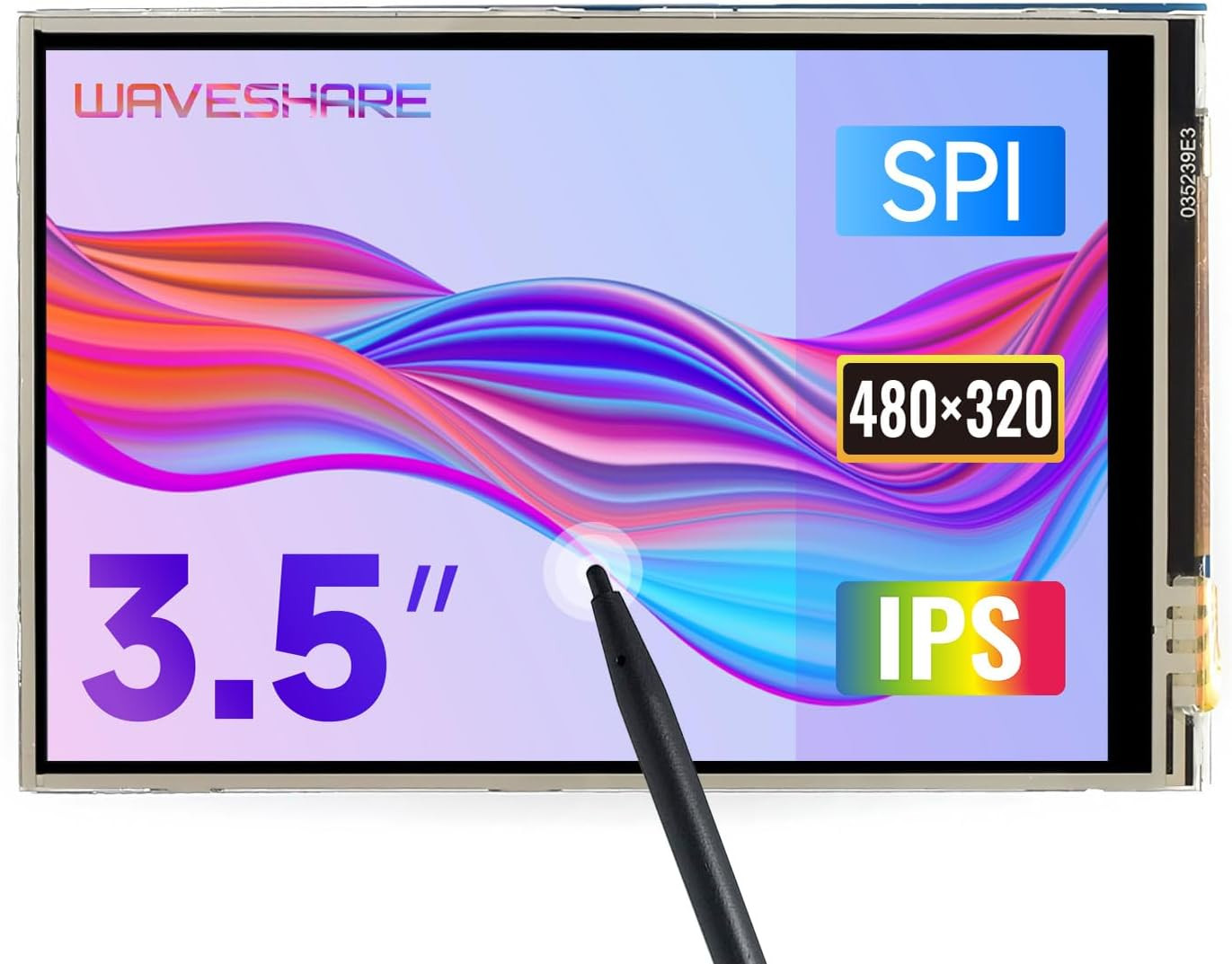
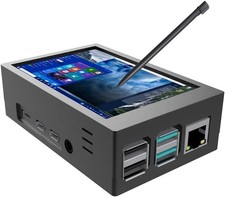
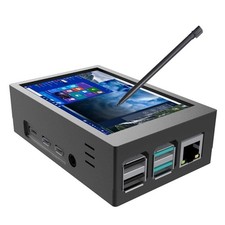
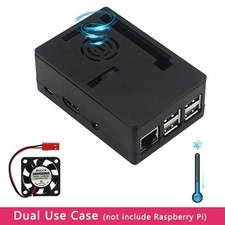
Learn more: 3.5inch RPi LCD (A) and 3.5inch RPi LCD (B) are hardware compatible with each other (uses different driver), and can be mutually substituted in most cases. (A) for low cost ver. while (B) for IPS ver. with better displaying.
Key Parameters LCD TYPE TFT LCD INTERFACE SPI TOUCH SCREEN TYPE Resistive TOUCH SCREEN CONTROLLER XPT2046 COLORS 65536 BACKLIGHT LED RESOLUTION 320*480 (Pixel) ASPECT RATIO 8:5 POWER CONSUMPTION TBD BACKLIGHT CURRENT TBD OPERATING TEMP. (℃) TBD WIKI: FAQ Why the LCD doesn't work with my Raspbian?
To use the LCD with the Raspberry Pi official image, driver (SPI touch interface only) should be installed first. Please refer to the user manual. However, for the first testing, you may want to use our image directly (if provided).
Why the LCD still doesn't work with the Waveshare provided image?
Make sure the hardware connection is correct and connects fine. Make sure the image in TF card is burnt correctly. The PWR will keep on and the ACT will keep blinking when the Raspberry Pi starts up successfully, in case both of the two LEDs keep on, it is possible that the image was burnt incorrectly OR the TF card was in bad contact.
Which power supply should I use?
It is recommended to use a 5V/3A power adapter for the Raspberry Pi other than USB connection, otherwise the Pi may failed to start up because the PC's USB port might have not enough power. For large size LCDs, say, 10inch diagonal or more, another stand-alone power adapter is also required to provide power to the LCD.
For more info, please check the wiki page.
Add to Cart Add to Cart Add to Cart Add to Cart Add to Cart Customer Reviews 3.1 out of 5 stars 14 3.0 out of 5 stars 52 4.0 out of 5 stars 132 3.4 out of 5 stars 118 3.6 out of 5 stars 25 — Price $28.99$28.99 $34.99$34.99 $28.99$28.99 $29.99$29.99 $31.99$31.99 — no data RESOLUTION 320×240 320×240 480×320 480×320 480×320 480×320 DISPLAY PORT SPI SPI SPI SPI High-Speed SPI High-Speed SPI DIAPLAY PANEL TFT TFT TFT IPS TFT TFT TOUCH TYPE Resistive Resistive Resistive Resistive Resistive Resistive TOUCH PORT SPI SPI SPI SPI SPI SPI Support Raspberry Pi ✓ ✓ ✓ ✓ ✓ ✓ - Provide online user manual, please check the manual carefully before using!
- 480x320 hardware resolution.Resistive touch control Size perfectly fits the Pi (Raspberry Pi B+/2B/3B/3B+/Pi 4B)
- Drivers provided (works with your own Raspbian/Ubuntu/Kali)
- Supports FBCP software driver as well, allows to config software resolution and set up dual-display
- High quality immersion gold surface plating