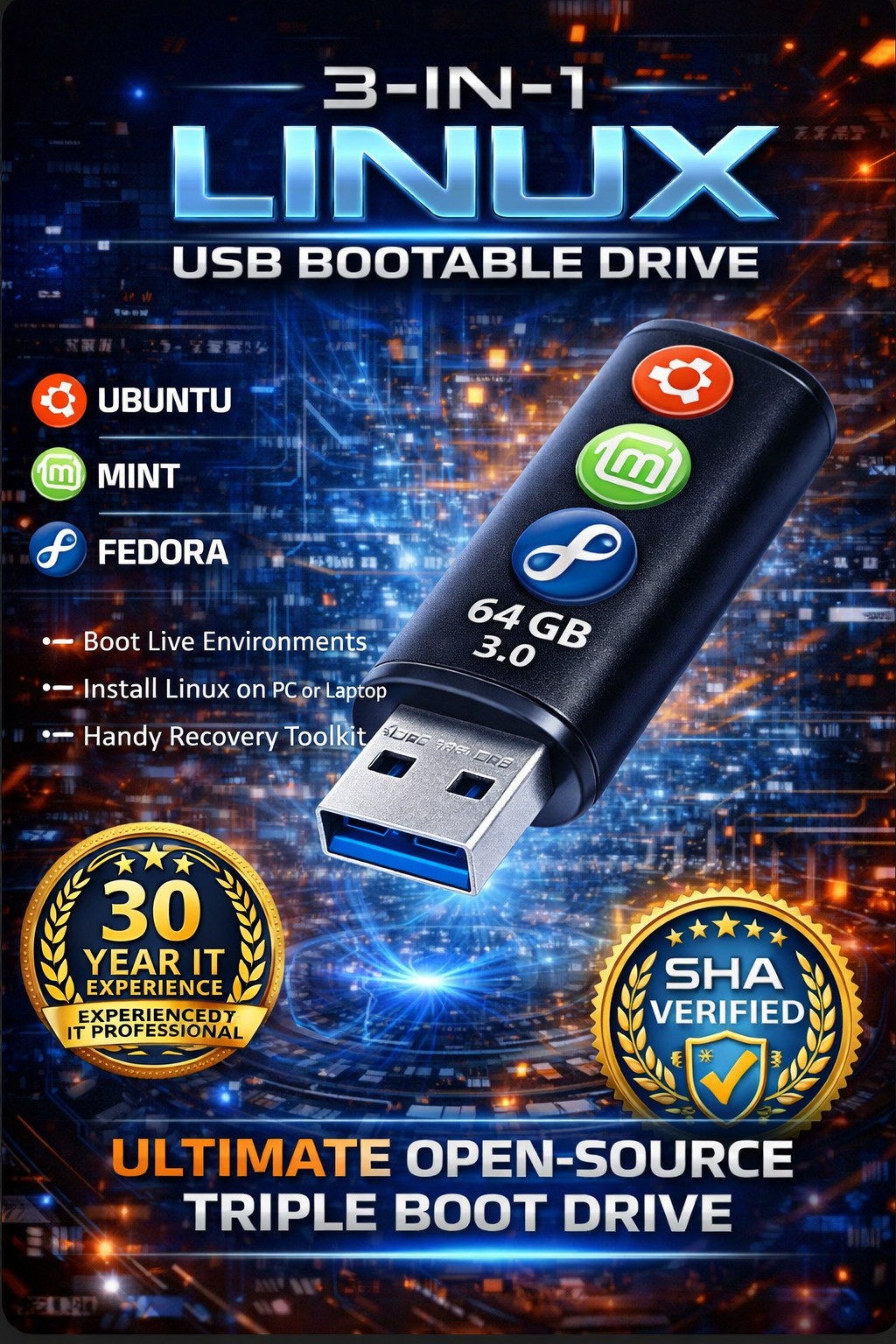
3-in-1 Linux USB Bootable Drive - Ubuntu Mint Fedora 3-in-1 Linux USB Bundle Ubuntu 24.04 + Linux Mint 22.2 + Fedora Workstation 43 🏆 Configured by 30-Year IT Professional ✓ Tested & Quality Assured | ✓ Try Before Install | ✓ Free Support ✓ 3 Systems 🔄 Live Mode 🛠️ Ready to Boot 💻 64-Bit 🎓 Support Included 🐧 3 Top Linux Distributions
Try Ubuntu, Linux Mint Cinnamon, and Fedora Workstation—all on one USB! Compare them side-by-side and pick your favorite before installing.
🔄 Safe "Try First" Mode
Use Live Mode to test each system without changing anything on your computer. Perfect for seeing what works with your hardware before committing.
🎯 Plug-and-Play Ready
Professionally prepared, tested, and ready to boot. Simply plug in, restart, and select from the boot menu—no complicated setup required!
💾 Perfect for Beginners
All three distributions are beginner-friendly with familiar desktop interfaces. Great for Windows users making the switch or anyone exploring Linux.
🎓 Installation Support Included
Get stuck during boot or install? Technical support is included after purchase via messages to help guide you through the process.
👨💻 30-Year IT Professional
Configured by a seasoned IT professional with 30 years of experience. You're getting expert-level preparation and testing.
What's Included ✓ Ubuntu 24.04.3 (64-Bit) – Popular, beginner-friendly, great all-around Linux distribution with huge community support ✓ Linux Mint 22.2 Cinnamon (64-Bit) – Familiar "Windows-like" desktop feel, perfect for Windows users switching to Linux ✓ Fedora Workstation 43 (64-Bit) – Modern, clean, cutting-edge desktop great for newer hardware and developers ✓ Bootable USB Drive – Professionally prepared and tested for basic boot functionality ✓ Live "Try" Mode – Test each system without installing or changing your computer ✓ Installation Support – Technical support included after purchase via messages for boot/install guidance ✓ Boot Instructions – Simple step-by-step guide included below for easy setup ✓ Fast USA Shipping – Quick delivery with tracking number Perfect For These Uses Switching from Windows to Linux Learning Linux in a safe environment Trying multiple Linux systems before choosing Everyday browsing and web use Office work (documents, spreadsheets, email) Reviving old computers with lightweight OS Testing hardware compatibility Programming and development Educational projects and learning Privacy-focused computing Running Linux without installing Comparing desktop environments side-by-side Technical Specifications Systems Included 3 Linux OS Architecture 64-Bit (x64) Boot Support UEFI & BIOS Interface USB 2.0/3.0 Mode Live + Install Support Included Perfect For Windows Switchers Linux Beginners Students & Educators Developers Privacy Enthusiasts Home Users Tech Enthusiasts DIY Learners ⚠️ Not Suitable For / Please Read Before Buying
- Chromebooks – Most won't boot standard USB Linux drives
- 32-bit computers – This bundle is 64-Bit only (x64)
- Devices that cannot boot from USB – Must support USB boot
- Most Macs / Apple Silicon Macs – Not supported for typical USB boot like a PC
- Users who need Windows-only programs – Some Windows apps won't run on Linux
- Users uncomfortable with BIOS/UEFI settings – You'll need to access Boot Menu
📋 System Requirements - Check Before Buying
✓ Your Computer Must Have:
- 64-bit CPU (x64 architecture)
- USB port (USB 2.0 or 3.0)
- Ability to boot from USB
- Access to Boot Menu / BIOS / UEFI settings
How to Check if Your PC is 64-Bit (Windows):
1. Click Start
2. Type "System Information" and open it
3. Look for "System Type"
4. If it says "x64-based PC" you're good to go!
⚠️ Important Notes:
- Some PCs with Secure Boot enabled may require turning off Secure Boot in BIOS/UEFI
- Hardware compatibility (Wi-Fi, Bluetooth, graphics) can vary by computer model
- Linux may not run every Windows-only program (check compatibility for specific software)
- Always backup important files before installing any operating system
How to Boot and Use (Step-by-Step) 1 Plug in the USB drive to your computer's USB port 2 Restart your computer and immediately start tapping the Boot Menu key 3 Common Boot Menu keys: F12 (Dell), F9 (HP), F10 (some HP), F11 (MSI), ESC (many laptops), F8 (older systems) 4 Choose the USB device from the boot menu list 5 Select which system to run: Ubuntu 24.04.3, Linux Mint 22.2 Cinnamon, or Fedora Workstation 43 6 Choose "Try" (Live Mode) to test without installing, or "Install" if you're ready to install
💡 Helpful Tips:
If USB won't boot, try a different USB port (USB 2.0 ports can be more reliable on some computers)
On Windows PCs: Turn off Fast Startup in Windows power settings before restarting
Nothing changes on your computer unless you choose to install!
Frequently Asked Questions Q: Will this erase my files? A: No—not unless you choose to install and select options that erase a drive. In Live Mode, nothing changes on your computer at all. Safety tip: Always back up important files before installing any operating system. Q: Can I run this without installing? A: Yes! Use Live Mode to try any of the three systems without making any changes to your computer. This is perfect for testing compatibility and trying before you commit. Q: Does this come with a Windows key? A: No. This is not a Microsoft product. No Windows key or Windows software is included—this is a Linux-only product. Q: Can you help if I get stuck booting or installing? A: Yes! Installation technical support is included after purchase. Contact us via messages and we'll help guide you through boot menu access, BIOS settings, or installation steps. Q: How do I know which Linux system to choose? A: Try all three in Live Mode! Ubuntu is great all-around, Linux Mint Cinnamon feels most like Windows, and Fedora has the latest features. You can test each one before deciding which to install. Q: Will my programs work on Linux? A: Many common programs have Linux versions (Firefox, Chrome, LibreOffice, VLC, etc.). However, some Windows-specific programs won't work. Use Live Mode to test compatibility with your workflow before installing. Q: What if I can't access the Boot Menu? A: Contact us for support! We can help you identify the correct key for your computer model and guide you through accessing BIOS/UEFI settings if needed. Q: Can I install more than one system? A: Yes, advanced users can set up dual-boot or multi-boot configurations. However, this requires partitioning knowledge. We recommend trying each system in Live Mode first, then installing only your favorite. 📜 Open Source / GNU Licensing Information
🆓 What You're Actually Paying For:
Ubuntu, Linux Mint, and Fedora are OPEN SOURCE software. You are NOT paying for the software itself—it's available for free download on the internet.
💰 Your Payment Covers:
✓ USB drive hardware
✓ Professional preparation and configuration (2-3 hours of technical work)
✓ Making the USB bootable with all three systems
✓ Testing for basic boot functionality
✓ Installation technical support included
✓ Packing and fast shipping
✓ Convenience of receiving a ready-to-use device
📋 License Compliance:
All software included is distributed under open source licenses including GPL (General Public License) and other free software licenses. All original license terms apply. For licensing details, source code, and official information, please refer to each project's official website:
- Ubuntu: ubuntu.com
- Linux Mint: linuxmint.com
- Fedora: getfedora.org
🔖 Software Attribution & Trademarks:
This is a bootable Linux USB drive prepared as a small business service. We are not affiliated with, endorsed by, or sponsored by the Ubuntu, Linux Mint, or Fedora projects. All software names, trademarks, and logos belong to their respective owners. Ubuntu® is a registered trademark of Canonical Ltd. Fedora® is a registered trademark of Red Hat, Inc.
⚠️ No Warranty:
Open source software is provided "AS IS" without warranty of any kind. While we test the USB drive boot functionality, we cannot guarantee compatibility with all hardware configurations. Users should always backup important data before installing any operating system.
🌐 Want to Do It Yourself?
If you have technical skills and time, you can create this yourself for free by downloading Ubuntu, Linux Mint, and Fedora from their official websites and creating a multi-boot USB. This listing is for those who prefer the convenience of a pre-configured, tested, ready-to-use solution with support included.
Start Your Linux Journey Today!
Try three top Linux systems risk-free with Live Mode
30-Year IT Professional 3 Systems on 1 USB Try Before Install Support Included Fast USA Shipping Ready to Boot
Package Contents: 1x Bootable USB drive with Ubuntu 24.04.3 + Linux Mint 22.2 Cinnamon + Fedora Workstation 43 (64-Bit) | Boot instructions included | Installation technical support via messages | Fast USA shipping with tracking
Shipping & Returns: Fast shipping (see listing for delivery estimates)
Note: USB drive appearance may vary depending on supply, but functionality remains the same.
3-in-1 Linux USB | Ubuntu 24.04.3 bootable USB | Linux Mint 22.2 Cinnamon USB | Fedora Workstation 43 USB | Linux bootable USB 64-Bit | Linux live USB | Linux USB installer | boot from USB Linux | Linux for PC | UEFI BIOS boot USB | Secure Boot Linux USB | try Linux without install | bootable flash drive Linux | multi boot Linux USB | Ubuntu Mint Fedora USB | Linux beginner | switch to Linux | Linux distribution | open source OS | free operating system