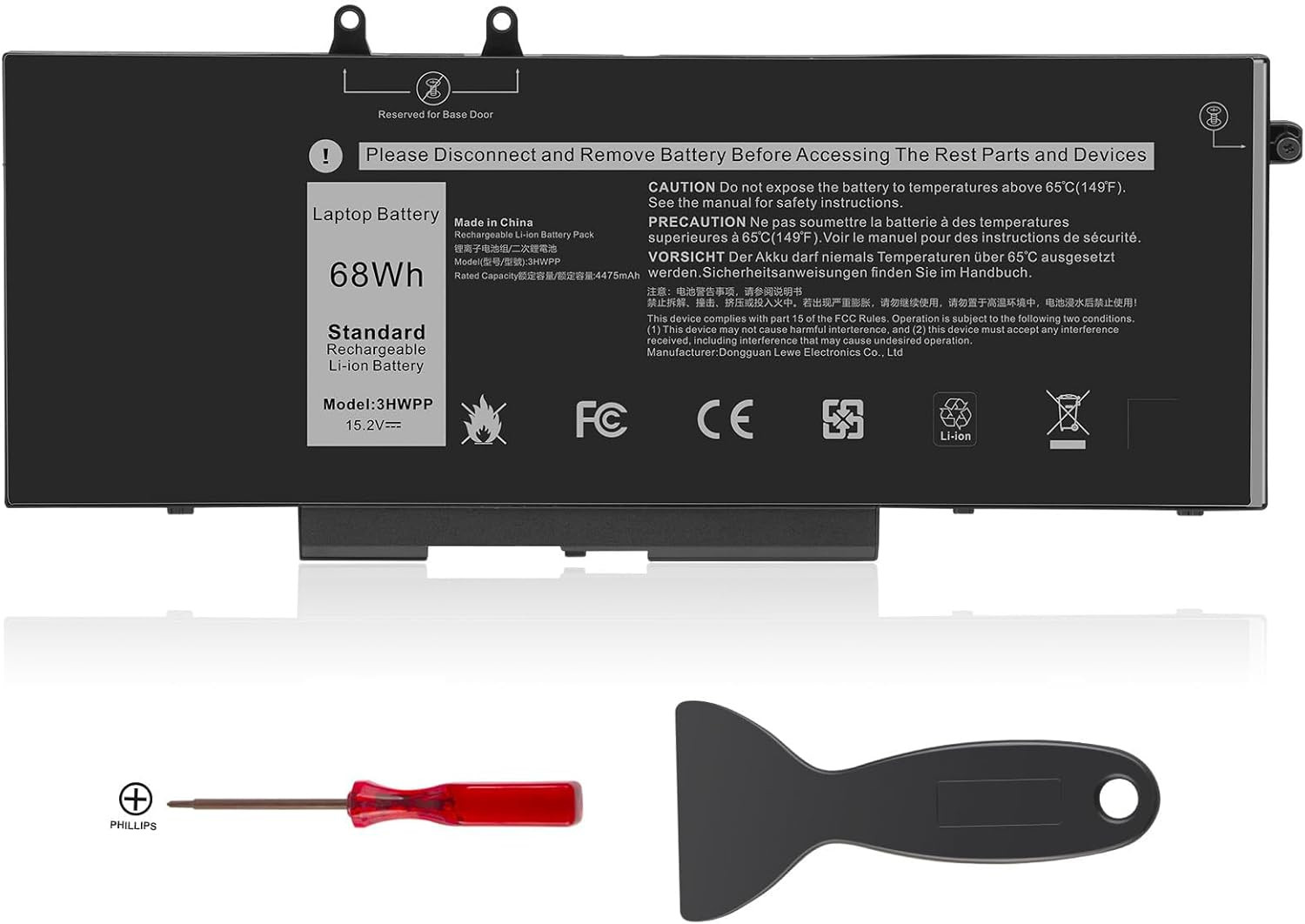
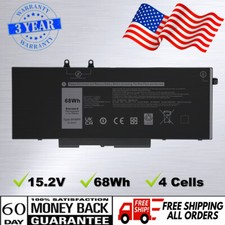
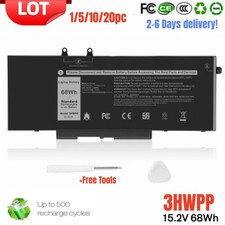
- 【Specifications】Battery type: Li-ion. Voltage: 15.2V. Capacity: 68Wh. Cell: 4-Cells. Up to 500 recharge cycles over the life of the battery.
- 【Compatible Part Number】3HWPP 03HWPP 10X1J N2NLL 1VY7F 01VY7F 451-BCMN
- 【Compatible with Models】Replacement for Dell Latitude 14 5401 5410 5411 Series, Latitude 15 5501 5510 5511 Series, Precision 3541 3551 Series, Inspiron 17 7706 2-in-1 Series, Inspiron 17 7500 7506 2-in-1 Black Edition Series (NOT fit for Dell Inspiron 17 7500 2-in-1 Silver Edition/NOT fit for Dell Inspiron 17 7506 2-in-1 Silver Edition).
- 【Quality Assurance】100% new from manufacturer, every battery has passed factory testing, grade A cells ensure fast charges and low power consumption, built-in circuit protection ensures both safety and stability, guarantee your piece of mind while using the battery or storing it.
- 【Perfect Customer Service】24 x 7 email support. Your satisfaction is extremely important to us. If you have any doubts, please click on seller store on right corner “ask a question” and contact us directly, professional and friendly customer service will be provied for you.
Product description
Replacement for Part Number:
3HWPP 03HWPP 10X1J N2NLL 1VY7F 3YNXM 451-BCMN
Compatible Models:
Dell Latitude 5401 E5401 Series,
Dell Latitude 5501 E5501 Series,
Dell Latitude 5411 E5411 Series,
Dell Latitude 5511 E5511 Series,
Dell Latitude 14 5410 E5410 Series
Dell Latitude 15 5510 E5510 Series
Dell Precision 3541 Series,
Dell Precision 3551 Series,
Dell INSPIRON 17 7500 2-in-1 Black Edition Series (NOT fit for Dell INSPIRON 17 7500 2-in-1 Silver Edition)
Dell INSPIRON 17 7506 2-in-1 Black Edition Series (NOT fit for Dell INSPIRON 17 7506 2-in-1 Silver Edition)
Direct from Manufacturer. High performance. You will find the value from TREE.NB.
ABOUT US: We have been manufacturing the laptop battery and charger for many years. And We Promise the Quality for Customer. Direct from Manufacturer. OEM factory product .When it comes to laptop batteries TREE.NB is your best bet!
Our batteries are assembled from top quality material and circuit boards to ensure fast charges and low power consumption, 100% New from Manufacturer, Overcharge and Overdischarge Circuit Protection, Over-temperature and Short-circuit Protection, up to 500 recharge cycles over the life of the battery, meet OEM standard.
Safety and Stability
- Model: 3HWPP
- Capacity: 68Wh
- Voltage: 15.2V
- Cell: A+ 4-cells
- Recharge Cycles: 500
- Easy & Quick Installation, Reliable performance, Extended battery life
100% Fit
All of our batteries are brand new and are 100% compatible to meet OEM specifications for safety and efficiency. Same size as original battery, Don't worry about assembly and adaptation issues.
Multi Safety Protect Features
A suite of safeguards 100% protect your devices while charging. Including overcurrent, short-circuit, overdischarge & high temperature protections.
Grade "A" cells Top Quality Battery
Reliable performance
Extended battery life
Install A New Battery:
- You need to turn off your laptop and disconnect the power.
- Remove the old battery, carefully install the new battery on the battery case, and connect the wiring of the new battery.
- If you don't understand the above steps, you can search for the video about laptop battery installation on YouTube. Maybe it will help you.
Laptop Maintenance Tips:
- New battery: For use a new battery, you’d better try a few cycles of discharging to 5%. then charging up to 95%. So that it can be activated completely
- Overuse: Do not always run out of a battery to 0%, this would make it damaged or usage life shortened
- Charging sequence: when charging, first install the battery, then turn on the power, when fully charged, first cut off the power, then pull the power plug.
- Long-term storage:Please store the unused battery fully charged.(Charge it once a month) Do not store at low power to prevent reduce the lifespan of a battery
- Charger: Do not replace the laptop adapter casually. If the original adapter cannot be applied due to malfunction or damage, please replace the models, so as not to reduce the service life of the battery due to incompatibility.