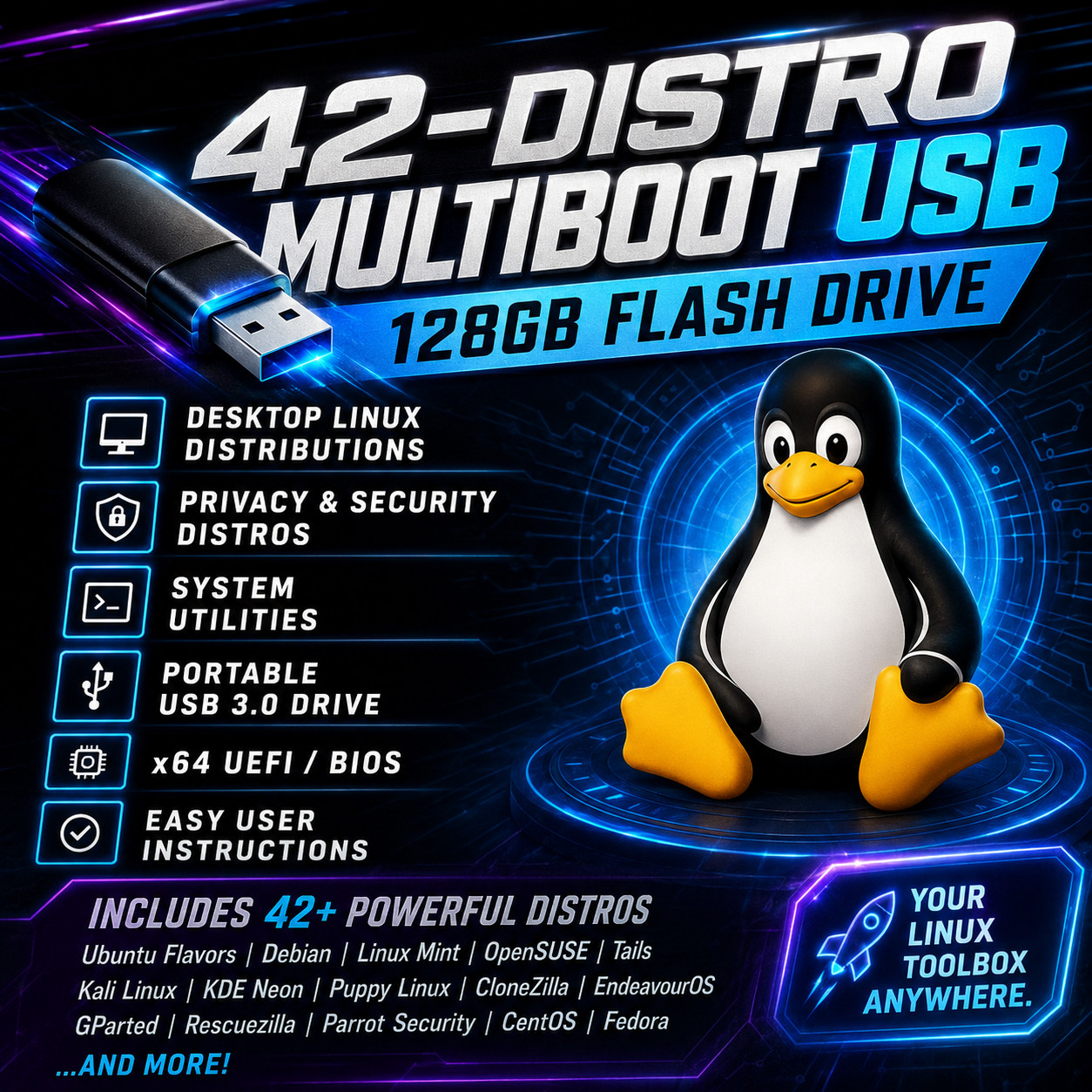
LINUX OS MULTIBOOT 128GB MASTER USBwith A Master Collection of42Linux Distros
🚚 Ships Securely in Tamper Proof Packaging
Perfect for curious Linux beginners and advanced users alike!
- 42 open-source operating systems packed into one bootable, high capacity USB 3.0 flash drive.
- Includes the most popular Ubuntu flavors, all in long term support (LTS) versions.
- Compatible with 64-bit UEFI/BIOS-based computers.
- Features system utilities such as GParted, Rescuezilla, and Memtest86+
- Includes security and privacy-focused distributions Parrot Security, Kali Linux, and Tails.
- Also includes Linux distributions designed to run on older, low-spec computers.
- All bootable OS files have been verified and tested.
- Comes with concise, printed user instructions.
✔️ How-to Get Going!Insert the multiboot USB and restart your computer. Press the boot menu key (like F12 or Esc) as your computer is starting, then select the USB drive. The multiboot menu will appear, letting you choose an OS or tool to boot.
🔥 Full Linux Distro List:
- 4MLinux
- AlmaLinux (GNOME)
- Alpine Linux
- Arch Linux
- ArchBang
- Bodhi Linux
- CachyOS
- CentOS Stream
- Clonezilla Live
- Debian (GNOME)
- Elementary OS
- EndeavourOS
- Fedora Workstation
- Gentoo (Minimal)
- GParted Live
- Kali Linux
- KDE neon
- KNOPPIX
- Kubuntu Desktop
- Linux Mint (Cinnamon)
- Lubuntu Desktop
- Manjaro KDE
- MemTest86+
- MX Linux (KDE)
- openSUSE Tumbleweed
- Parrot (GNOME)
- Puppy Linux (BookwormPup64)
- Puppy Linux (F96-CE)
- Q4OS (Trinity Linux (Minimal)
- Skywave Linux (KDE)
- Tails
- Ubuntu Desktop
- Ubuntu Studio
- Xubuntu Desktop
☑️ HOW TO BOOT LINUX OS FROM USB OR DVD?
✅ STEPS FOR WINDOWS PCs & CHROMEBOOKS1. Turn-off your computer2. Insert the USB/DVD into any available USB port/DVD drive.3. Switch on your computer4. Press the key that allows your computer to boot to an alternate device (ESC on many HPs, F12 on many Dells, F8 on many custom builds, yours may vary, see your computer's documentation)5. At the Book-up screen, select Boot from USB Interface or Boot from DVD option, press enter.6. Wait for OS to load, then follow on-screen links for initiate OS.7. Wait for system to boot into Linux OS. Done! Enjoy!