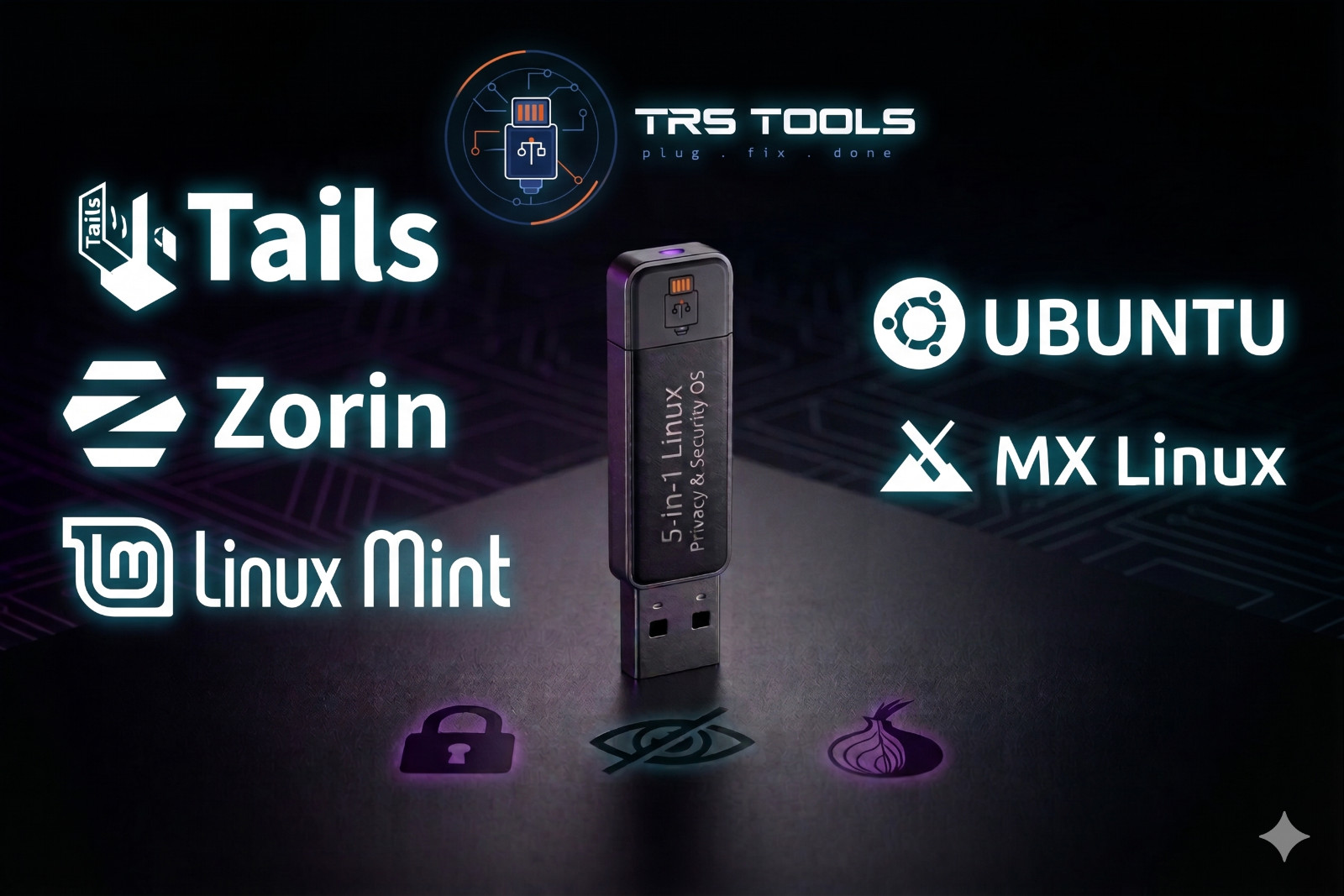
TRS TOOLS • PREPARED 5-IN-1 LINUX BOOTABLE USB MEDIA Five Powerful Linux Operating Systems on One Bootable USB Tails • Zorin OS • Linux Mint • Ubuntu • MX Linux
Try privacy-focused Linux, a Windows-style desktop, a beginner-friendly system, a popular all-purpose Linux desktop, and a fast lightweight option — all from one prepared USB.
``` Important: This listing is for prepared physical USB media only. The included Linux operating systems are free/community Linux distributions. You are paying for the USB drive, preparation, configuration, testing, and shipping service. One USB — Five Linux Options
Whether you want a privacy-focused live system, a clean everyday desktop, a Windows-style Linux experience, or a lightweight operating system for older hardware, this 5-in-1 USB gives you several options to test and use.
Boot directly from the USB and try the included operating systems without changing your hard drive. For installable distributions, you can choose to install only when you are ready. Tails is designed as a live privacy-focused system and is not intended to be installed permanently to the hard drive.
Included Operating Systems:
- Tails 7.8 — Privacy-focused Tor-based live operating system
- Zorin OS 18.1 — Windows-style Linux desktop experience
- Linux Mint 22.2 Cinnamon “Zara” — Familiar, polished everyday Linux desktop
- Ubuntu 24.04.3 LTS — Popular long-term-support Linux desktop
- MX Linux 25.2 “Infinity” — Fast, lightweight Debian-based Linux desktop
Operating System Breakdown 🔮 Tails 7.8 — Privacy-Focused Live OS
Tails, short for The Amnesic Incognito Live System, is designed for privacy-focused live use. It routes internet activity through the Tor network and is built to run from removable media without permanently installing to the computer. When used correctly, it is designed to minimize traces left on the host computer.
Includes privacy-focused tools such as Tor Browser, encryption utilities, metadata cleaning tools, password management, and persistent encrypted storage options. Tails is live boot only by design and does not install permanently to the hard drive.
🔵 Zorin OS 18.1 — Windows-Style Linux Desktop
Zorin OS is designed to feel familiar for users coming from Windows. It offers a polished desktop, a clean layout, and compatibility-focused features that make the move to Linux easier for many users.
🟢 Linux Mint 22.2 Cinnamon “Zara” — Familiar & Easy to Use
Linux Mint Cinnamon is one of the most comfortable Linux desktops for everyday users. It has a traditional desktop layout, a clean menu, familiar taskbar behavior, and a smooth user experience for people moving from Windows.
🟠 Ubuntu 24.04.3 LTS — Popular Long-Term-Support Linux
Ubuntu is one of the best-known Linux distributions for desktop, development, education, and general use. It offers a modern GNOME desktop, strong community support, and long-term support for users who want a stable Linux base.
⚙️ MX Linux 25.2 “Infinity” — Fast, Lightweight & Reliable
MX Linux is a lightweight Debian-based distribution with the Xfce desktop. It is a strong choice for older or lower-powered computers that may struggle with heavier desktops while still offering a complete, practical Linux experience.
Key Features — 5-in-1 Linux Bootable USB ✅ Five Complete Linux Systems on One USB
Includes Tails 7.8, Zorin OS 18.1, Linux Mint 22.2 Cinnamon, Ubuntu 24.04.3 LTS, and MX Linux 25.2 on one prepared USB drive.
✅ Tails — Privacy-Focused Live Boot System
Tails is designed for privacy-focused live use through Tor. It runs from the USB and is designed not to install permanently to the hard drive. Best used by users who understand privacy tools and safe browsing practices.
✅ Live Boot — Try Before Installing
Boot directly from the USB and test the included operating systems without changing your installed Windows system. Installable distributions can be installed later if you choose.
✅ Windows-Friendly Linux Options
Zorin OS and Linux Mint are strong choices for users coming from Windows because they offer familiar layouts, simple menus, and comfortable desktop navigation.
✅ Lightweight Option for Older Computers
MX Linux with Xfce is included for users who want a fast, efficient desktop that can perform well on older or lower-resource hardware.
✅ BIOS & UEFI Boot Support
Prepared for many legacy BIOS and modern UEFI systems. Compatibility depends on your computer’s hardware, boot settings, and USB boot support.
✅ Prepared Physical USB Media
You receive a physical USB drive prepared with the listed Linux systems. This is not digital delivery.
✅ Boot-Tested Before Shipping
Each USB is checked before shipping to help confirm the prepared boot menu and included Linux systems load properly on compatible hardware.
What You Get
- 1x prepared bootable USB drive with 5 Linux operating systems
- Tails 7.8 privacy-focused live system
- Zorin OS 18.1 Windows-style Linux desktop
- Linux Mint 22.2 Cinnamon “Zara”
- Ubuntu 24.04.3 LTS
- MX Linux 25.2 “Infinity” lightweight desktop
- Live boot support so you can try systems without installing
- BIOS and UEFI boot support on compatible computers
- Physical item shipped to you
Item Details
- Type: Bootable USB Drive with 5 Linux operating systems
- OS 1: Tails 7.8 — privacy-focused Tor-based live OS
- OS 2: Zorin OS 18.1 — Windows-style Linux desktop
- OS 3: Linux Mint 22.2 Cinnamon “Zara”
- OS 4: Ubuntu 24.04.3 LTS
- OS 5: MX Linux 25.2 “Infinity”
- Boot Method: BIOS / UEFI on compatible PCs
- Tails Note: Live boot only by design — does not install to hard drive
- Condition: New prepared physical USB media
Why Buy From Me? ⭐ 20+ Years Selling on
Years of completed transactions and customer service experience. Please review my response before buying.
🔍 Every USB Tested Before Shipping
I personally check the prepared USB before it is packed to help confirm it boots correctly on compatible hardware.
💿 Specialist in Bootable Linux Media
Bootable Linux media is one of my specialties. I prepare and organize these USB drives for buyers who want a convenient physical Linux testing and installation tool.
📦 Fast USPS Shipping
Most orders ship the next business day through USPS and are packed carefully for delivery.
🔄 Combined Shipping Available
Buying multiple items? Add items to your cart or message me about combined shipping options.
💬 Real Support After the Sale
Have a question about booting the USB or choosing which Linux system to try first? Message me through and I will do my best to help.
🐧 Open Source Advocate
I believe in making Linux easier to access by providing prepared, tested physical media for users who want a ready-to-boot USB.
Frequently Asked Questions Q1: Can Tails be installed permanently on my hard drive?
No. Tails is designed to run as a live system from removable media. This is intentional. The other included Linux distributions may offer install options, but Tails is intended for live use only.
Q2: Do I need to uninstall Windows to try these?
No. You can boot from the USB and try the included systems live without changing your Windows installation. Remove the USB and restart to return to your normal system.
Q3: Which OS should I try first if I am coming from Windows?
Try Zorin OS if you want the most Windows-style experience. Try Linux Mint Cinnamon if you want a familiar and simple desktop. Try Ubuntu for broad community support, MX Linux for older hardware, and Tails for privacy-focused live use.
Q4: What makes MX Linux good for older computers?
MX Linux uses the Xfce desktop, which is generally lighter than heavier desktop environments. It is a good option to try on older or lower-resource computers.
Q5: Is Tails a privacy tool?
Yes. Tails is a privacy-focused live operating system designed to route internet traffic through Tor and reduce traces left on the host computer when used properly. It is not a magic privacy guarantee, so users should follow safe privacy practices and read the Tails documentation.
Q6: How do I boot the USB on my computer?
Restart your PC and press the boot menu key as it starts up. Common keys include F11, F12, F9, ESC, F10, DEL, or F2 depending on the brand. Select the USB drive from the boot menu, then choose which operating system to boot.
Q7: What if the USB does not work when I receive it?
Message me through before leaving response. I test each USB before shipping, but if there is an issue with your order, I will work with you to make it right.
Please Read Before Buying
- This listing is for prepared physical USB media only.
- No affiliation with Tails, Tor Project, Zorin, Linux Mint, Ubuntu, Canonical, MX Linux, Debian, or any related project is implied.
- The included Linux distributions are free/community operating systems. You are paying for the USB drive, preparation, configuration, testing, and shipping.
- Compatibility depends on your computer’s hardware, boot settings, Secure Boot settings, and USB boot support.
- Tails is live boot only by design and is not intended to install permanently to a hard drive.
- No paid software license, activation key, product key, subscription, or digital delivery is included.
- USB brand, style, color, and capacity appearance may vary depending on available stock.
TRS Tools
Prepared Physical Media • Linux Boot Media • Buyer-Focused Setup
Five Linux systems on one prepared USB — ready to boot, test, and explore.```