1
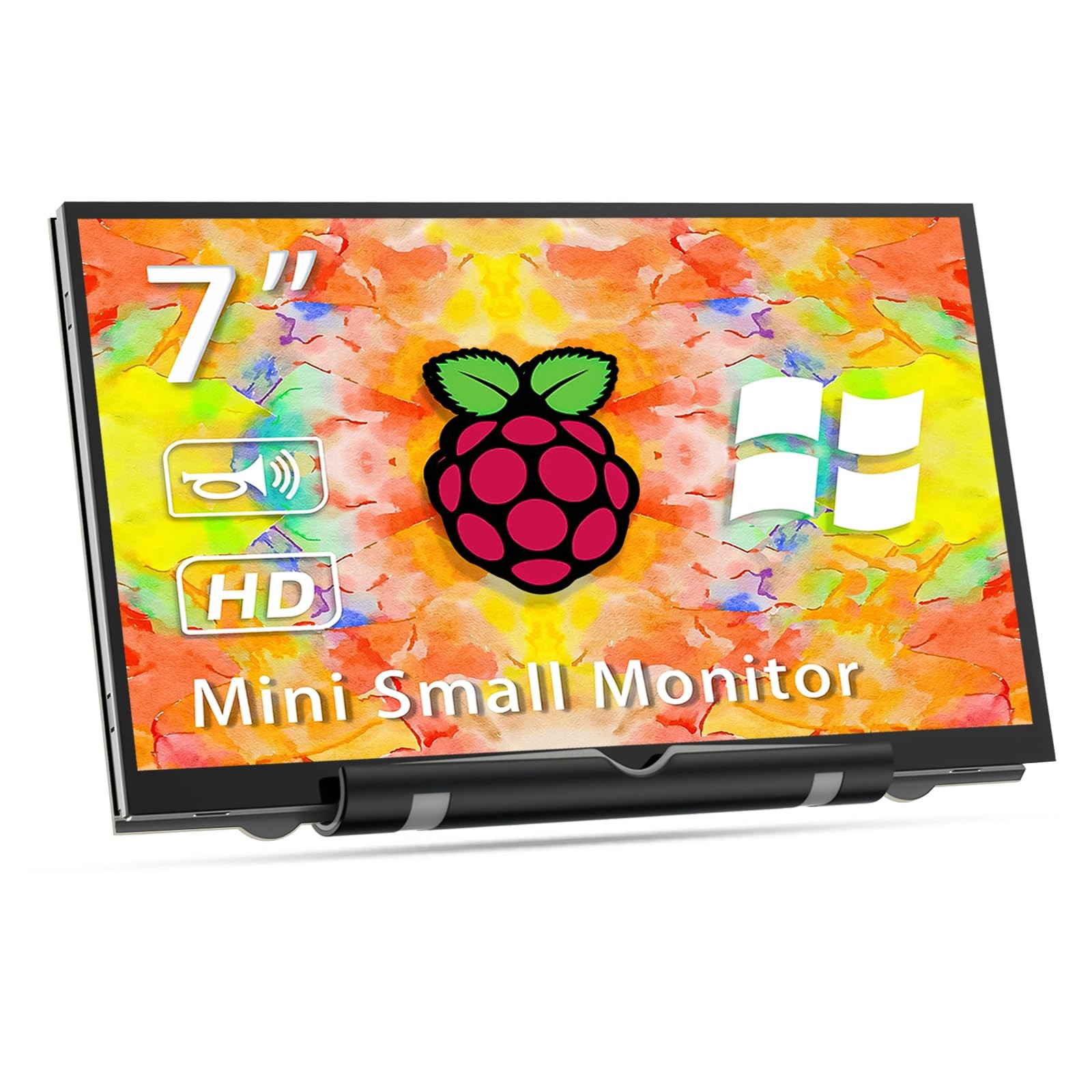
【Raspberry Pi Screen】 Raspberry Pi display adopts tempered glass and full bonding process, with a resolution of 800*480. Raspberry Pi lovers can't miss this uniquely designed small HDMI monitor! Easily mount your Pi to the back of this 7" screen monitor. Four holes let you mount a small display to whatever DIY IoT project you're working on.
【Raspberry Pi Screen】 Raspberry Pi display adopts tempered glass and full bonding process, with a resolution of 800*480. Raspberry Pi lovers can't miss this uniquely designed small HDMI monitor! Easily mount your Pi to the back of this 7" screen monitor. Four holes let you mount a small display to whatever DIY IoT project you're working on.
【Raspberry Pi Screen】 Raspberry Pi display adopts tempered glass and full bonding process, with a resolution of 800*480. Raspberry Pi lovers can't miss this uniquely designed small HDMI monitor! Easily mount your Pi to the back of this 7" screen monitor. Four holes let you mount a small display to whatever DIY IoT project you're working on.
【Raspberry Pi Monitor Three Application Modes】Duplicate mode, extend mode and second screen mode. Each mode has different use effects, bringing convenience and leisure to your work and life. Right click display settings on your laptop desktop, and then select three different usage modes in the multi display settings bar according to your needs. Go and get a laptop monitor now and feel a different experience. Note: Do not support all Macbook model.
【Raspberry Pi Monitor Three Application Modes】Duplicate mode, extend mode and second screen mode. Each mode has different use effects, bringing convenience and leisure to your work and life. Right click display settings on your laptop desktop, and then select three different usage modes in the multi display settings bar according to your needs. Go and get a laptop monitor now and feel a different experience. Note: Do not support all Macbook model.