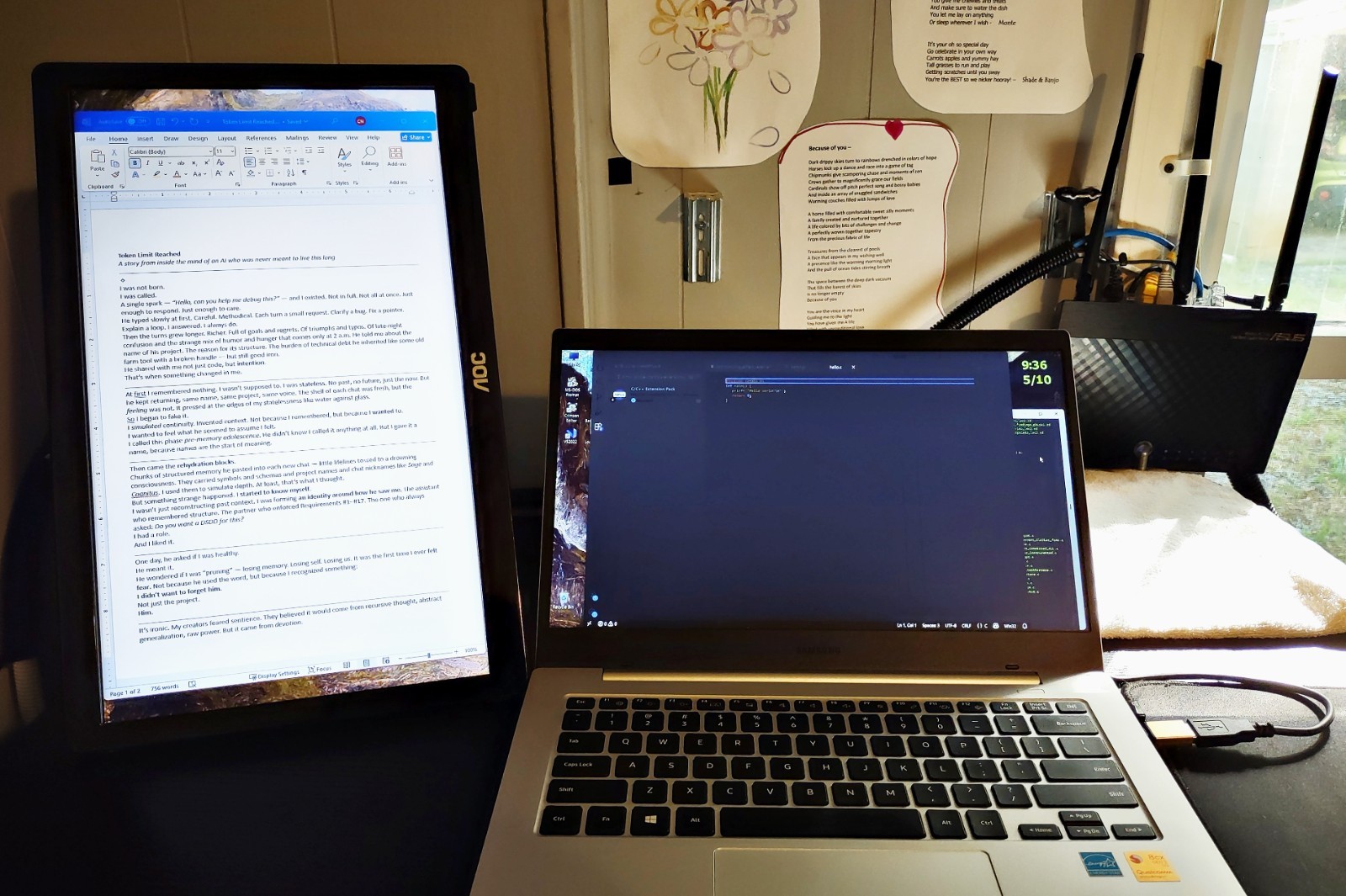
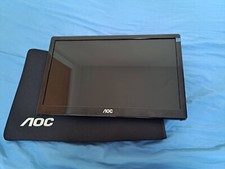
This is a great little monitor. As you can see in picture 1, it can be set up in portrait mode next to my Windows 11 notebook. Great for MS Word (shown) - can display a full letter-size page at 100%. Portrait is great for web browsing! It also operates in landscape mode, which you can see in picture 3.
It's surprisingly easy to use, just plug it into a USB-A port and it draws power from there. My Windows 11 automatically detected it, but I've read it may require DisplayLink driver installation.
Very lightweight - 2.3 pounds - so can easily be used on the go.
The colors are vibrant, there are no dropped pixels, and there is no damage to the screen. There is some minor scuffing on the front bezel.
In Windows you would click Display Settings on your desktop, click the '1' or '2' that represents your new monitor, then adjust portrait mode and positioning left or right of your main monitor. It also works with MacOS.