Store category
Sign Up Now ! You may also like (Very important!!!) Warm tips about how to choose correct battery:
Please check the below three factors clearly.
(1)Laptop model.
(2)Battery part number.
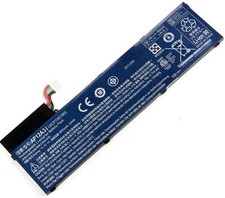
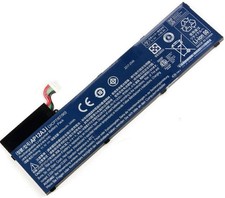
(3)Battery shape(sometimes,for some laptop model.and same battery Part Number,but the battery shape is different,so,it also can not install,so the shape must be same,or it can not fit,so before you buy it,please check it clearly,thanks)
To sum up:(1)Laptop model(2)Battery part number (3)Battery shape,All three factors must be the same,and then you can buy it,Because of the same Laptop model and same Laptop battery part number may have different Battery shape,and it is not universal.So before you buy it,to avoid the mistake to buy the wrong battery,you must disassemble battery,and compare the your original battery with our battery clearly.If you still can not be sure,please take a photo of your original battery to us,and we will check it for you,and give you the advice.
Specification:
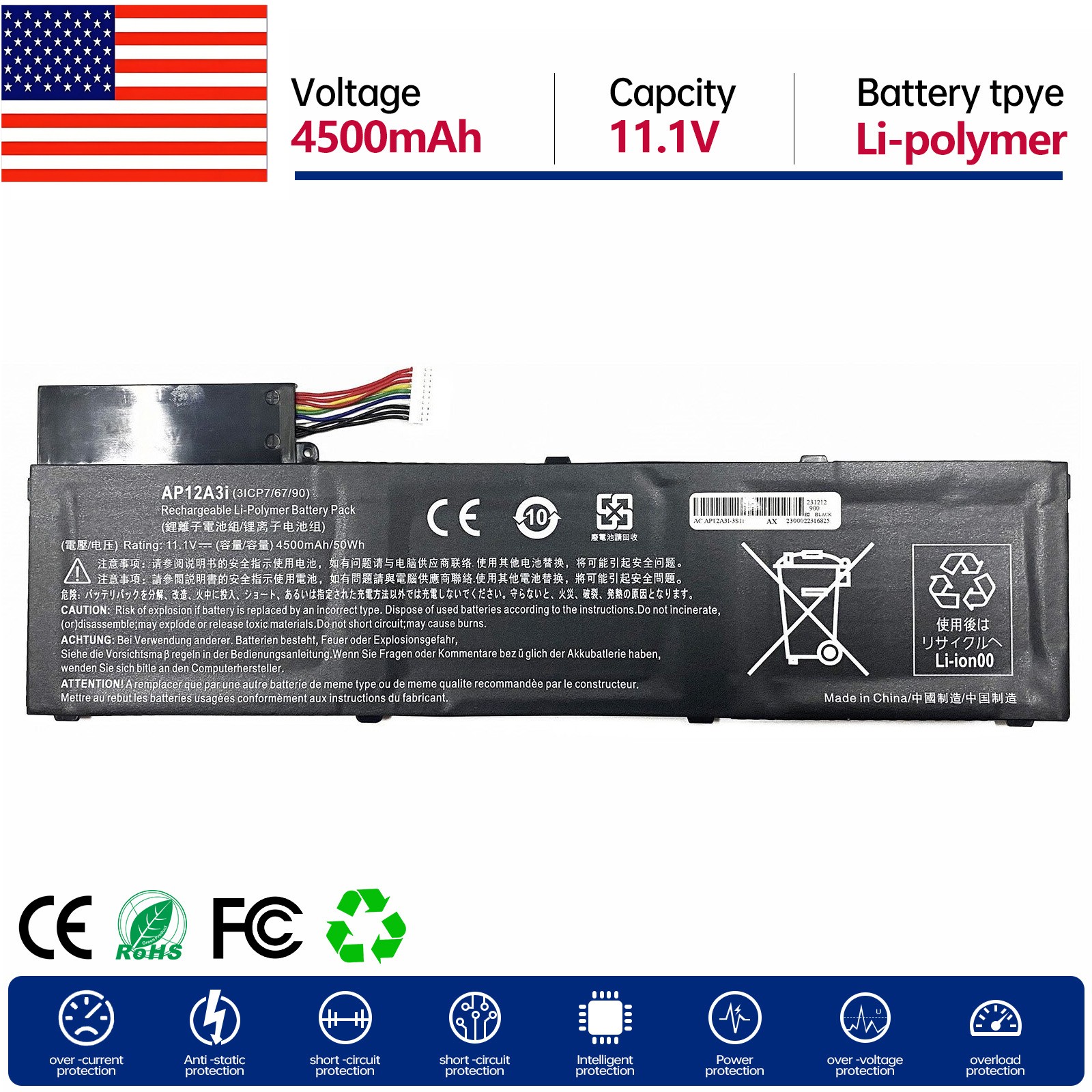
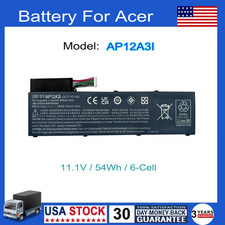
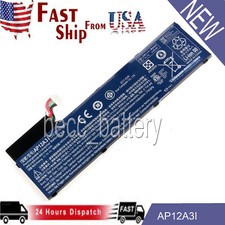
Battery Type: Li-polymerBattery Model:AP12A3I Voltage: 11.1 V Capacity:4500mAh Warranty:12 months
Package Include:
1*Laptop Battery How to check your laptop model?
Method 1: Use System Information to find your laptop model
Step 1: Press Windows + R to open Run window.
Step 2: Input "msinfo32" in the empty box and click OK to open System Information.
Step 3: Keep in the System Summary section, and you will find the System Model item in the right pane.
Method 2: Remove Battery from Laptop to find your laptop battery part number
Step 1: Switch off the laptop and unplug the power cable in case of electric shock
Step 2: Remove the back panel with the screwdriver. You should to this with care avoiding any harm to the laptop components.
Step 3: Disconnect the cable connected to the battery and then take out the battery. After that, you can check the specifications of your battery. Install A New Battery:
- You need to turn off your laptop and disconnect the power.
-
- Remove the old battery, carefully install the new battery on the battery case, screw in the screw, and connect the wiring of the new battery.
- If you don't understand the above steps, you can search for the video about laptop battery installation on YouTube. Maybe it will help you
Laptop Battery Instructions:
-
- It can calibrate the state of the battery by performing a complete and effective charging and discharging of the battery once a month.
- Charge it to around 50% when you store it long term.
- Do not keep your battery below 5% or deep discharge state (long time 0%), may turn on battery protection and cause the battery to fail to charge.
- Please feel welcomed to notify us of any inconvenience or fault in our battery.
The following are troubleshooting methods:
- Turn off the laptop.
- Unplug AC power.
- Remove the battery.
-
- Turn on laptop,allow OS to boot.
- Once logged into the machine, perform a normal shut down.
- Unplug AC power.
-
Delivery details 1.All item will be shipped from Australia Warehouse within 1-2 business days.It may take about approximately 4-7 business days for delivery.
2.All items will be shipped to buyer's order address. Please confirm your address is right. We are not responsible for wrong or undeliverable address. We reserve the right to charge the shipping fee again for returned items due to wrong address.
3.Please contact us if item has not been received after our promised days
Payment 1. We can accept payment by Paypal,Credit card,Personal cheque.
2. Please make sure your shipping address is correct. We will send the item to you follow your address listed in the payment.
Returns & Warranty 1. We offer 30 days money back guarantee return policy . 2. Our warranty does not extended to any products that are physically damaged or that are not under normal operating conditions as a result of misuse or improper installation on the buyer/user's part.