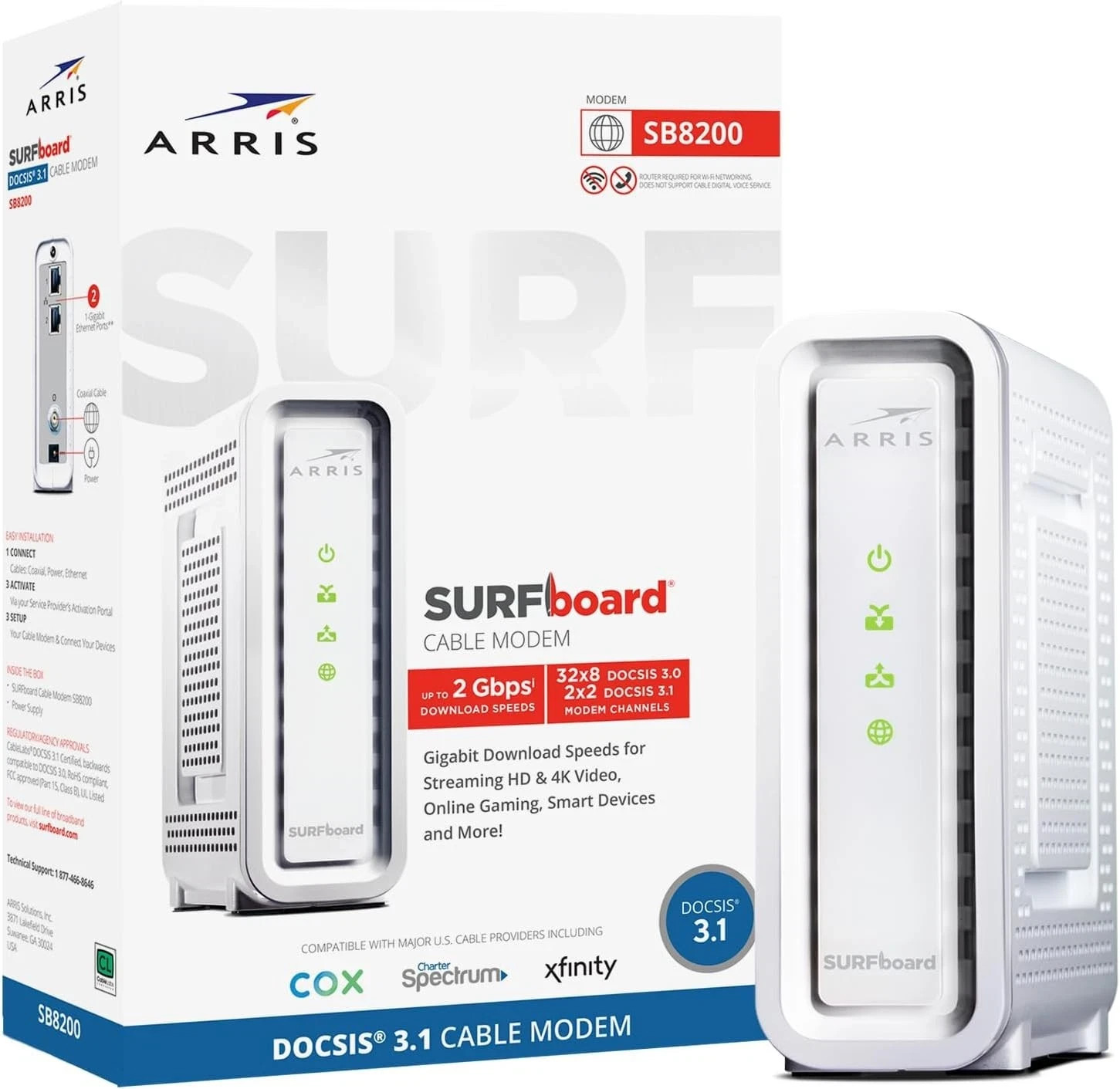
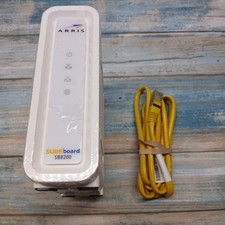
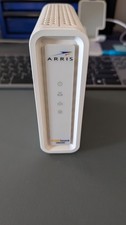
1🌐 Key featuresDOCSIS 3.1 cable modem – Supports internet plans up to 2 Gbps (requires compatible router).2 × 1 Gigabit Ethernet ports – Link aggregation capable for speeds beyond 1 Gbps.Compatible with major cable ISPs – Xfinity (Comcast), Cox, Charter Spectrum (check provider for plan compatibility).Compact design – Discrete LED indicators for power, upstream/downstream, and online status.Modem only – router required – For Wi‑Fi, connect a separate router to the modem.2‑year limited warranty – Manufacturer coverage included.
2📋 SpecificationsBrand – ARRISModel– SURFboard SB8200 v3Product Type –DOCSIS 3.1 cable modem (modem only).DOCSIS standard–DOCSIS 3.1 (backward compatible with 3.0)Ethernet ports–2 × 1 Gbps (RJ45)Max downstream data rate–2 Gbps (with bonded ports or multi‑gig plan).Max upstream data rate– Up to 2 Gbps (depends on ISP plan)Compatible ISPs (tested)– Xfinity (Comcast), Cox, Charter SpectrumPower supply– 12V DC (included)Dimensions (LxWxH)– 5.13" x 1.75" x 5.25"Warranty –2‑year limited3🔌 Compatible providers & activation notes✅ Works with (cable internet only – not fiber, DSL, or satellite)Xfinity (Comcast)– Check device approval listCox– Supports gigabit plansSpectrum– Approved for most plansOther DOCSIS 3.1 providers may work; confirm with your ISP before purchase📦 Installation requirementsCoaxial cable from your cable provider (screw‑on connector, not included)Active cable internet subscription (no phone or TV bundle if not supported)Power outlet (12V adapter included)Separate Wi‑Fi router (not included)⚠️ Important: This is a cable modem only. It does NOT include a built‑in router or Wi‑Fi. You must have a separate router to share internet wirelessly.
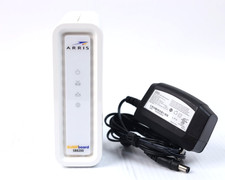
4📦 What's in the boxARRIS SURFboard SB8200 cable modem (white)Power supply (12V DC adapter)2‑year warranty card*No coaxial cable, Ethernet cable, or router included.5🛡️ Warranty & support✅ 2‑year limited warranty (ARRIS / Vantiva)
✅ 30‑day buyer protection – returns accepted for defects
✅ Seller support: message us for missing parts or installation questions
✅ Technical support available through ARRIS website (manuals, firmware updates)🔧 LED indicators & activation steps (replaces generic maintenance)
• LED behavior (bottom to top):
- Power: Solid = power on.
- Downstream: Flashing = searching for downstream signal; Solid = locked.
- Upstream: Flashing = searching for upstream; Solid = locked.
- Online: Solid = internet ready.
- Ethernet (left/right): Flashing = data activity.
• Activation with your ISP:
1. Connect coax cable to wall outlet and modem, then connect Ethernet from modem to computer/router.
2. Power on modem. Wait for online LED (solid).
3. Call your ISP (Xfinity, Cox, Spectrum) or visit their activation website. Provide the modem’s MAC address (printed on the label).
• No internet connection:
- Ensure all coaxial connections are tight.
- Power cycle modem (unplug 30 seconds, plug back in).
- Verify that your ISP supports the modem model.
- Check that your Ethernet cable is functional.
• Slow speeds:
- Your internet plan may be lower than the modem’s capacity.
- Test with a direct Ethernet connection to a computer (bypassing router).
- For speeds above 1 Gbps, you need a router with multi‑gig WAN port and use link aggregation or a 2.5 GbE router (the SB8200 has two 1 GbE ports that can be bonded).
• Firmware updates: ISPs push firmware updates automatically; no user action required.
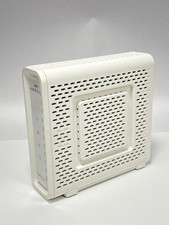
• Cleaning: Unplug the modem. Wipe the exterior with a soft, dry cloth. Do not use water or solvents. Keep vents clear of dust.