Enjoy digital games from Nintendo Switch
Gamer-centric Design Overwhelming Speed, Diving into Gaming Enjoy the game with smoother movement,and surreal visual fluidit.
Enjoy digital games from four generations of Xbox
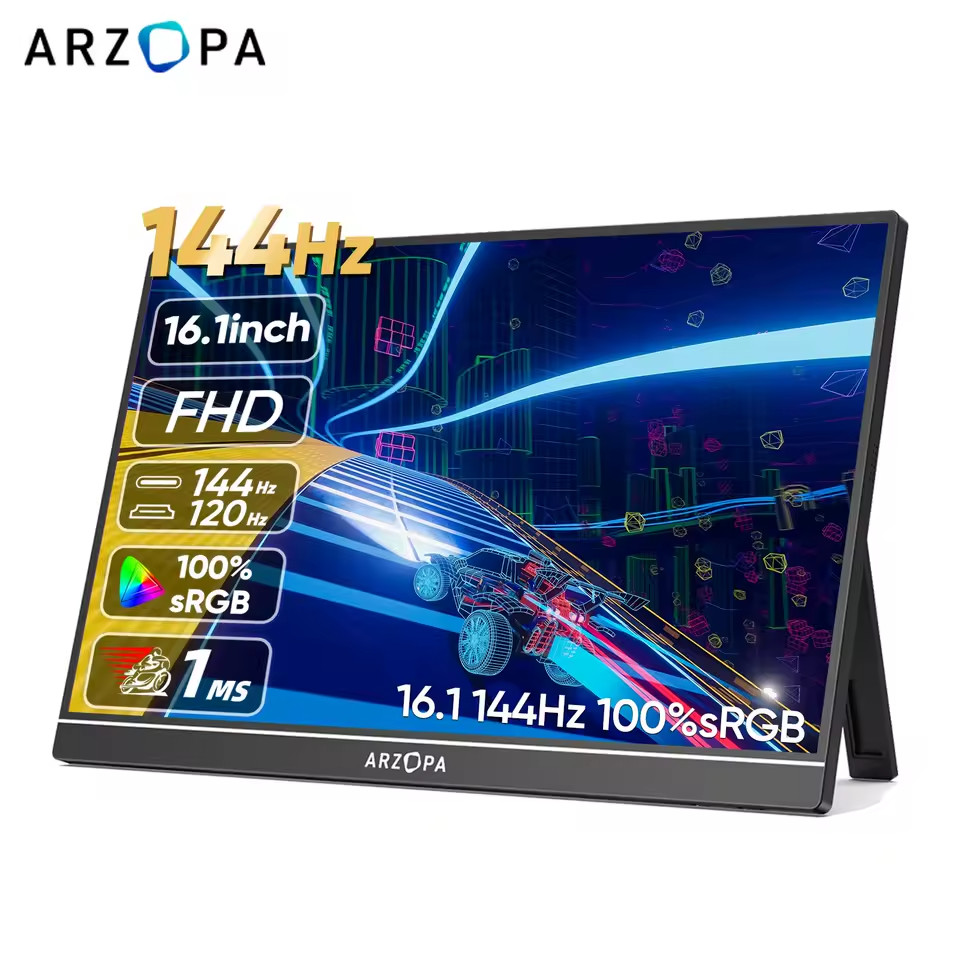
Meet the next-level of gaming thanks to an ultra-large 16.1" monitor, for a game-changing, immersive experience.Take your gaming to the next level and feel the action all around you with detailed, responsive gameplay.
Enjoy a larger canvas for your phone apps
USB Type-C ports,easy to connect to your devices with 1 cable, No drivers are needed. It can easily copy the mobile phone screen to widen your view. It can be used for driving navigation,movie projection, and the second screen of the game.
Stay Ahead of the Competition 144Hz Refresh Rate
An ultra-fast speed of 144Hz allows immediate action on the screen. Experience a smoother, clearer movement during the most action intense gaming.
The ultimate laptop companion
Expand your productivity on the go,Extend your screen at the office, at home or on the go with this convenient, compact display.Conveniently set up your monitor to the left, right or behind your laptop;the dual USB-C ports on each side allow for versatility and better portability.
More stable support, more angle adjustments
You can easily rotate the stand to adjust the screen angle, allowing you to work or entertain anytime, anywhere.
Question & Answers:Q: 1. What if my mobile phone is not a thunderbots type c phone, how to make it work with ARZOPA portable monitor?A: Only if the phone has a Type-C interface that supports Thunderbolt 3 or higher, can it be connected to the monitor.Q: 2. What if my laptop is not a thunderbots type c phone, how to make it work with ARZOPA portable monitor?A: Normally all the laptops have HDMI-compatible or DP port for the extend screen connection. So just use the HDMI-compatible connection to our monitor is ok.At the same time, it is necessary to connect the Type-C cable to the monitor for power supplyQ: 3. How to connect ARZOPA portable monitor with Nintendo Switch without dock?A: Three steps to connect the switch and the monitor.First: take off the switch controller; Second: Connect the monitor type C PD charging port with SWITCH charger; Finally: use the type c to type c cable to connect the switch and the monitor type C data port.Q: 4. How to connect ARZOPA portable monitor with my PS4/PS5/Xbox One/TV box/Mini PC?A: All these devices are connected with monitor via HDMI-compatible connection. First: power by the monitor with the charger included(connect the type c pd port); Second, Mini HDMI-compatible to HDMI-compatible cable to connect the device and monitor.