Nearly 100% satisfied customers!
Very fast national & international postage!
responseOur itemsOur offerCables & Connectors
PC / Laptop / Tablet Accessories
Console Accessories
Mobile Phone Accessories
Car Accessories
Memory Cards & Pen Drives
Digital Scales
Gadgets & Batteries
Thermometers & Clocks
Power Tools & Hand Tools
Sport & Health Accessories
Toys & Games
Vintage Computing Accessories
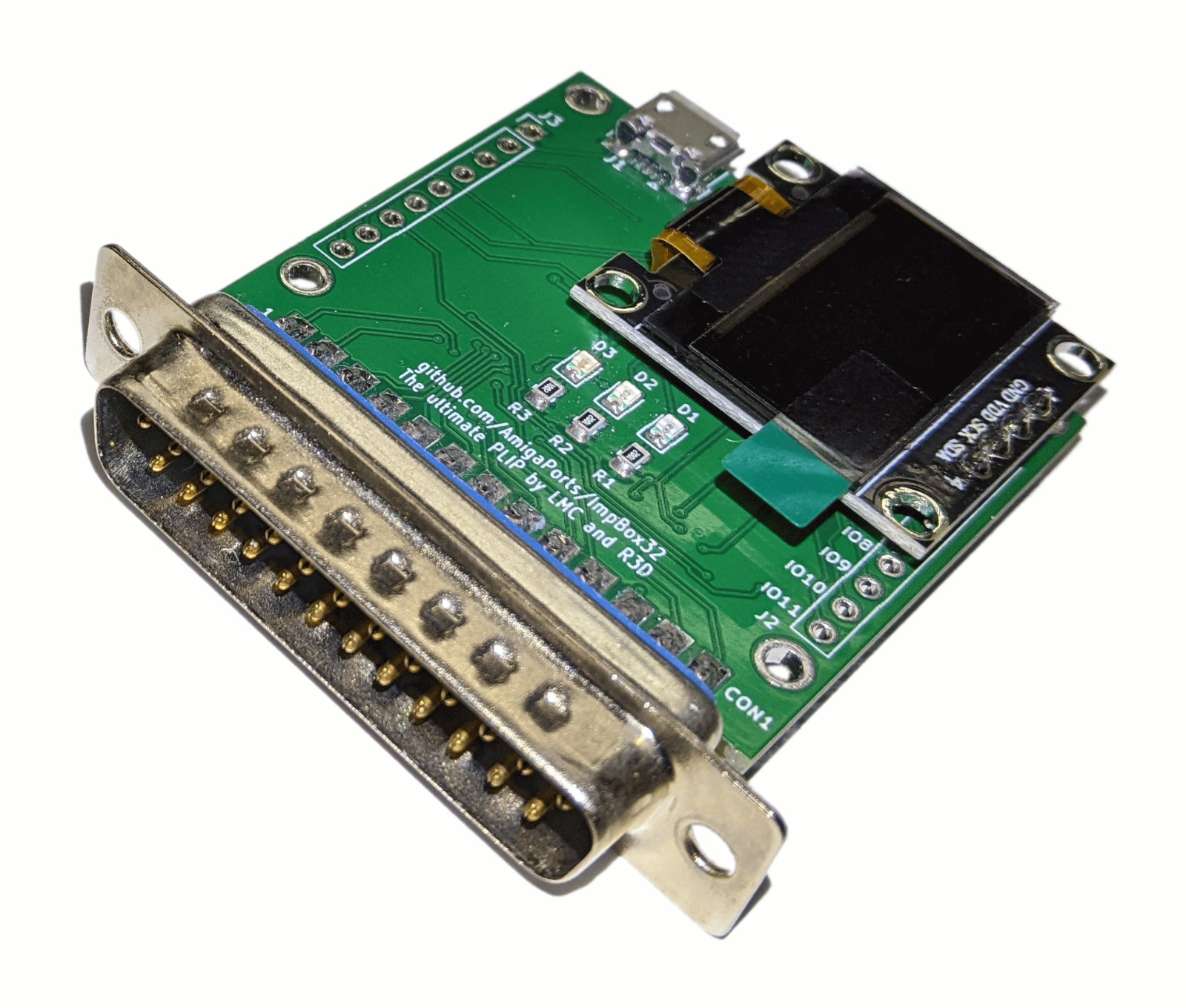
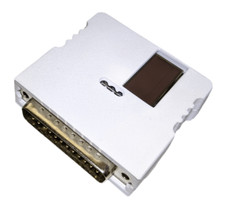
ShippingEvery package is securely wrapped with bubbles, peanuts, foams, paper, cardboard to insure the safe arrival of your new product. We understand the certainty of receiving a product the way you purchased it, that is why we have a strong, experienced packaging team to work with your every need.All parcels are shipped within 24 hours from the moment we receive the payment. We deliver worldwide.ReturnsIf you are not satisfied with this product, you can return the item within 14 days.Amiga IMP Box LCD Wi-Fi Internet Adapter Online Modules Player
ImpBox32 IMP Box Amiga LCD Wi-Fi Internet Module Song Player, Chat, Games, Cloud Storage.
This device provides wireless connectivity to your Amiga (only IMP v3 software can be launched on it).
Color of PCB - green
Features:
- listen songs from internet - over 168 000 files on the server! (mods, sids, ahxs, xms...)
- browse disk (cloud storage) - download files, view, read, play (whdload, c64 emu, zx emu) and many more by one click directly from IMP 3 application
- upload own files to your private, public or shared folder on stash! (with IMP 3 or ftp), browse other users published files
- chat on global channels or create new one!
- play online hundreds of games and do the highscore!
- rtg friendly, os friendly
To get it works you need to download and copy to your Amiga computer IMP v3 software, it can be downloaded for free from this
More info about this project can be found on this instruction for IMP3 software can be found
Quick installation manual:
1.) Connect your IMP Box to your Amiga computer parallel port and connect USB charger via micro USB cable (micro USB cable and charger are not included)
2.) Run cli/newshell
3.) Set wifi network name, type: imp3 ibcs NETWORK_NAME
4.) Set wifi network password (if exist), type: imp3 ibcp NETWORK_PASSWORD
5.) Now impbox is connected to wifi (network name and password are stored inside impbox)
6.) Wait a while and run imp without amiga network, type: imp3 ib