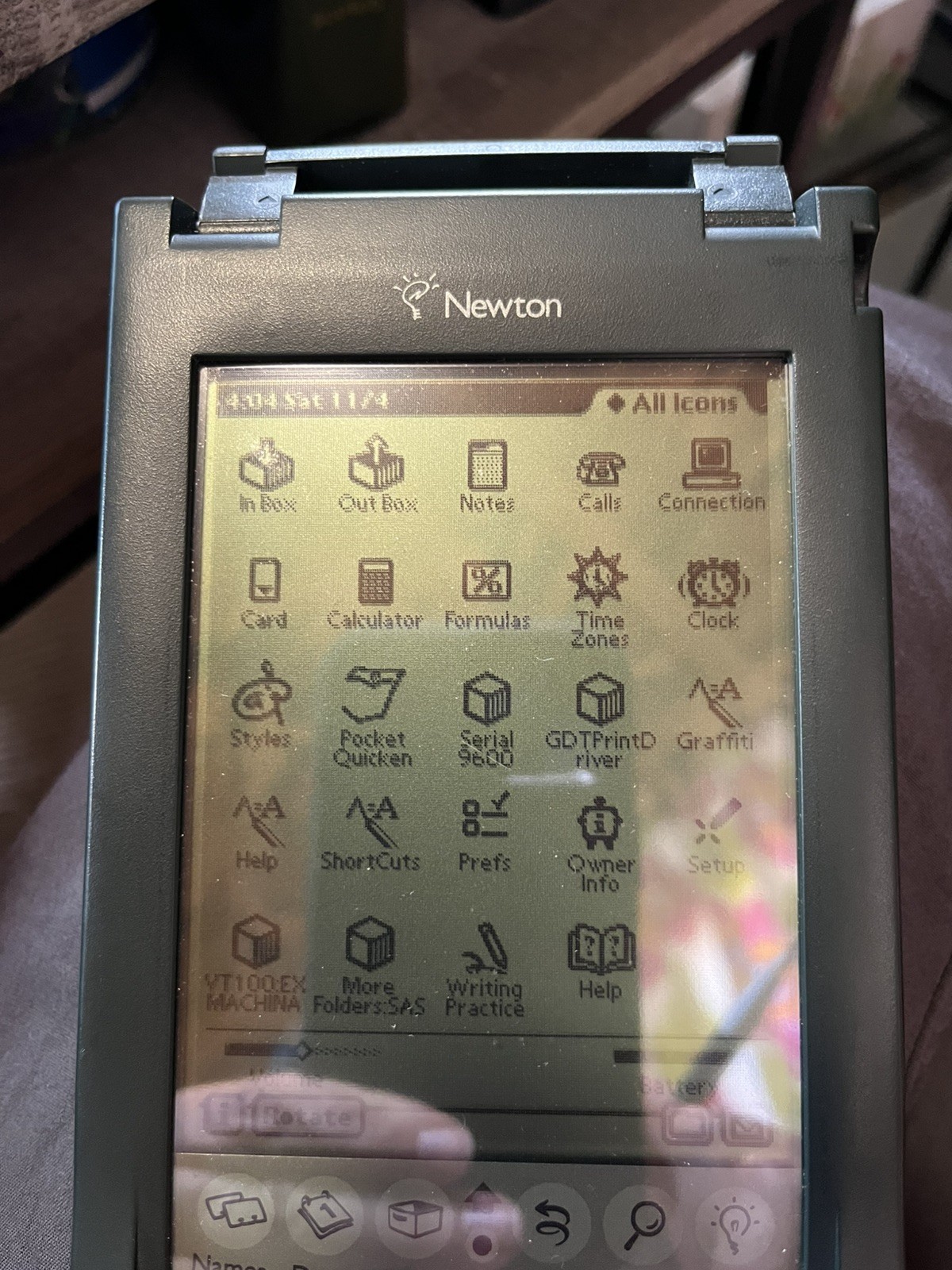
The unit powers on and boots successfully. I personally tested the touchscreen, stylus/pen input, handwriting input, Names/Dates and multiple built-in applications. Graffiti handwriting recognition is installed and working.
This Newton retains its vintage software configuration and has intentionally not been factory reset in order to preserve the installed period software. Personal information from the previous owner has been removed.
Installed software/utilities include Palm Computing Graffiti, Graffiti Help and Shortcuts, Pocket Quicken, VT100/Ex Machina communications software, and additional Newton communications/printing utilities. Please see the photos of the All Icons screen for the installed software shown on this unit.
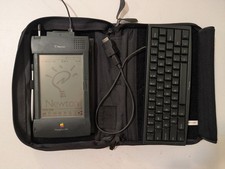
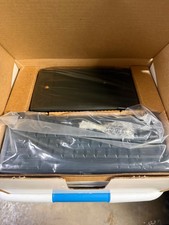
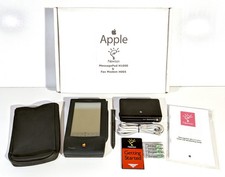
Included: Apple Newton MessagePad 120, stylus, attached flip cover with Graffiti reference card, and Newton carrying case. No PCMCIA card is included.
The unit displays a message indicating that the backup battery needs replacement. I have not attempted to replace the backup battery and am leaving that to the new owner. The Newton was tested with fresh AA batteries; AA batteries are not included.
Because of the reflective nature of the original Newton display, some powered-on screen photographs are difficult to capture clearly. I am happy to provide additional photographs of specific screens or installed applications upon request.
Please review all photographs for cosmetic condition. This is approximately 30-year-old vintage electronics, so testing is limited to the functions specifically described above. No guarantee is made regarding untested functions or future operation.
A particularly interesting example for an Apple/Newton collector because the vintage software environment—including the working Graffiti installation—has been preserved rather than erased.