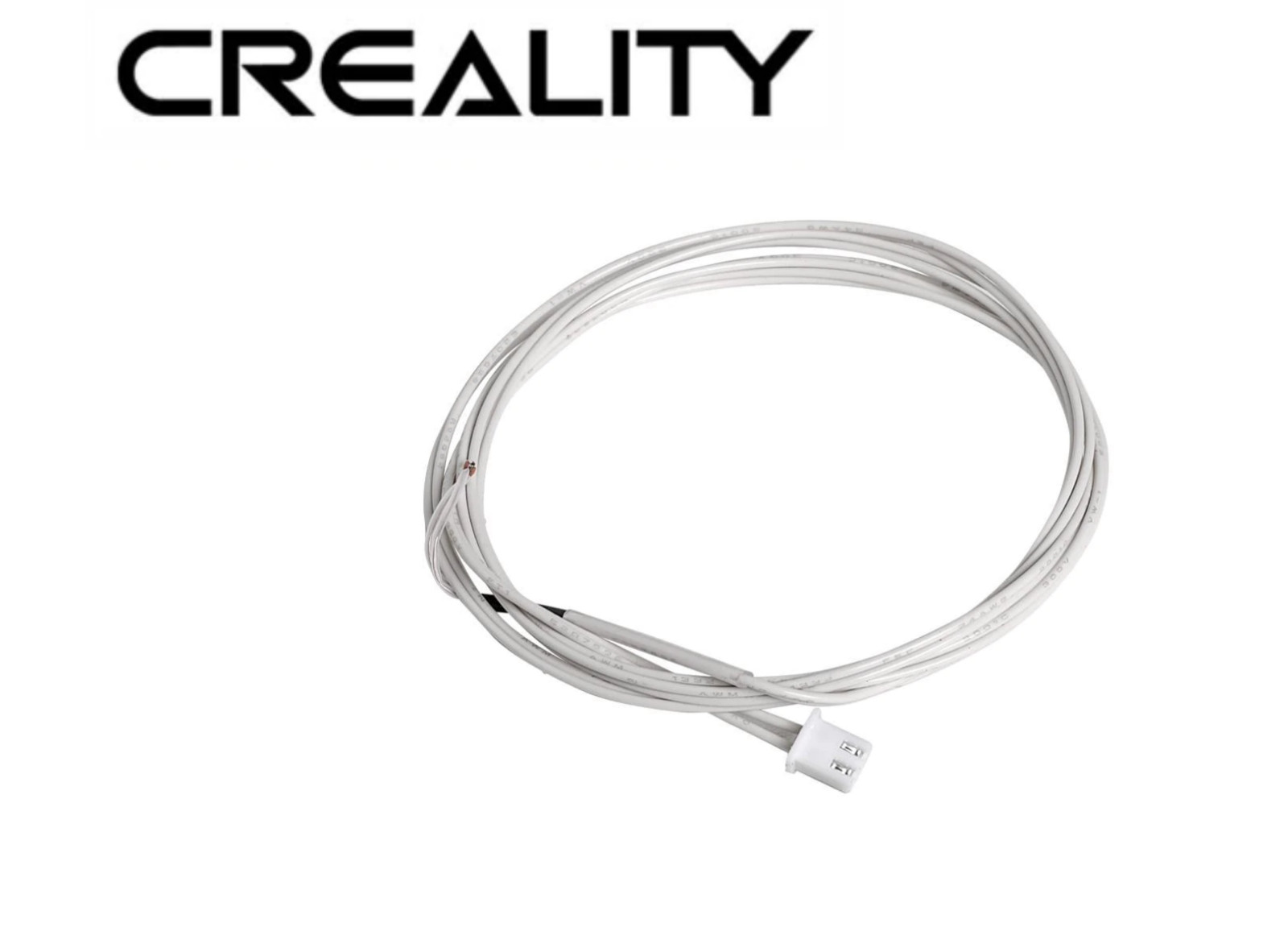
Genuine Creality Ender 3 / Ender 3 Pro Replacement Hot Bed Thermistor
Factory-Supplied direct from Creality 3D, this is a complete hotbed thermistor with connectors for Ender 3 and Ender 3 Pro
Some Instructions
I have replaced these before and it's not that difficult but you should cut the connector end of your failed thermistor and then slide it through with the thermistor first from the mainboard to the hotbed itself.
You will have to unglue the cable wrapping and open it (trim it with cutting tool so you can feed wires through) and remove the tie-wrap from the cables running to the hotbed so you can move the thermistor head through and onto the hotbed.
You should do your best to cleanly dress the cables where they join the hotbed re-attaching them to the plastic cable holder properly. Install new tie wrap onto the plastic cable holder securing the hotbed heater and thermistor cables providing secure strain relief.
You don't have to worry much about placing the thermistor under the tape as long as the tape re-seals properly holding the head of the thermistor in direct physical contact with the underside of the hotbed plate.
If the tape that secures the thermistor under the hotbed plate won't bond well resolve that problem first so that you eventually have great confidence that the thermistor is actually touching the plate (and the tape and thermistor won't detach and fall into your Y-Axis path.)
You may wish to test everything before final re-ssembly ensuring that the Ender 3 control board sees the thermistor and that the bed heats properly. Once you have tested everything re-aseemble and carry on!We always source from Creality directly in Shenzen, China and we have become a Creality dealer so if you need something please let me know in messages.