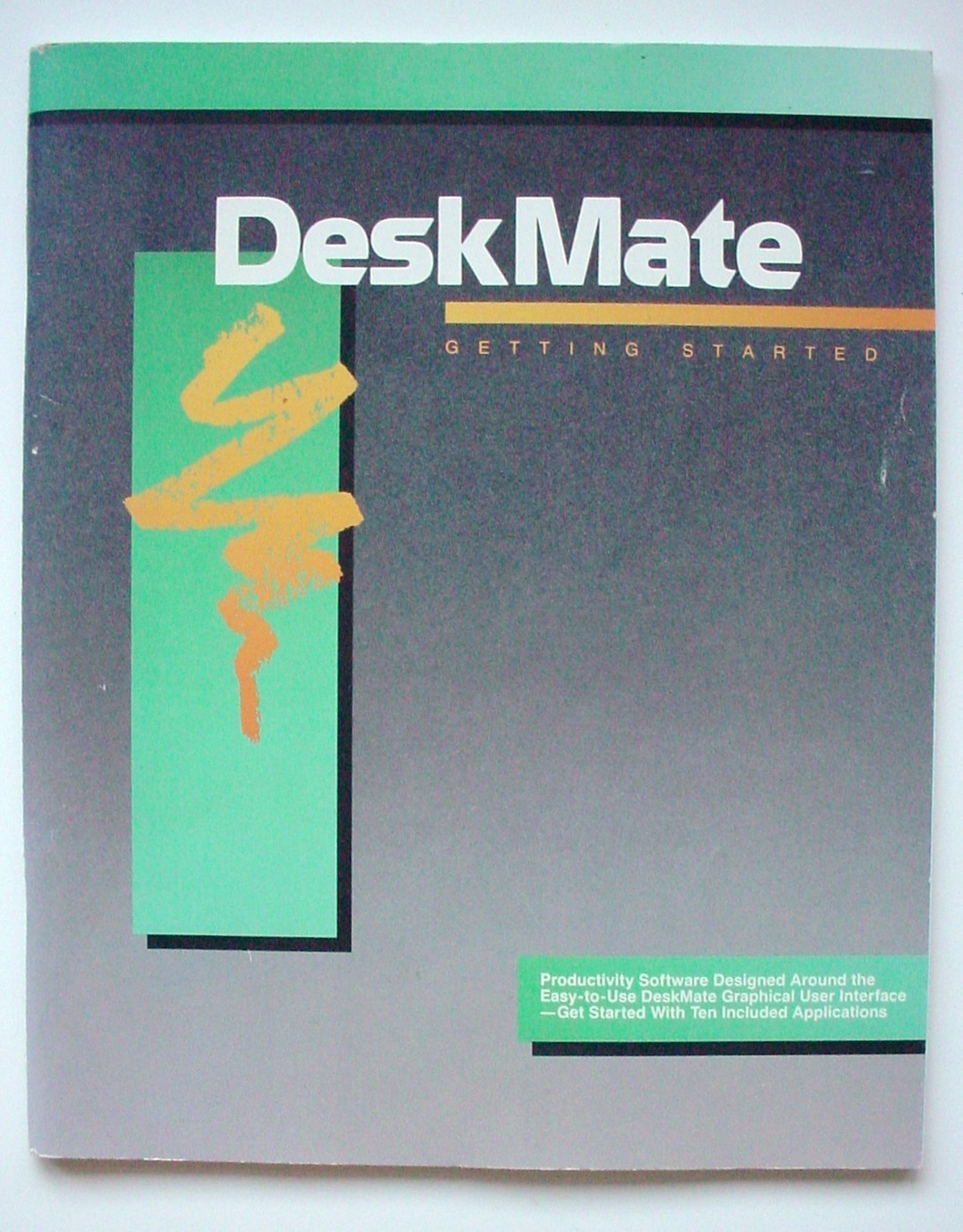
DeskMate "Getting Started" User's Guide for Tandy 1110 HD & Other Early PCs
Excellent Condition!
From a climate-controlled, non-smoking environment.
Item will be shipped in a box to prevent damage.
Please contact us if you have any questions.
Free SHIPPING (USA ONLY--OTHER LOCATIONS, SHIPPING AT COST)
DETAILS:
Published by: Tandy CorporationPublished 199085 PagesFree Shipping!Excellent condition!
The DeskMate "Getting Started" User's Guide for Tandy 1110 HD & Other Early PCs is a vintage computing manual produced by Tandy Corporation, a well-known brand in the vintage computing community. This user manual, originating from Japan, provides valuable insights and instructions for users of Tandy 1110 HD and other early PCs, making it a sought-after resource for enthusiasts of vintage computing technology. With its focus on helping users navigate and make the most of their early personal computer systems, this guide serves as a valuable tool for anyone looking to explore the historical and technical aspects of vintage computing.
The Tandy DeskMate "Getting Started" Guide is the initial instruction manual included with Tandy Home Computers (such as the Tandy 1000 series and the TRS-80 Color Computer) to help users load, configure, and navigate their DeskMate software suite.Core Sections of the ManualThe documentation is traditionally broken down into distinct sections meant to transition a user from a total novice to an experienced operator:
- Getting Started: Lists application features, dictates system hardware requirements, and guides software loading.
- Sample Session: Step-by-step interactive walkthroughs designed to familiarize users with basic commands and menus.
- Reference: Deep-dive technical explanations of every application, utility, and screen behavior.
- Appendices: Contains peripheral setups (like the Telecom modem), error codes, and global glossaries.
Standard "Getting Started" Procedures1. System Requirements & Hardware HookupBefore launching the software, the manual instructs users on checking their core desktop hardware.
- Input Device: DeskMate supports standard keyboards, analog Joysticks, or a proprietary Tandy Mouse.
- Peripherals: Secondary diskette drives, serial dot-matrix printers, and RS-232 modem paks for communications are detailed here.
2. Diskette Care and CopyingBecause original program data was highly fragile, the very first interactive instruction specifies creating backup diskettes before running operations.
- Write-protect original system disks.
- Format a blank destination diskette using the system's command utility.
- Use standard backup commands to mirror the DeskMate software files.
3. Loading and Launching DeskMate
- Floppy-Based Systems: Insert the backup copies of Disk 1 into Drive A, power on the machine, or type DKM at the system prompt.
- Hard Drive Systems: On laptop setups like the Tandy 1500HD, DeskMate loads straight to the primary screen automatically when the computer powers up.
4. Interface Navigation BasicsThe guide establishes the general rules for moving around the operating environment.
- Keyboard Navigation: Move the cursor blocks across sections using the arrow keys, or jump to columns using the space bar.
- Mouse Navigation: Position the on-screen pointer directly over target application boxes and click to execute.
- The Application Dock: Provides access to core system modules: Text (word processing), Filer (database/records), Worksheet (spreadsheet), Calendar, Mail, and Telecom.
If you are trying to install or configure a specific version of DeskMate, let me know which version you have (e.g., Original text-based DeskMate, Personal DeskMate 2, or DeskMate 3) and what system you are running it on so I can provide the exact commands