 When you click on links to various merchants on this site and make a purchase, this can result in this site earning a commission. Affiliate programs and affiliations include, but are not limited to, the eBay Partner Network. When you click on links to various merchants on this site and make a purchase, this can result in this site earning a commission. Affiliate programs and affiliations include, but are not limited to, the eBay Partner Network.
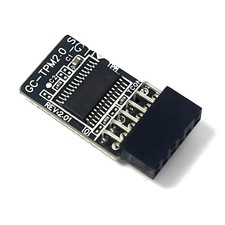
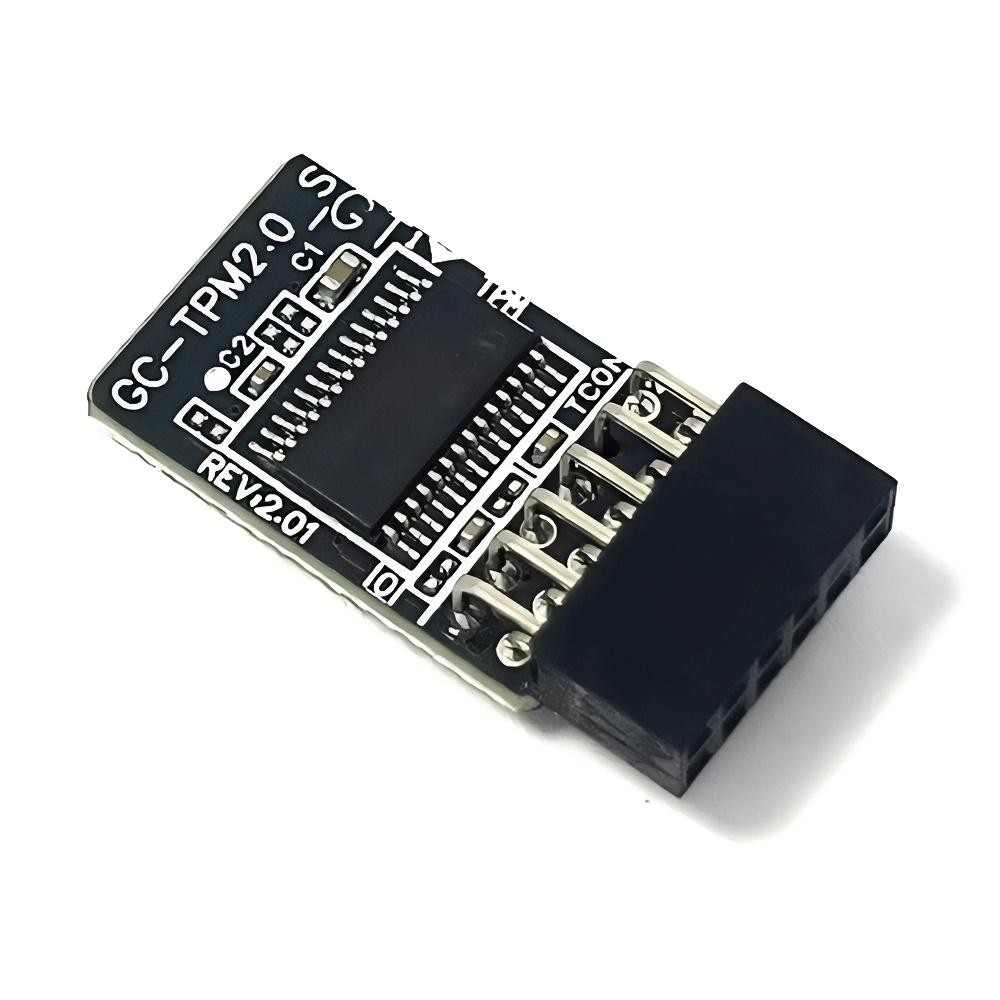
How to Choose and Install the Security Module:1.It is necessary to confirm whether the host has TPM 2.0 or whether TPM 2.0 is enabled.2.Click "Run", enter: tpm.msc (press Win + R keys), and check if the TPM version is ready.3.If version 2.0 is displayed but not ready, you need to set it in the BIOS and consult the motherboard manufacturer's customer service.4.Open the host and check the TPM pins on the motherboard.5.When installing the module, the side with the chip should face inward. Align it with the pins and insert it firmly to prevent loosening. (See the picture for the direction)Compatible Models:For Gigabyte MotherboardB360 HD3PB360 HD3B360 AORUS GAMING 3 WIFIB360 AORUS GAMING 3B360 M AORUS PRO |
|