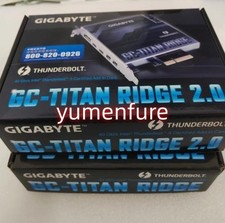
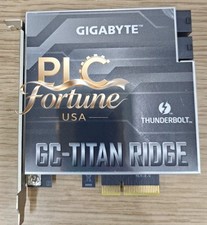
Gigabyte GC-TITAN RIDGE 2.0 Thunderbolt 3 PCIe Card, Tested, 1 DP Cable For Sale
When you click on links to various merchants on this site and make a purchase, this can result in this site earning a commission. Affiliate programs and affiliations include, but are not limited to, the eBay Partner Network.
IMPORTANT: Requires a Gigabyte AM4 motherboard with a Thunderbolt header (5-pin). Not every Gigabyte AM4 motherboard has one. This was tested functional on a Aorus X570 Ultra. Please check your board’s manual or specs before buying.
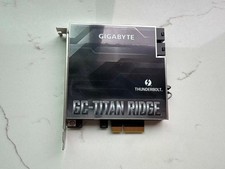
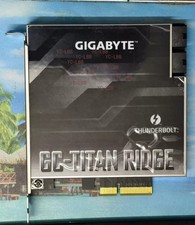
Gigabyte GC-TITAN RIDGE (rev. 2.0) Thunderbolt 3 PCIe expansion card. Installed, tested, and working for data and device use. Not used for video output.
Specifications
Thunderbolt 3 controller: Intel Titan Ridge
Ports: 2x USB-C Thunderbolt 3 (up to 40Gbps each)
Video inputs: 2x Mini DisplayPort inputs for GPU video passthrough
Interface: PCIe 3.0 x4 (fits x4 or larger slots)
Supports daisy-chaining, Thunderbolt docks, external storage, and other Thunderbolt 3 and USB-C devices
Compatibility
Motherboard must have a Thunderbolt header and an available PCIe x4 (or larger) slot
Windows 10/11 supported. Thunderbolt must be enabled in BIOS, and an up-to-date BIOS and Thunderbolt drivers are recommended
What’s included
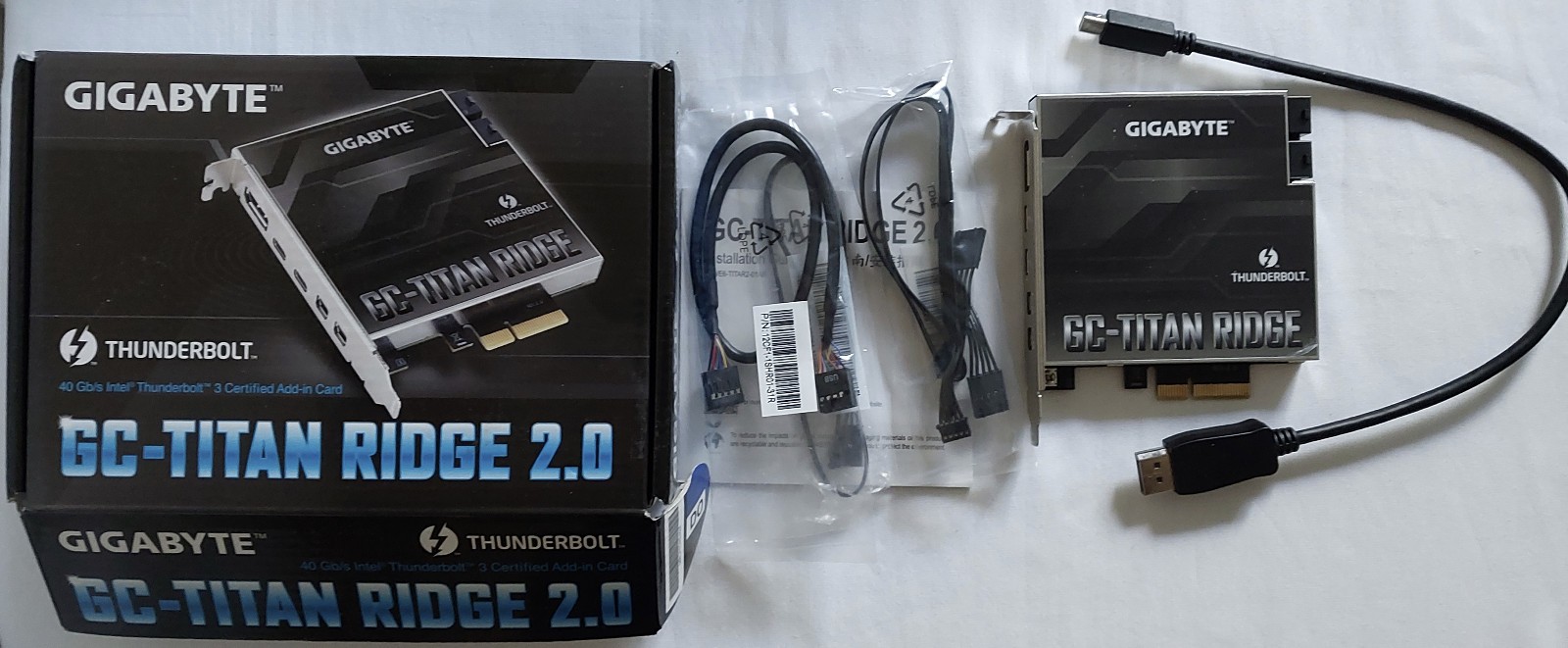
GC-Titan Ridge 2.0 card
Thunderbolt header cables (card to motherboard)
USB 2.0 Cable
1x Mini DisplayPort to DisplayPort cable. The card originally shipped with two, and the second cable is missing. Only one DisplayPort input can be connected with the included cable
Bottom line, this is only missing the 1x Mini DP to DP passthrough cable
About video passthrough DisplayPort passthrough is only needed if you want to run video from your GPU through the card to a Thunderbolt display or dock. It is not needed for storage, audio interfaces, networking, or other data devices. I never used this feature because I have a GPU with 4 video outputs, so I can’t confirm it from my own testing.