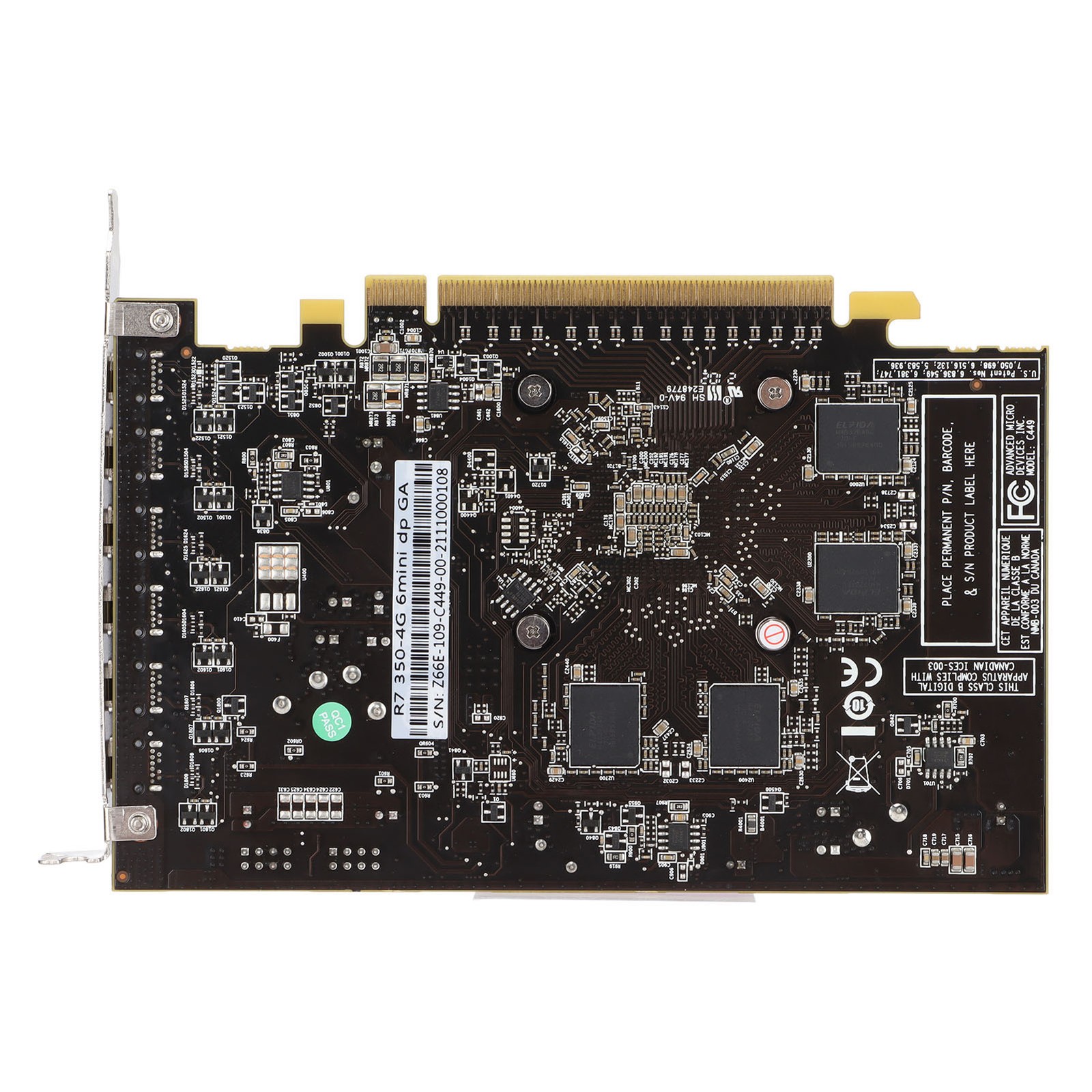
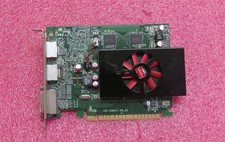
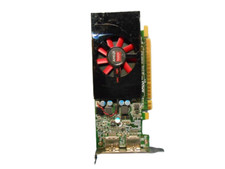
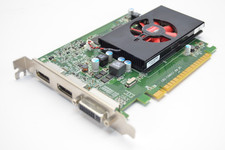
Feature:
1. R7 350 Six Screen Graphics Card: 6 miniDP point to point output; support miniDP direct connection; support transfer VGA/DVI‑D/High Definition Multimedia Interface/ display output; support independent split‑screen display, synchronous copy display, full screen combined display; support 4K/ 2K/1080P resolution, 30Hz refresh rate.
2. 6 MiniDP Ports: 6 mini Display Port point to point output; powerful and rich wide area display operating interface; support conversion to , High Definition Multimedia Interface, DVI, VGA display output; professional/high performance/low power subdivision products, Meet diversified needs; generally support 4K@30Hz ultra clear; 6 independent audio channels, support 6 sound output.
3. 4GB GDDR5 (128bit) Video Memory Graphics Card: Powerful image processing capabilities, 700MHz core frequency, 4500MHz video memory frequency.
4. Flexible Display Output: 6 mini Display Port point to point output, widely compatible with /High Definition Multimedia Interface/DVI/VGA display output (Note: the cable needs to be purchased separately, please be sure to use an active adapter).
5. System Features: Compatible for 7(64)/ for 10(64) operating system. The adapter needs to use an active conversion cable with a chip, and all adapters used need to support 4K/2k/1080P resolution/60hz refresh rate.
Specification:
Item Type: Graphics Card
Material: PCB, Metal Aluminum
Model: R7 350-4G 6Mini GA
Color: Pink
Core Codename and Process: R7 350/28nm
Unified Shader: 512
Core Frequency/Video Memory Frequency: 700/4500MHz
Memory Capacity and Specifications: 4G/128bit/GDDR5
3D Features: DirectX 12(11_1) / OpenGL 4.6
OS Features: for 7(64)/ for 10(64)
Bus Interface: PCI-Express 3.0 x 16
Output Interface: 6 x MINIDP
External Power Supply: None
Half Height Baffle: None
Product installation
1. Turn off the power and unplug all connectors; disassemble the main box.
2. If there are other graphics cards installed on the motherboard, please unplug them first, and then insert the new graphics card into the PCI Express X16 slot provided by the motherboard.
3. If the graphics card comes with an additional power input interface, please find the corresponding plug on the host power supply and insert the graphics card. Please use these adapter plugs and connect the graphics card to provide enough power for the graphics card.
4. Tighten the fixing screws on the bezel of the graphics card to confirm that the graphics card is properly secured.
5. Cover the case, reconnect all peripheral device connectors, and then plug the monitor connector into the corresponding port on the graphics card.
6. If you need to use the TV-OUT, High Definition Multimedia Interface, DisplayPort and other interfaces of the TV or display device, please confirm whether the graphics card has the corresponding interface, if so, directly use the corresponding cable to connect the display device and the graphics card. For detailed debugging and other functions of these devices, please contact Yeston directly, and we will do our best to meet your needs.
Driver Installation
1. The driver installation of the graphics card is required to be performed when the graphics card hardware is installed for the first time. 2. Please select the corresponding driver installation according to the actual product information. You can complete the driver installation according to the following steps: Step 1: After the system starts , Enter the official website, click to enter the product center. Step 2: Please check the graphics card model marked on the packaging box or the product nameplate on the back of the graphics card.Step 3: Please enter the corresponding product page according to the specific model of the graphics card , Click "Driver Download", and download the corresponding driver according to the operating system version you have installed.
Step 4: After the driver download is complete, double-click the file to start the installation, and follow the instructions of the installation wizard to install it. After the installation is complete, restart your computer.
For specific operations, please refer to the detailed
Package List:
1 x Graphics Card
1 xUser Manual
Note:
Adapters must be purchased separately. Be sure to use active adapters