 When you click on links to various merchants on this site and make a purchase, this can result in this site earning a commission. Affiliate programs and affiliations include, but are not limited to, the eBay Partner Network. When you click on links to various merchants on this site and make a purchase, this can result in this site earning a commission. Affiliate programs and affiliations include, but are not limited to, the eBay Partner Network.
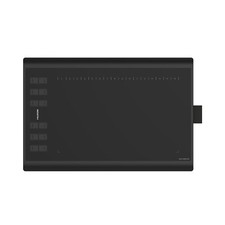
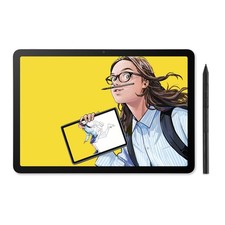
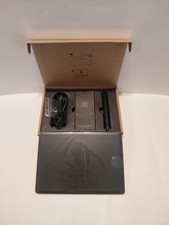
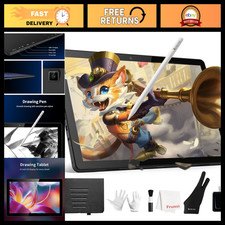
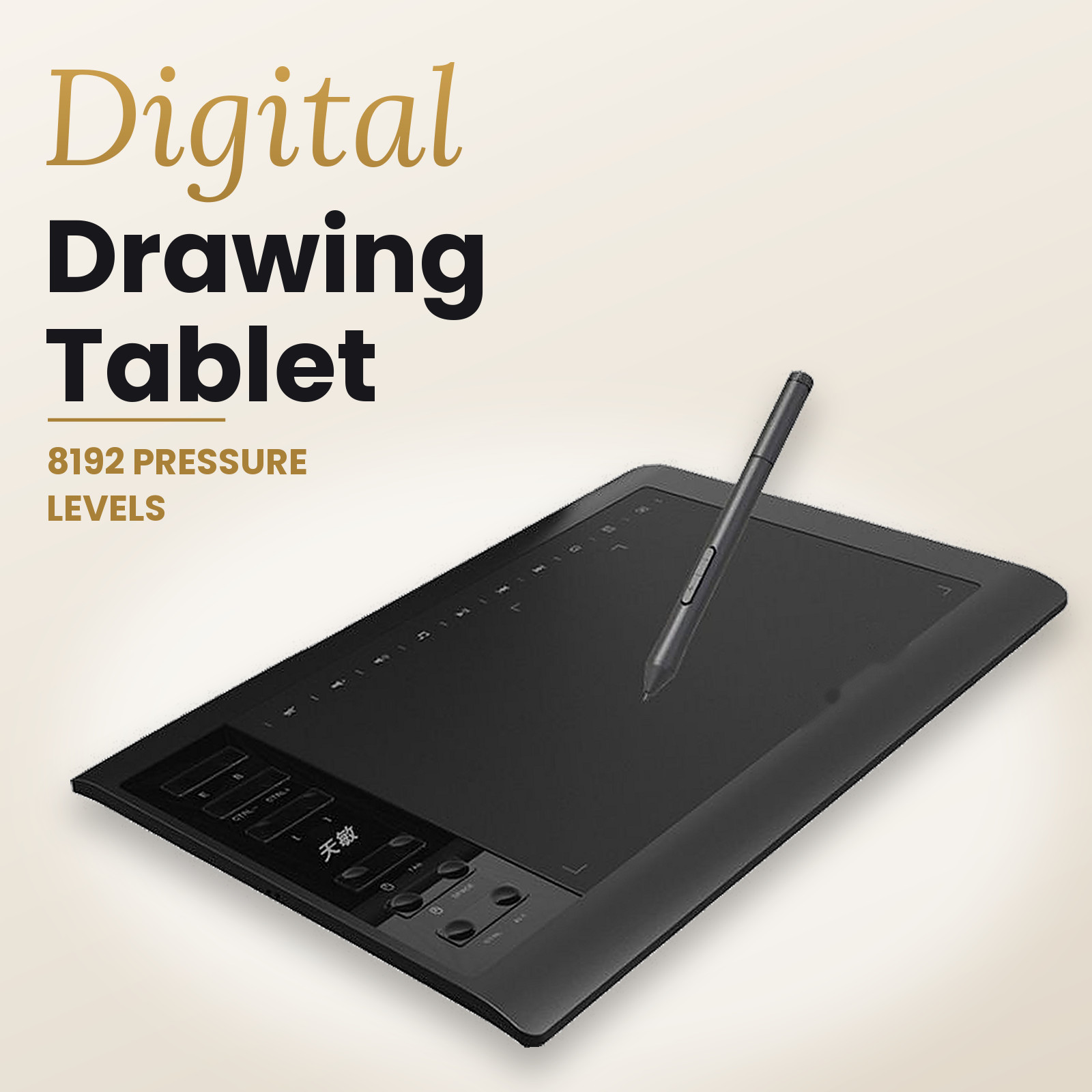
Graphics Drawing Tablet 8192 Pressure Pen Tablet 12 Shortcut Keys Battery-Free Stylus Description Graphics Tablet – 8192 Pressure Levels, Battery-Free Pen Draw, sketch, write and teach on your computer with a pen tablet that feels natural. The pen responds to light or firm pressure, so lines get thicker, thinner, darker or lighter as you press. It suits digital art, photo editing, note-taking and online lessons. Key Features - 8192 pressure levels: Smooth, natural strokes with fine detail.
- Large work area: The active area is about 240 × 145 mm (9.4 × 5.7 in). That gives plenty of room for sketching and handwriting without constant zooming.
- 12 shortcut keys: Programmable keys on the left of the pad for things like eraser, brush, undo and zoom. A row of touch shortcut icons runs along the top edge [CONFIRM: functions and whether the driver can re-map them].
- Battery-free pen: The stylus is passive, so it never needs charging and you can draw whenever you like.
- Plug and play: USB connection, works with many systems
- Works with phones: The supplier lists phone connection as a feature
- Slim and sturdy: The body is 360 × 240 mm.
Great For |
|