Note:
①Please understandinstallation steps of the item before you purchasing.
②You can watch theinstallation video on YouTube.
BuyerReading:
1.Check the compatible model and color;
2.Understand the steps of replacement before buying thisproduct;
3.Replacing Steps(need welding tool):
①Use the welding tool to remove the bracket and originalkeyboard by heating connection points;
②Weld the main body of keyboard to the palmrest;
③Stick backlit sheet on the keyboard;
④Weld the bracket back.
ITEMDESCRIPTION:
Original brand new product
Color: Black
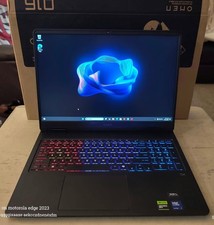
Type:Keyboard with Backlight
Compatible Model:For HP 16-c 16-c0000 16z-c000 16-c0035nr
After-sale Notice:
If you have issues or you areunsatisfied with the item after receive it, please cotact us through messages firstly. Please don't open any cases randomly.
response:
If you are satisfied with the product you received, pleasekindly leave us a 5 star positive response as an encouragement.
Please contact us through message center if you have any problems,we will always try our best for 100% customer satisfaction.We will reply you within 24business hours by message.