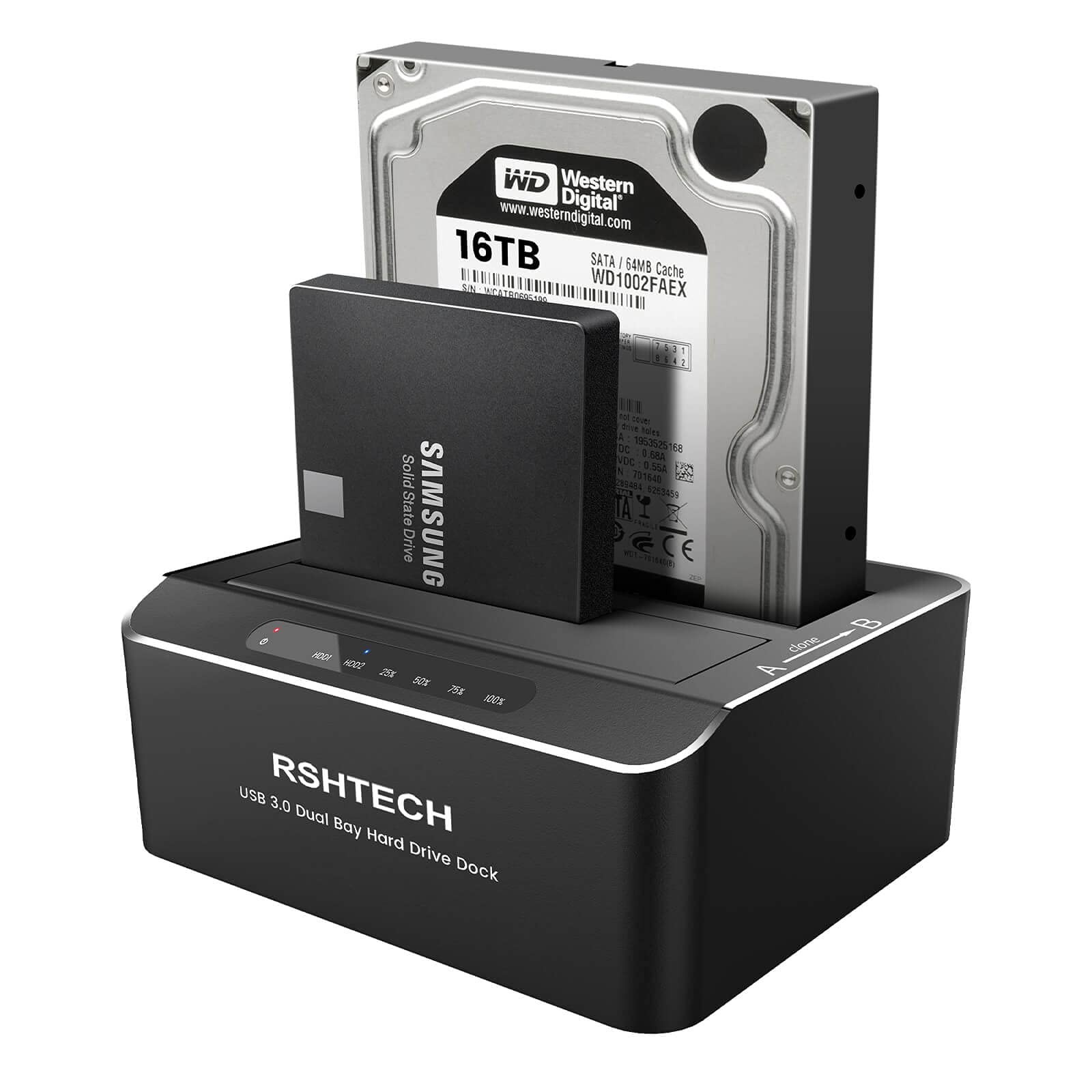
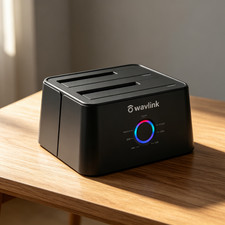
RSHTECH Dual Bay SATA Hard Drive Docking Station is the perfect solution for data transmission, batch processing, backup, cloning, etc.
Supports UASP protocol: UASP (USB Attached SCSI Protocol): supports for HDD/SSD faster transfer performance, 70% faster than traditional USB 3.0, requires UASP capable host controller and operating system. (Real-world performance depends on the disk drive and host system.)
Supports up to 2x 16TB hard drive: USB 3.0 dual-bay external hard drive reader can access both disks simultaneously. Maximum Capacity of 2x 16TB. Hard Drive Dock Offline Clone Function: -Ensure the Power Switch on the rear is in the OFF Position and plugged in properly.
-Insert Both hard drives and identify Source Disk and Target Disk (Make sure the memory capacity of B drive is larger/equal than A drive )
- Make sure that the USB cable is disconnected from any computer during the cloning.
- Press the "Clone" button for 3 seconds until the LED starts to flash and the cloning process begins.
-Progress indicator with LED: 25% - 50% - 75%-100%. When offline clone operation is fully completed, all LEDs will constant on. Note: -The offline clone function cannot be processed if there are bad sectors or tracks on the hard disk.
- Do not try to remove your HDD or SSD device while it is active. Please power off the docking station before removing.
-Please backup files in the target hard drive before cloning. Any files in the target hard drive will be overwritten when offline cloning occurs.
- If you are mounting a drive which larger than 2TB, please initialize with Partition Style GPT.
-If there is no USB 3.0 port in the front of the desktop computer, it is recommended to connect the 3.5" hard drive enclosure to the rear USB 3.0 port to achieve the best transmission speed.
Note: IDE drives are NOT supported.
SATA HDD Dock 16TB Capacity: Dual Bay External Hard Drive Docking Station Supports Standard 2.5"/3.5" SATA SSD and HDD, supports hard drives up to 16TB. It is the perfect solution for data transmission, batch processing, backup, cloning, etc. Plug and play, no driver needed and tool-free installation
UASP 6Gbps Data Transfer Rates: Besides USB 3.0 super speed, Computer hard drive enclosure dock support transfer speeds up to 6Gbps by UASP transfer protocol, which is up to 20% faster than USB 3.0. To reach the UASP speedup function, please confirm whether your device supports the UASP Protocol first
Offline Clone & Automatic Sleep Function: USB 3.0 to SATA hard drive dock support offline clone, it can be used to clone an existing hard drive without connecting to a computer, easy to duplicate data from one to another hard drive. And could be used as external storage to transfer data between the hard drive and the computer. Note: The target disk must be greater than/equal to the source disk when clone. Automatic sleep mode after 10 minutes of inactivity saves energy
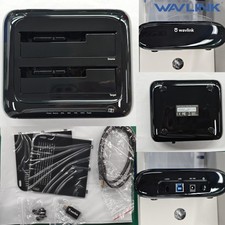
Aluminum housing & 36W Power adapter: Hard drive docking station adopts aluminum case and port dust cover design, which is sturdy and reliable. SATA HDD dock duplicator is equipped with a DC 12V/3A power supply to provide a stable energy source
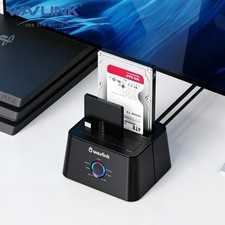
Broad Compatibility: Dual bay hard drive reader compatible with Windows 2000/XP/Vista/ Win 7/Win 8/Win 8.1/ Win 10, Mac OS 9.1 and above, Linux 2.4 or above, PS4 , PS4 Pro, Xbox 360, Xbox one, etc