Inkjetcorner Compatible Ink Cartridges Replacement for CLI-8 use Letter For Sale
When you click on links to various merchants on this site and make a purchase, this can result in this site earning a commission. Affiliate programs and affiliations include, but are not limited to, the eBay Partner Network.
Inkjetcorner Compatible Ink Cartridges Replacement for CLI-8 use Letter
Price: US $40.63
Inkjetcorner Compatible Ink Cartridges Replacement for CLI-8 use Letter Product Details
Publisher: Inkjetcorner
Publication date: 0
Dimensions: 10.2 x 10.2 x 10.2 cm
Printer Compatibility: Compatible with Pro9000, Pro9000 Mark II
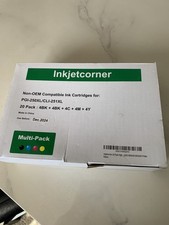
Premium Quality Replacement: Premium Compatible Ink Cartridges for CLI-8
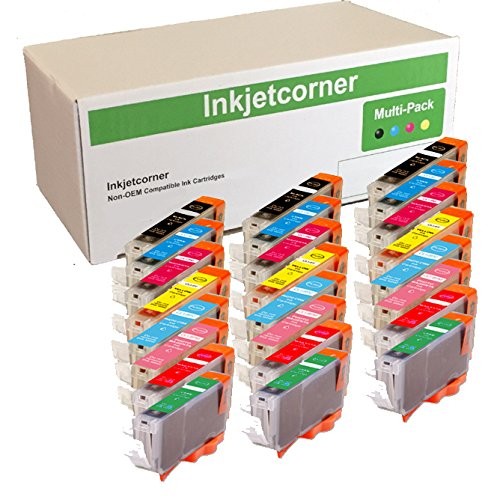
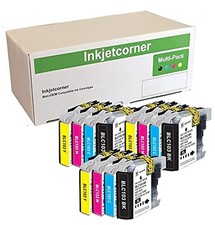
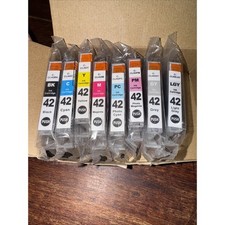
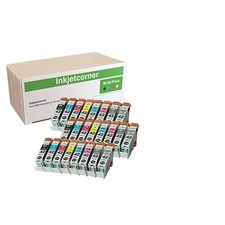
Complete Color Package: Includes 3 of each color - Black, Cyan, Magenta, Yellow, Photo Cyan, Photo Magenta, Red, Green
High Capacity Set: 24-pack cartridge set provides extended printing capability for professional photo printing needs
Easy Installation Process: Simple cartridge replacement with clear installation steps - remove sealing tape, remove orange cap, insert into slot until click sound is heard
Inkjetcorner inkjet cartridges for your printers are built to meet the same original specifications and performance standards as the OEM cartridges.Compatible with the following printers: Pro9000, Pro9000 Mark IIHow to install / Replace new ink cartridge:Step 1: Pull off tape (if any) the yellow/clear sealing tape on top of the cartridge. If there are no tape on the top, proceed to Step 2Step 2: Turn cartridge upside down and remove the orange cap/bracket off the cartridgeStep 3: Insert the cartridge into the corresponding slot and push down on the cartridge until you hear a click soundStep 4: This Step is optional. Run a Printhead clean on the cartridge. this will flush out residue leftover from previous useNOTE: The cartridges may not light up due to latest driver update. However, you will be able to continue to print and the ink levels will display