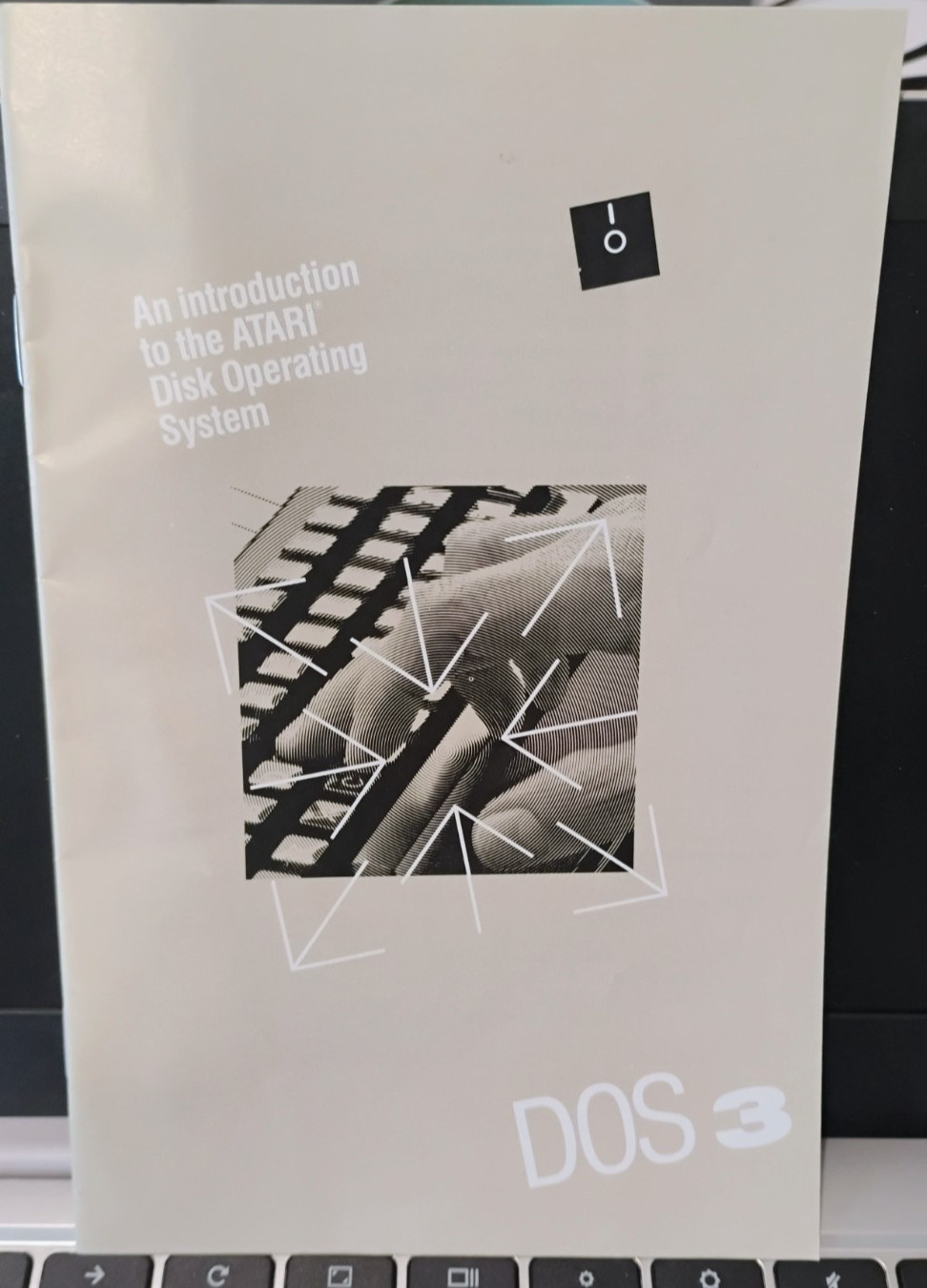
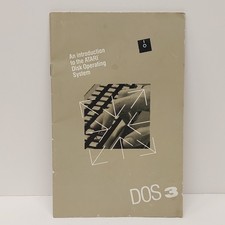
Introduction to Atari Disk Operating System III (DOS 3) Manual
(Spiral Notebook Style)Atari 400/800/XL/XE
New Old Stock - Manual ONLY
NO DISKETTE INCLUDED(see images above)Your ATARI Home Computer's memory retains the information and instructions you enter through its keyboard. But the computer's memory is limited in size, and its contents are erased each time you turn the computer off. For more permanent storage of the information, in the form of files, on data diskettes.
That is where the Disk Operating SYstem (DOS for short) fits into the picture. DOS is a program that enables your computer and disk drive to work together in storing, retrieving, and otherwise managing your diskette files. DOS itself is organized in several files, all contained on a Master Diskette (NOT included).
You MUST load DOS into your computer before it can work with your disk drive. Many ready-made computer programs, especially those that come on diskette, already contain a version of DOS, so you don't have to load it separately. But with other programs, especially those that come in cartridge form, you have to load DOS along with the program if you plan to use your disk drive to store, retrieve, or manage information. In any case, you need DOS for many essential tasks: for example, to prepare blank diskettes to store your files, to make backup copies of your important files and diskettes, and to save and retrieve the computer programs you write using ATARI BASIC and other programming languages.
You can use DOS 3 with the built-in disk drive on the ATARI 1450XLD Home Computer, with an ATARI 1050 Disk Drive, or with an ATARI 810 Disk Drive. But the type of 5 1/4-inch data diskettes you should use depends on what kind of system you have. Using DOS 3 and double-density diskettes, you can record about 50 percent more data on each diskette than you can with the earlier ATARI DOS 2 and single-density diskettes (except with the ATARI 810 Disk DRive)
With ATARI 1450XLD Home Computer with built-in disk drive, use double-sided, double-density diskettes for maximum data storage. Your dis drive can store and retrieve information on both sides of a double sided diskette
With and ATARI 1050 Disk Drive, use single-sided, double density diskettes for maximum data storage.
With an ATARI 810 Disk Drive, use either single or double density, single sided diskettes.. Capable of recording information only in single density, this disk drive can't take advantage of the increased storage potential of DOS 3. But using double-density diskettes assures you of more reliable data storage- much like using high-quality tapes in sound recordings
CAUTION: NEVER INSERT A DISKETTE UPSIDE DOWN IN YOUR DISK DRIVE
- Doing so can cause damage to the diskette or disk drive."If you do not understand something about an sale then PLEASEcontact us and get an answer you understand before purchasing. NOW CHARGES FEES ON SHIPPING AND HANDLING.WHEN YOU BUY MULTIPLE ITEMS AND PAY BEFORE WE SEND A COMBINED INVOICE YOU MAY PAY A LOT OF EXTRA SHIPPING."