 When you click on links to various merchants on this site and make a purchase, this can result in this site earning a commission. Affiliate programs and affiliations include, but are not limited to, the eBay Partner Network. When you click on links to various merchants on this site and make a purchase, this can result in this site earning a commission. Affiliate programs and affiliations include, but are not limited to, the eBay Partner Network.
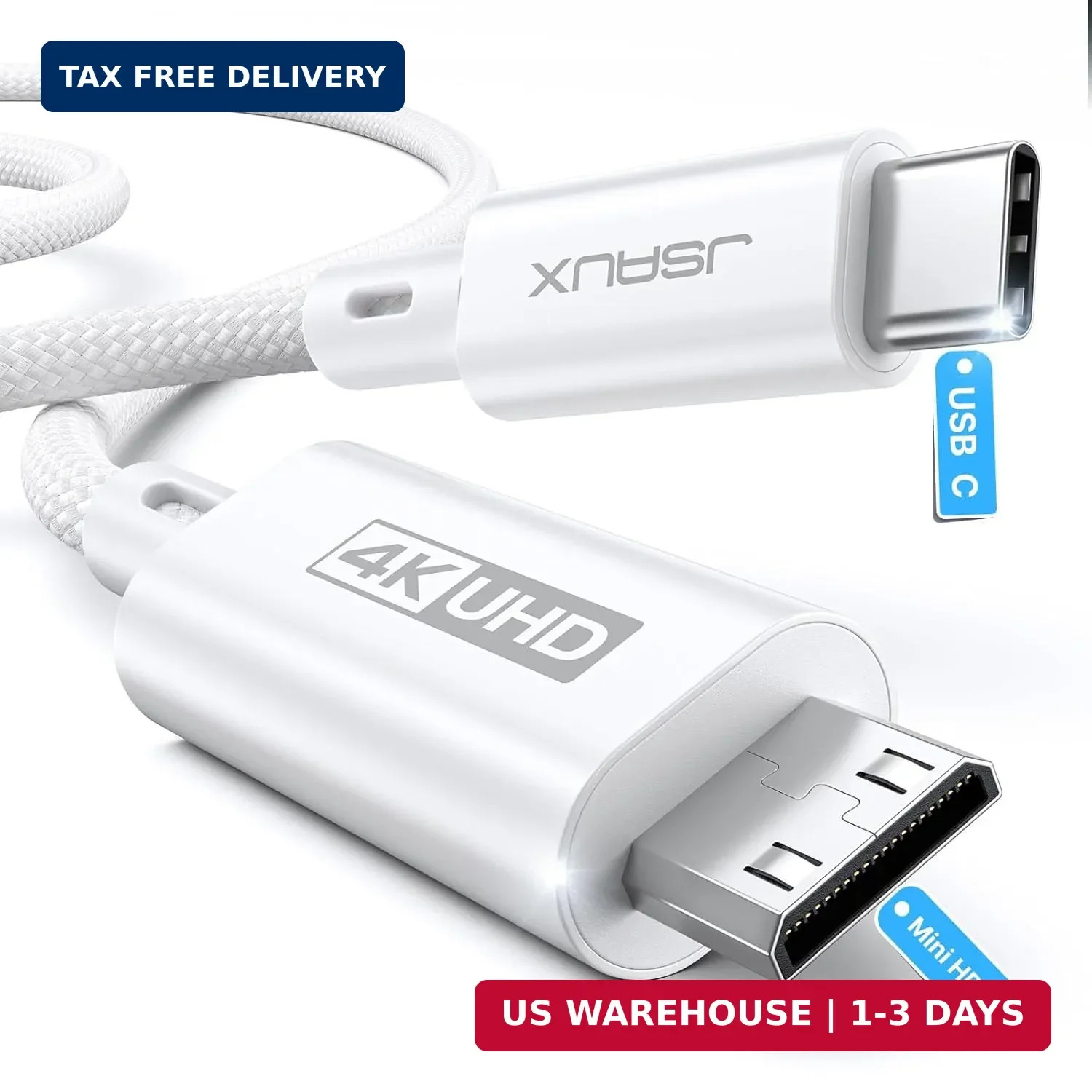
JSAUX USB C to Mini HDMI Cable 3.3FT(NOT HDMI), 4K Type C to Mini HDMI Cord | (4K@30Hz/2K@60Hz/1080P) uni-directional cord compatible with portable monitor, Steam Deck, laptop, phone, MacBook, iPadFREE AND FAST SHIPPING! About this item - Note : This is a unidirectional USB C to Mini HDMI cable - it does not support Mini HDMI to USB C (NOT Bi-Directional). Compatible only with devices that have a Mini HDMI port (NOT Standard HDMI)
- USB C to Mini HDMI : JSAUX innovative USB C to Mini HDMI design allows you to connect your USB C devices to Mini HDMI devices, making it the ultimate choice for expanding your screen during work or gaming
- 4K@30Hz Mini HDMI 2.0 Cable : The JSAUX Type C to Mini HDMI Cable supports 4K/30Hz, 2K/60Hz, and 1080p/60Hz for stunning visuals. Mirror mode & Extend mode compatibility adds versatility. Enjoy enhanced immersion with support for 3D, Dynamic HDR, 10Gbps bandwidth, Mini HDMI 2.0, and 192kHz/24bit audio
- Fit for Mini HDMI Devices : This Mini HDMI cable helps you connect USB C devices to Mini HDMI enabled devices, compatible with portable monitors, graphics cards, pico projectors, and more
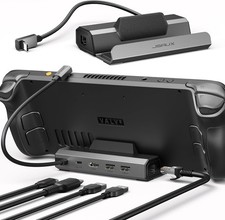
- Wide Compatibility : Our Type C to Mini HDMI Works with USB C devices that support video output, compatible with laptops, tablet, phone, Steam Deck, ROG Ally, PS5, Xbox, Lenovo Yoga series, ASUS ZenBook series
- Stable Transmission & Ultra Resistant : Featuring a premium alloy housing, nickel-plated interface, and nylon braided wire, it ensures stable signal transmission and an extended lifespan
- Note : Please ensure your USB C device (For Steam Deck/Rog Ally/Laptop) has more than 70% battery power and remains charged throughout use. ( When the game is output to an external monitor, the device will consume power during gameplay and will not project the screen in a low battery state. )
- DEX Mode Instructions : 1. Please ensure that your phone power 70% or more 2. Please make sure the external display is charging 3. Tap the DEX mode click to activate ( PS: Older models of monitors need to restore the default settings)
Product We offer a 30-Day Return Policy on items which you are not completely satisfied with. You have the option for a full-refund or an exchange of the item. No returns are available on items shipped outside of the US. Shipping We offer Free Shipping to the US and ship within 2business days of payment, usually sooner. We use UPS express shipping. That's why your products are usually delivered within 3 days. Contact We try our very best to make sure every customer is completely satisfied. If there's a problem, message us! We're happy to help you. 24/7 live chat available.  |
|