View more great items
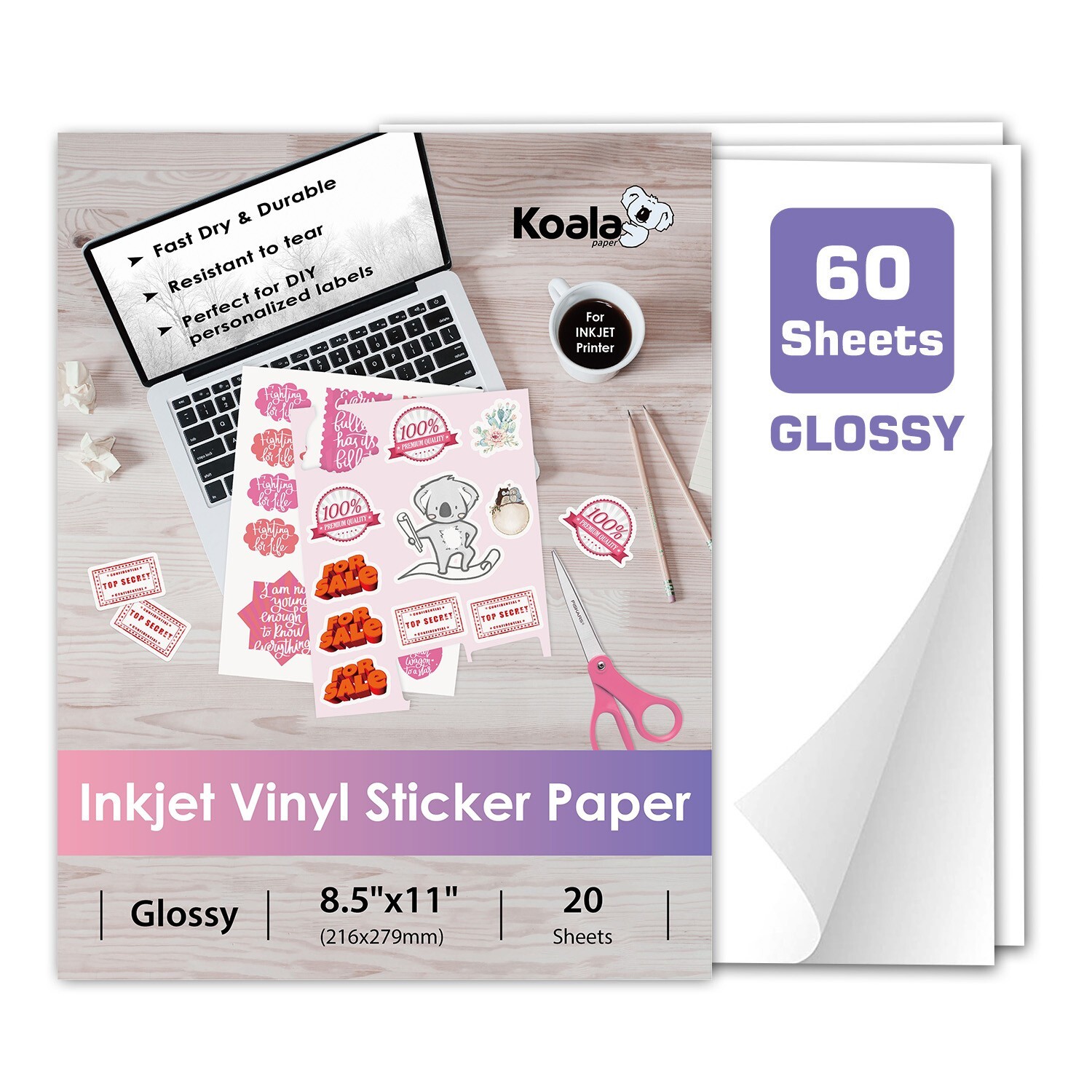
Koala Paper Vinyl Sticker Paper is the ultimate choice for crafting professional, vibrant, and durable stickers at home. Compatible with inkjet and laser printers, this self-adhesive vinyl works seamlessly with Cricut, Silhouette, and other craft cutting machines—or simply cut by hand with scissors!
Koala Paper Premium Vinyl Sticker Paper – Printable, Durable & Waterproof for Inkjet & Laser Printers
Create High-Quality, Long-Lasting Stickers with Ease!
Key Features & Benefits:
🖨️ Universal Printer Compatibility
✔ Works with inkjet (dye-based ink) & laser printers
✔ Standard 8.5" x 11" (Letter Size) – Fits most cutting machines & printers
🌧️ Water-Resistant & Weatherproof
✔ Smudge-proof & waterproof prints – ideal for indoor & outdoor use
✔ Add a UV-resistant sealer for extra durability in harsh or outdoor conditions
💪 Super Strong & Long-Lasting
✔ Tear-resistant & scratch-proof – no peeling, cracking, or fading
✔ Permanent adhesive – sticks firmly to glass, plastic, metal & more
🎨 Fully Customizable Stickers & Decals
✔ Glossy white surface for vibrant, high-resolution prints
✔ Cut into any shape & size – perfect for Cricut, Silhouette, or hand-cutting
🏡 Endless Uses for Home, Office & Crafts
✔ Labels, decals, packaging, signs, scrapbooking & more
✔ Great for cars, laptops, water bottles, windows, & DIY gifts
🛒 Risk-Free Purchase
✔ 30-day money-back guarantee + easy returns
✔ Premium quality at an unbeatable value – order today!
Perfect For:
✓ Crafters & DIY enthusiasts
✓ Small businesses & branding
✓ Teachers & students
✓ Holiday decorations & personalized gifts
Tips:
1. Print a test copy and adjust it until you get the most satisfying final print results using the recommended printer setting;2. Let it dry completely before you use this vinyl stickers;3. Cut your designs and trim the corners for faster and easier peeling;4. Please crinkle one corner to separate the paper easily;5. It will show different effects when using different quality of inks; And if you want to use the sticker outdoors, please use UV ink to print;6. If you don't use this item, please put it into the original packaging.7.The paper may jammed your printer if you were using the continuous feed in low-end printers, we suggest you to print sheet by sheet.8. Please use "photo paper" Paper Type in your HP/Canon printers if you are using genuine ink from these brands to print this sheet. And for Epson printers, we recommended you to use "premium glossy" paper type to get best results.9. Please choose Media Weight set to Label when you print with laser printers.