View more great items
Koala Paper Vinyl Sticker Paper – Waterproof, Durable & Residue-Free
Create vibrant, long-lasting stickers with Koala Paper Vinyl Sticker Paper—perfect for inkjet and laser jet printers! Whether you prefer a smooth glossy or matte finish, our premium self-adhesive vinyl ensures clean removal with no sticky residue, making it ideal for temporary or permanent applications.
Why Choose Koala Sticker Paper?
✔ Waterproof & Smear-Proof – Stays legible even in rain or when submerged. Add a UV-resistant sealer for extra outdoor durability.
✔ Fade, Peel & Crack-Resistant – Superior ink retention and scratch resistance for long-lasting designs.
✔ Tear-Resistant Material – Tough yet flexible, perfect for indoor and outdoor use.(Need extra protection for stickers when using outdoors)
✔ Easy to Print & Cut – Works with most printers (just like regular paper!) and cuts smoothly with Cricut, Silhouette, or scissors.
✔ Versatile Applications – Great for car decals, window stickers, scrapbooking, signs, gifts, and kids’ crafts.
Perfect for Creative Projects!
Make personalized stickers for birthdays, Christmas, parties, or everyday fun. Safe for kids and a fantastic DIY gift idea.
Print ➝ Cut ➝ Peel ➝ Stick!
Unleash your creativity with Koala Vinyl Sticker Paper—where durability meets vibrant, hassle-free designs.
✅ Waterproof & Scratch-Resistant – Ideal for labels, car decals, and outdoor signage (extra sealing recommended for prolonged outdoor exposure).
✅ Extremely Durable – High-quality vinyl ensures your stickers stay vibrant and intact for years.
✅ Easy Removal, No Residue – Peel off cleanly without leaving sticky marks. Repositionable for perfect placement!
✅ Universal Printer Compatibility – Works flawlessly with 99% of inkjet (dye ink) and laserjet printers.
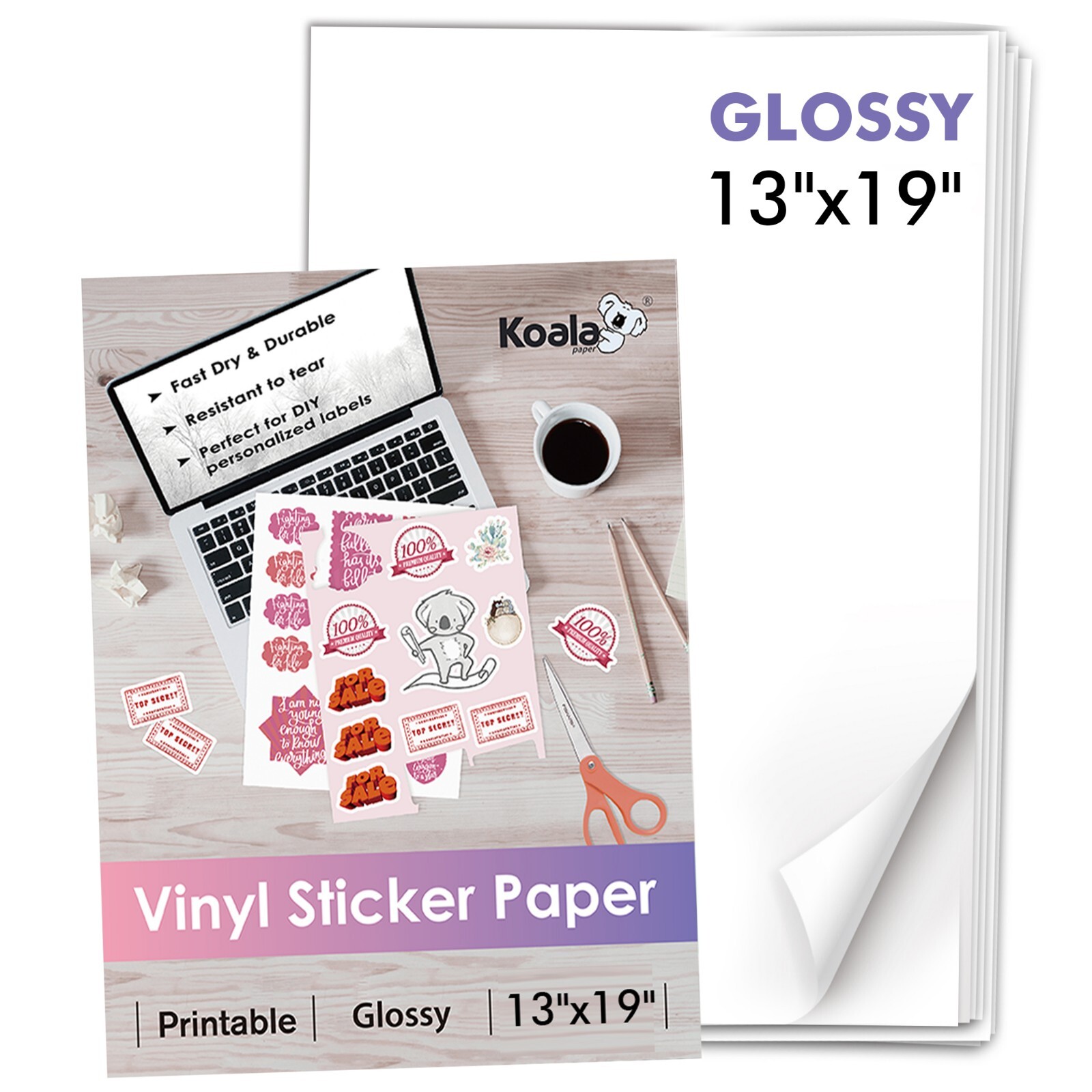
✅ Glossy Finish, Bulk Pack – Each sheet measures 13x19 inches (30 sheets included). For bulk orders, contact the seller.
✅ Quick-Drying & Easy to Apply – Perfect for DIY projects, gifts, party décor, and more.
Endless Creative Uses:✔ Car decals & bumper stickers ✔ Laptop & phone skins ✔ Wall murals & window décor
✔ Product labels ✔ Scrapbooking ✔ Mugs & bottles (not for clothing)
Pro Tip: For best results, select "Photo Paper" mode when printing.
USEFUL TIPS:
1️⃣ Test Print First – Print a test copy using "Photo Paper" mode (for inkjet) or "Label/Ultra Heavy" media weight (for laserjet). Adjust settings as needed before final printing.
2️⃣ Use High-Quality Ink – For best results, dye-based ink is recommended (pigment ink may affect vibrancy).
3️⃣ Prevent Paper Jams – Print sheet by sheet (avoid continuous feed on low-end printers).
4️⃣ Let It Dry – Allow ink to dry completely (10-15 minutes) before cutting or applying.
Cutting & Application:
✂️ Trim Corners & Cut Designs – Round sharp edges for easier peeling.
🧼 Clean the Surface – Ensure the application area is dust-free and dry for maximum adhesion.
🔄 Easy Peeling & Repositioning – Lift from one corner and slowly peel the backing. Reposition if needed—no residue left behind!
Storage & Longevity:
📦 Store Properly – Keep unused sheets in the original packaging to prevent moisture damage.
Follow these steps for professional-quality, long-lasting stickers every time! �🖨️✨