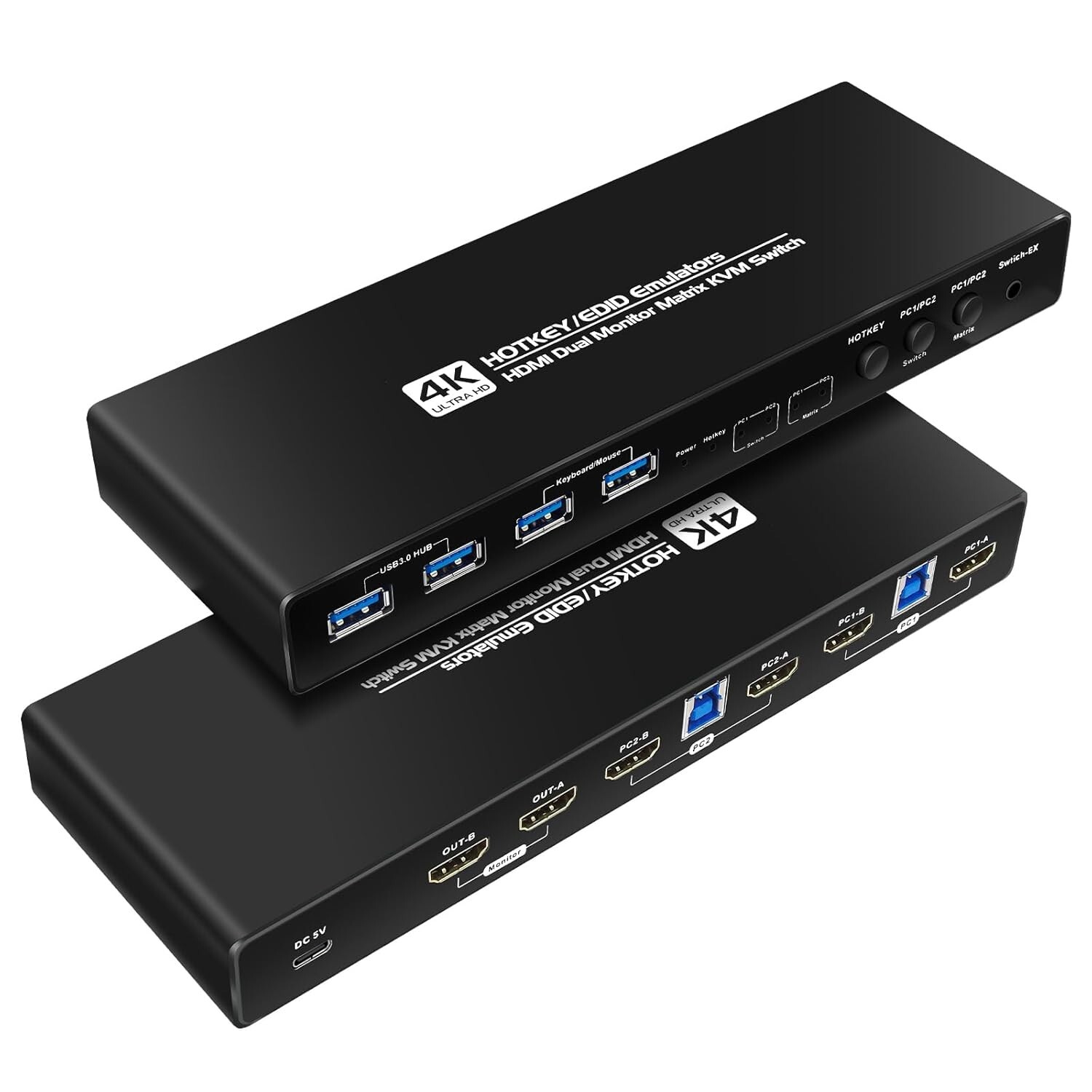
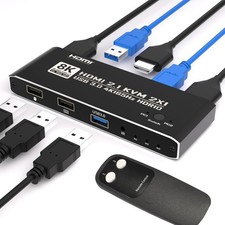
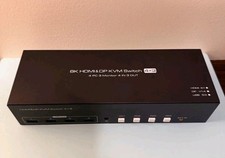
Kvm Switches HDMI Matrix 2 Monitors 2 Computers edid Emulator 2k 144hz Extended
hdmi kvm Switch 2 Monitors 2 Computers 4k 60hz COMPATABILITY: the Kvm switch 2 monitors 2 computers hdmi 2k 144hz supports most major operation systems like Windows, Linux, Mac and more; also support switch between devices without keyboard and mouse like DVR and NVR; Support webcam, speaker / headphone and microphonekvm Switch hdmi 2 Monitors 2 Computers edid 2k 144hz Detailed Resolusion: The hdmi2.0 KVM switch 2 computers 2 monitors edid emulator 144hz supports max. of 2 computer 2 monitor, 4K@60Hz, 2k 120hz,2K 144Hz, Final resolution is also subject to graphic cards, monitors, cables and adapters and there work together;kvm Switch 2 Monitors 2 Computers hdmi edid 4k 60hz compatable: This HDMI kvm switch dual monitor 2 computer edid clone 144hz helps you to Hook up 2 computers to share one set of keyboard, mouse with hotkey,and there are three modes ,videowall,dual extended or mirrored monitors, with 1 extra high speed USB 3.0 hub port for sharing USB peripheral; Perfect for IT specialist, gaming(with high Frame), and other multi taskkvm switch hdmi dual monitor 2 computer edid The kvm switch hdmi edid can support type C TO hdmi .You can use type C TO hdmi and the HDMI kvm edid to became usb c , Thunderbolt, Type c ,Mac kvm Switch 2 Monitors 2 Computers Type c 1440P 2k 120Hz, 2k144Hz mac kvm Switchdual monitor kvm switch hdmi edid Switching Mode: the Dual Monitor kvm Switch hdmi edid 2k 144hz Supports Four switching methods to meet with different needs, including keyboard hotkeys, mouse hotkeys, push button, wired remote ; switching only takes several seconds after first set-up;Attention : the powered HDMI to DP adapters are support; This hdmi KVM switch Dual monitor 2 computer 4k 60hz support EDID emulation ,the hdmi 2.0 kvm switch 2 pc two monitors can support adapters, adapters cables and docking station,you should use hdmi2.0 cables if you want more good quality.kvm switches 2 computers 2 monitors hdmi edid 4k 60hz :the hdmi kvm switch edid support hotkey switching , you can use hotkey to switch between 2 computers,Right Control two times and number 1 and Enter(Right Ctrl+Right ctrl+1+Enter),you will switch to PC-A, and (Right Ctrl+Right ctrl+2+Enter) you will switch to PC-B. and Right Ctrl+Right Ctrl+[3]+Enter Switch to PC1A+PC2A Matrix mode ,hdmi Cross output and USB follows PC1; Right Ctrl+Right Ctrl+[4]+Enter Switch to PC2A+PC1A Matrix mode ,hdmi Cross output and USB follows PC2 ;You can use Keyboard Hotkey
Free Shipping
100% Satisfaction Customer Service, and provide return policy within 30days.We always keep product quality and customer service in our mind. Please let us know if you have any question
Thank you