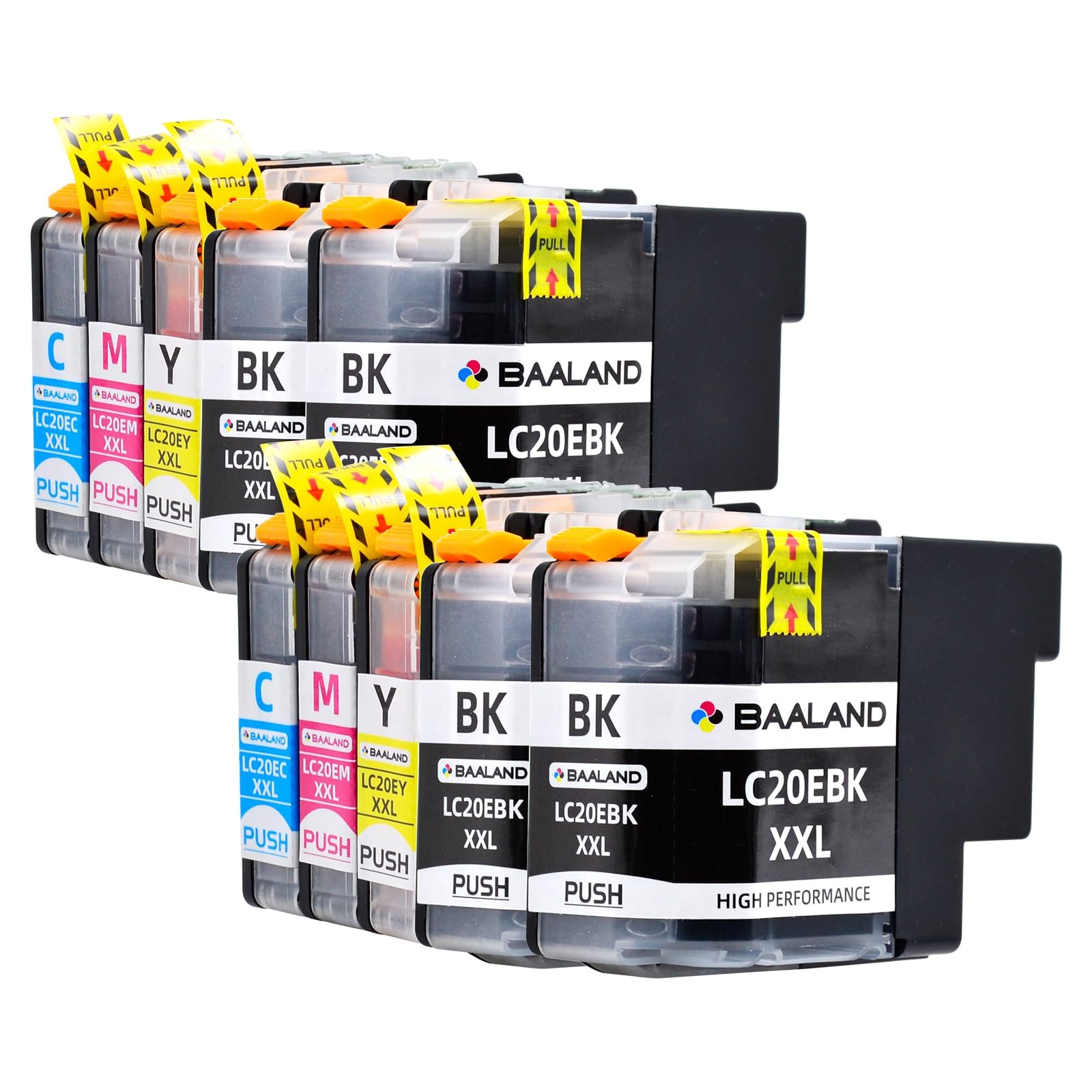
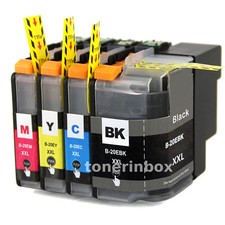
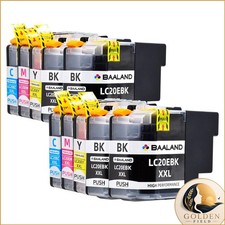
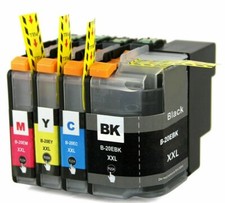
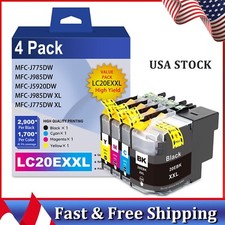
Packing Listing: 2 x LC20E XXL Black Ink Cartridges
2x LC20E XXL Cyan Ink Cartridges
2 x LC20E XXL Magenta Ink Cartridges
2 x LC20E XXL Yellow Ink Cartridges
100% Brother printers: MFC-J985DW
MFC-J5920DW
MFC-J985DW XL
MFC-J775DW
NOTICE : LC20E ink cartridges ink cartridges are designed in different structure with originals, but do not affect compatibility。
LC20E ink cartridges have been tested that they can completely with Brother MFC-985DW printer, most incompatibility may be caused by Inappropriate installation。Please pay attention to the Installation instructions Easy to Install and Use: 1. Tear off the yellow tape marked "pull"(If not, the printing effect is blank).
2. please give a firmer push to seat the cartridges right into the slot.
3. If the computer prompt error such as "NO INK" or "Non-Original", this is normal for cartridges, please click "OK" continuously, then the printer will go on to print.
4.If the cartridge does not show ink level or can not be recognized, please clean the printer nozzles via the lCD interface on the printer and re-insert the cartridges.【100% 】Our lc20e ink cartridges are designed to seamlessly fit with brother printer mfc-j985dw, mfc-j775dw, mfc-j5920dw, mfc-j985dwxl
【Package Contents】LC20E Black*4, LC20E Cyan*2,LC20E Magenta*2, LC20E Yellow*2, total 10 pack supper high yield lc20e brother printer ink
【Super High Yield Ink】58ml for black ink (LC20EBK), yielding up to 2,400 pages, and 15ml for each color ink (LC20EC/M/Y), yielding up to 1,200 pages per cartridge (A4 @ 5% coverage).
【Reliable Quality】Our lc20e brother printer ink is meticulously manufactured in an ISO9001, ISO14001, SGS, and CE-certified facility. Equipped with high-quality upgrade chips with strong compatibility and can be quickly recognized by your printer. The result is a fluent, stable, and superb printing performance, ensuring that your printer operates at its best consistently, providing vibrant color prints as the same quality as the originals.
【Easy to Use】1. Carefully remove the Yellow Seal Tape and firmly push the cartridge into the slot. 2. If the printer displays "NO INK" or "Non-Original," click OK or Start—this is normal for cartridges. 3. If the cartridge does not show the ink level or is not recognized, clean the nozzles using the printer's LCD interface and reinsert the cartridge.
【Good Service】If you encounter any issues with our LC20E brother mfc-j985dw ink cartridges, please get in touch with us by logging into your account, selecting "Your Orders," finding your order, and clicking "Seller." Our customer support team will respond to all emails within 12 hours.