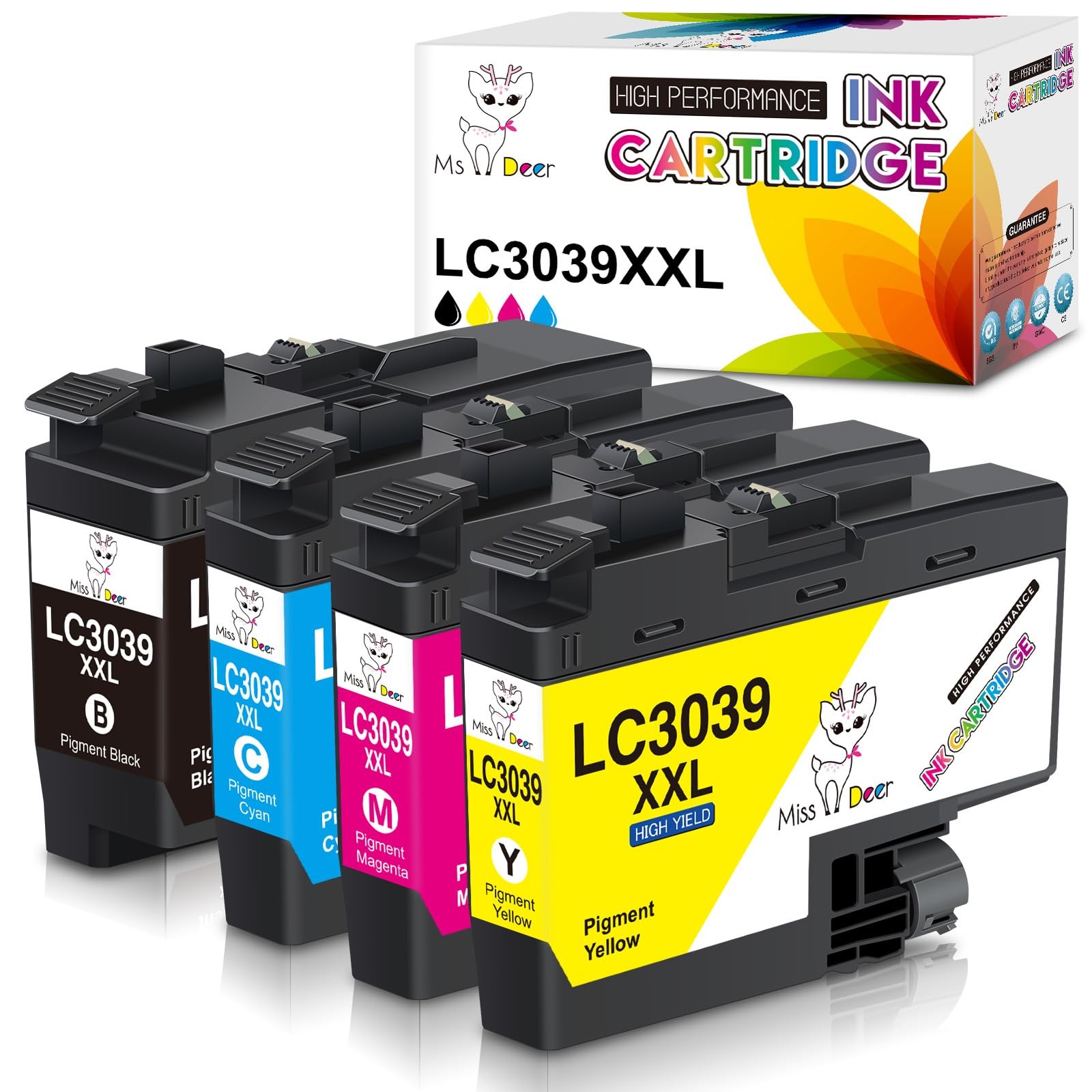
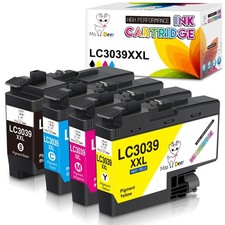
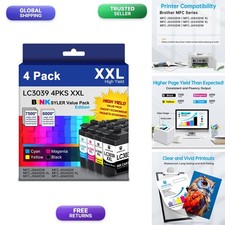
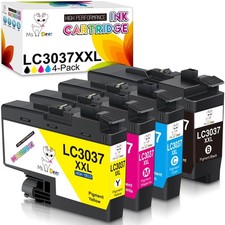
LC3039XXL Ink Cartridges for Brother LC3039XXL LC3039 XXL LC3037 LC3037XXL with Latest Chips Quality Control
②Brilliant Printing
③First-class Chips
★Package Included:
1 x LC3039BK XXL Black Pigment Ink Cartridge
1 x LC3039C XXL Cyan Ink Cartridge
1 x LC3039M XXL Magenta Ink Cartridge
1 x LC3039Y XXL Yellow Ink Cartridge
★High Page Yield:
Up to 6,000 pages for black cartridge, 5,000 pages for each color cartridge. (5% coverage of A4/Letter MFC-J5845DW XL
Brother MFC-J5945DW
Brother MFC-J6545DW
Brother MFC-J6545DW XL
Brother & Tips:
1. Tear off the yellow sealing tape marked "PULL", and then insert it into corresponding slot until it clicks into place.
2. Please do NOT touch the ink chip to avoid the unrecognized issue during installation.
3. If the printer shows "?" after installed the new catridge, please ignore it and go on printing. It means that the printer has recognized the ink tank.
4. For the best printout color, it is better to clean the printhead and nozzle check 1-2 times at the first time.
★Package Contents:4 pack ink for Brother LC3039 LC3039XXL LC3037 LC3037XXL ink cartridges (1 Black, 1 Cyan, 1 Magenta, 1 Yellow)
★100% With: Brother MFC-J5945DW,MFC-J5845DW,MFC-J5845DW XL,MFC-J6545DW,MFC-J6545DW XL,MFC-J6945DW inkjet all-in-printers
★High Page Yield:Approx. 6,000 Pages per LC3039bk black cartridge and 5,000 Pages per LC3039 Tri-color ink cartridge (at 5% coverage of A4/Letter Paper)
★Advantages: ① Latest Chip Version ②Quickly Identified ③Brilliant Printing ④Environment Friendly Material ⑤Attentive service
★'s lc3039xxl ink have passed strict control before leaving the factory and obtained ISO9001 and MSDS Certificate Approved
★Warm Tips: 1. Remove the yellow "PULL" label before installing the cartridge. 2. Ignore the printer ink level "?" reminder, it will not affect the use of the cartridge