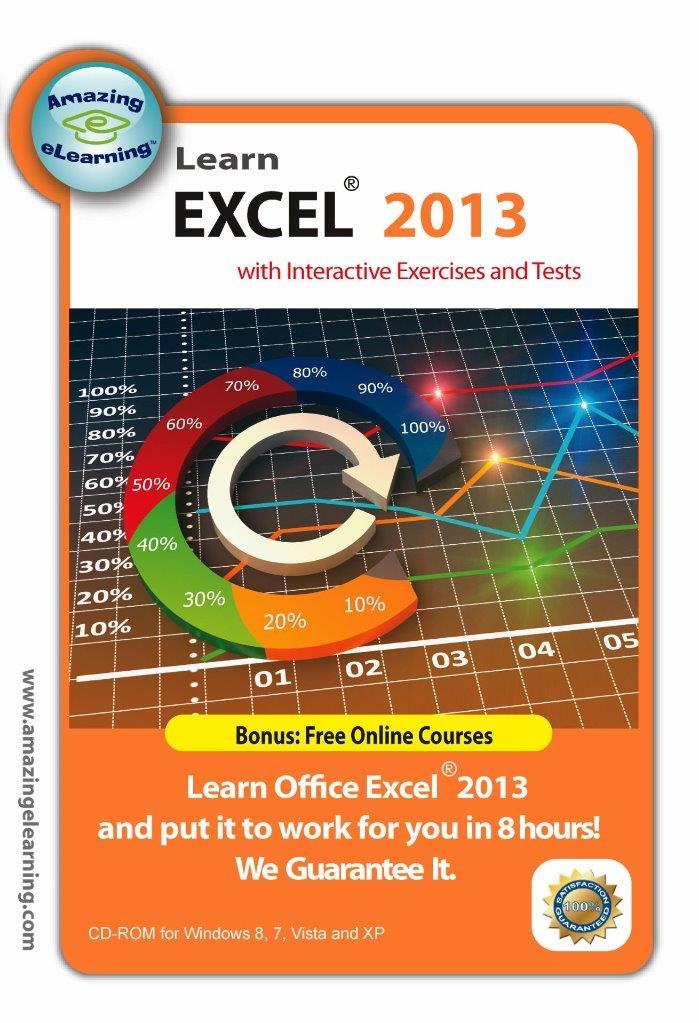
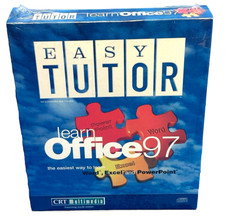
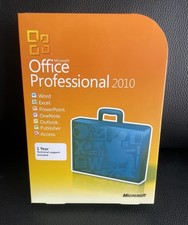
Learn Microsoft Excel 2013 fast with our proven step-by-step interactive training DVD. Bonus: Windows 7 and vista training CD included. Learn Microsoft Office Excel 2013 spreadsheet program in a few hours Learn Microsoft Office Excel 2013 spreadsheet program in a few hours
Click image to enlarge
Description
Interactive Computer-based Self Study DVD Training Course for Microsoft Excel 2013
Note: Excel 2013 is trademark of Microsoft . This is only for training purpose. You need to purchase the Microsoft 365 software separately.Features:
- Get to know the new interface of Excel 2013, Windows 7 and Vista immediately
- Learn how to useExcel 2013so that you can create spreadsheet with formula, graph, chart and much more.
- Lessons include captions, voice and mouse interaction to accommodate the three basic learning styles: Reading, Hearing and Doing.
- The best step-by-step self-paced tutorial using the latest elearning solution.
- No Prior experience of using Excel nor spreadsheet is necessary.
- Absolute great for beginners and reference for advanced users.
Exclusive Training Features:
- Interactive mode to enhance your learning experience
- Practice with Interactive exercise
- Take the assessment test to reassure what you have learned
- Use Keyboard short-cut to save time
Excel 2013 Course Outline:Lesson 1:Getting started with Excel 2013
- Introduction to Excel spreadsheet
- The interface of Excel 2013
- Customizing the Quick Access toolbar
- Understanding the status bar
- Using Zoom-in and Mini Toolbar
- Using simple keyboard keys to move around
Lesson 2:Basic Operation
- Creating and Converting Workbooks
- Understanding Type of Data
- Entering Data using Enter and Tab
- Performing basic operations: edit, move, copy and delete
- Entering Data using AutoFill
- Using Flash Fill and adding comments to the cell
Lesson 3:Formatting Sheets, Cells and Tables
- Changing Font Settings of a Cell
- Applying Number Formats
- Adjusting row height and column width
- Hiding/unhiding rows and columns
- Applying Borders, Shading and Gradient Fill
- Using cell formatting
- Using Table Formatting
Lesson 4:Formulas and Functions
- Using Formulas
- Entering Formulas
- Using Sum Formulas
- Using Sum, Average and SumIF Function
- Using Vlookup Function
Lesson 5:Editing Graphics
- Inserting pictures
- Editing pictures
- Using SmartArt
- Inserting shapes
- Overlapping, grouping,& hiding graphics
- Capturing a Screenshot
Lesson 6:Chart Design
- Inserting Charts
- Adding Chart Elements
- Changing Source Data
- Changing Chart Layout and Format
- Formatting Chart Elements
- Enhancing a chart
- Creating Sparklines
Lesson 7:Managing Data Lists and Pivot Table Report
- Creating and Filtering a Data List
- Using Sort & Filter
- Using Subtotal
- Creating PivotTable Report
Lesson 8:Automating Tasks withMacros
- Installing Developer Tab
- Recording Macro
- Editing Macro
- Macro Security
Lesson 9:Helpful Keyboard shortcuts and hints
- Creating Excel Spreadsheet/chart in Word and PowerPoint
- Using Keyboard Shortcuts
- Helpful Hints
Content:
DVD-ROM disc (sealed in a DVD-case)Course Length:
Over 20hours of comprehensive Training VideosSystem Requirements:
Platform:Windows 10, 8, 7 and Vista
Processor:Pentium 133 Mhz or higher
RAM:32MB
Hard drive space:10MB
CD-ROM Drive speed:24
Get images that
make Supersized seem small.Showcase your items with Auctiva's
Listing Templates!
THE simple solution for sellers.
Track Page Views With
Auctiva's FREE Counter