|
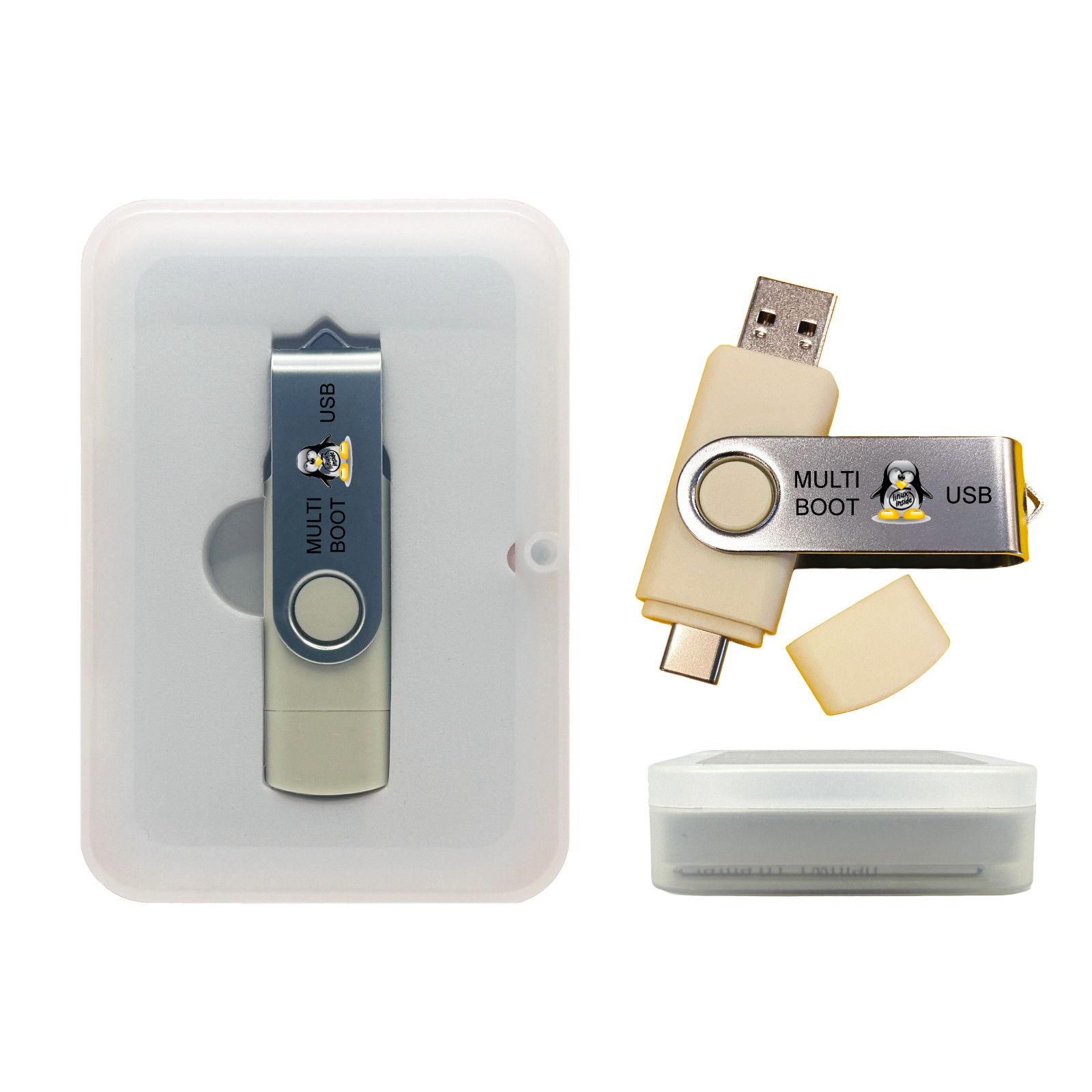
Linux 8-in-1 Multi-Boot USB OS Collection Set with Ubuntu, Fedora, Tails 32GB For Sale
|
 When you click on links to various merchants on this site and make a purchase, this can result in this site earning a commission. Affiliate programs and affiliations include, but are not limited to, the eBay Partner Network. When you click on links to various merchants on this site and make a purchase, this can result in this site earning a commission. Affiliate programs and affiliations include, but are not limited to, the eBay Partner Network.
Carry a full suite of top Linux distributions on a single live-boot USB — perfect for testing, diagnostics, education, and OS installs. This collection includes curated, user-friendly and power-user Linux OSes — all bootable from USB, no installation required unless you choose to install. Multi-Distro USB Live Boot Ready Try-Then-Install Diagnostics & Recovery USB-A & USB-C Ideal for Techs & StudentsWhy This Collection? - Versatility: Multiple Linux OSes included (AV Linux, Elementary OS, Fedora SoaS (Sugar Labs OS), Fedora Workstation, Tails OS, Ubuntu Desktop, Ubuntu MATE, Kubuntu (Ubuntu KDE). ) — each suited to different use-cases (daily computing, recovery, education, lightweight, etc.).
- Live Mode: Boot directly from USB without touching your computer’s internal drive; ideal for testing or rescue.
- Installable: When you're ready, install any included OS to a PC or partition.
- USB Convenience: Dual-connector format (USB-A + USB-C) for broad compatibility.
- Educational & Professional: Great for students, developers, IT technicians, and Linux learners alike.
📦 What’s Inside / Package Included - Pre-loaded Live Boot USB with multiple Linux distributions.
- Dual connector USB-A & USB-C for modern and legacy PCs.
- Quick Start Guide: how to boot, choose OS, optionally install.
- Optional packaging: standard bubble mailer or gift tin (select above).
USB Format: Dual ConnectorContent: Multi-Distro Live USBBoot Options: UEFI & Legacy BIOSUse Cases: Try, Repair, Install, Learn💻 Compatibility & System Requirements - Systems: 64-bit (x86_64) PCs with USB boot capability (UEFI or Legacy BIOS).
- Minimum RAM: 2 GB (4 GB+ recommended for full desktop experience).
- Storage for Install: If installing, allow ~20 GB+ free space.
- Note: Some Secure Boot systems may require disabling Secure Boot. ARM/M1/M2 Macs not supported.
🚀 How to Use the USB - Insert the USB and reboot your PC.
- Press the boot menu key (e.g., F12, Esc, F10, F2) and select the USB device.
- Choose which Linux OS to boot from the menu; either run live or select “Install” to install to disk.
Help & Tutorials — boot menu keys, USB boot help, OS overview. 📚 Use Cases & Audience - Students & Linux Learners: Explore multiple OSes, switch desktops, learn Linux environments.
- IT Technicians & Field Work: Carry one USB to boot into rescue, recovery or install mode.
- Developers & Tinkerers: Quickly test compatibility, run snapshots, dual-boot experiments.
- Everyday Users: Try a friendly OS without touching your main system.
🛠️ Care & Important Notes - Handle USB safely — avoid removing while OS is still running.
- Back up important data; though live mode is safe, installing or experimenting always carries some risk.
- This is a collection of OSes — not a guaranteed all-hardware solution. Some legacy or ultra-new hardware may need drivers or tweaks.
 |
| | | | | |

