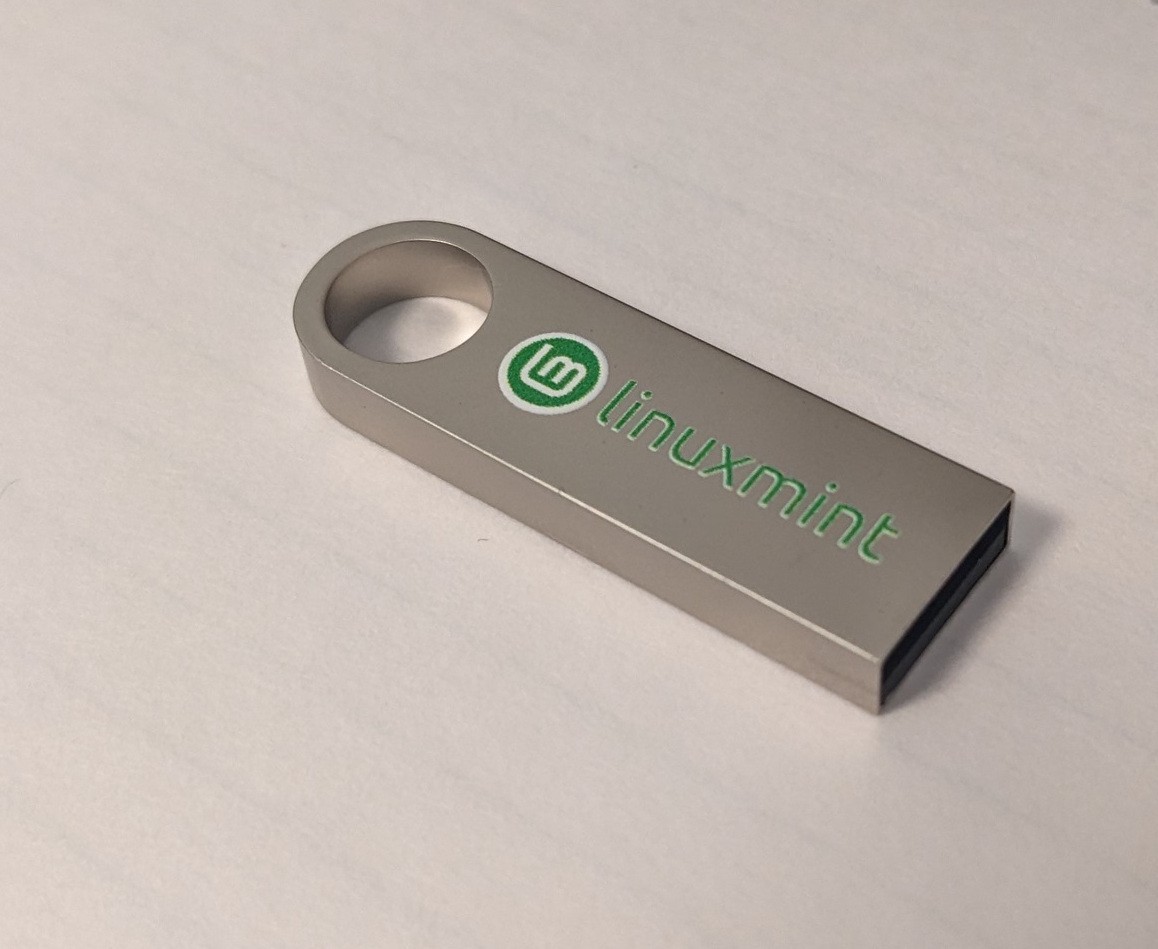
⚡ Linux Mint 22.3 Cinnamon – Bootable USB Installer (64-Bit) on 8GB flashdrive
Hand-Tested • Ready to Boot • Fast U.S. Shipping
Bring your computer back to life in minutes.
This is not a mass-produced USB.
Every drive is personally prepared and tested by me to make sure it boots properly before it ships.
Just plug it in, start your computer, and try Linux Mint right away — install it when you’re ready.
💾 What You’ll Receive
✅ Bootable USB flash drive with Linux Mint 22.3 Cinnamon (64-bit)
✅ Fully tested and verified before shipping
✅ Works with most desktops and laptops
✅ Excellent for older PCs that struggle with Windows 10 or 11
✅ Reusable — you can load other Linux versions later
✅ Ships fast from the United States (usually next business day)
💚 Why Linux Mint?
Familiar and easy if you’ve used Windows
Very fast and lightweight — perfect for older hardware
Includes a web browser, office suite, and media tools out of the box
No subscriptions, no activation keys, and no hidden fees
Built on the stable Ubuntu LTS base
🛠️ Bootable Guarantee
Every drive is tested by me before it ships.
💚 Environmentally Friendly
Linux Mint is a simple way to help people keep perfectly good computers out of the trash — and avoid expensive new systems.
💬 Common Questions
Will this work on my computer?
✔ Yes — it works on nearly all modern and older desktops and laptops.
Do I need a license key or activation?
✔ No. Linux Mint is completely free and open-source.
Will this erase my files?
✔ No. Booting from the USB does not change your hard drive unless you choose to install Linux.
📦 Shipping & Returns
⚠️ Note
Photos are for illustration only.
You will receive a clean, high-quality USB drive pre-loaded with
Linux Mint 22.3 Cinnamon (64-bit) and ready to boot.
💚 Final Thought
You don’t need a new computer.
You just need a better operating system.
Give your PC new life with Linux Mint and enjoy a fast, secure, modern desktop again.
Click Buy It Now while I still have drives ready to ship.
✅ Short & Simple Directions
Plug the USB drive into your computer.
Restart the computer.
Press the boot menu key (usually F12, ESC, or F10).
Select the USB drive from the list.
Choose “Start Linux Mint”.
When ready, click Install Linux Mint on the desktop to install it.
That’s it.
You can try Linux Mint first without changing your existing files.