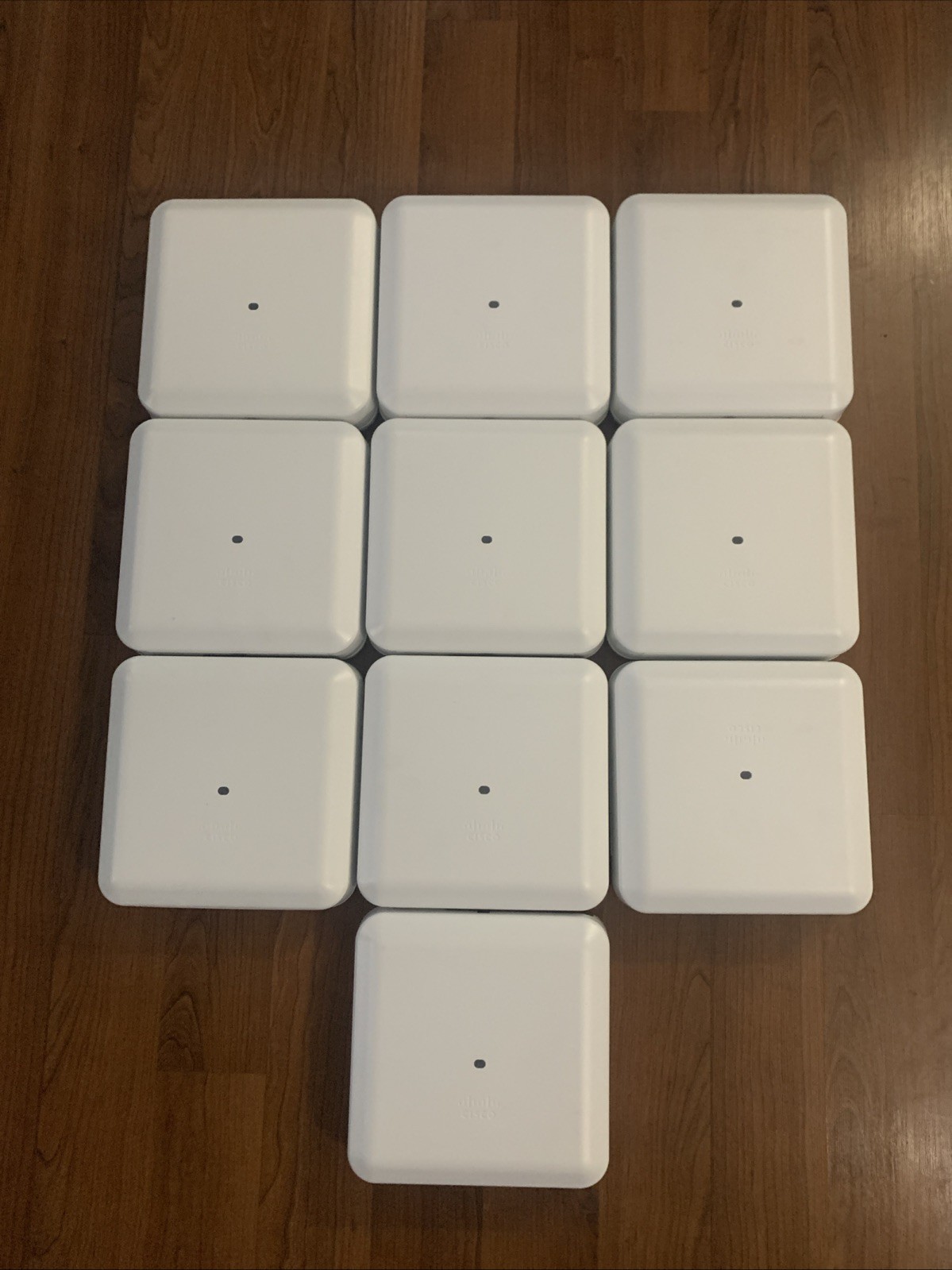
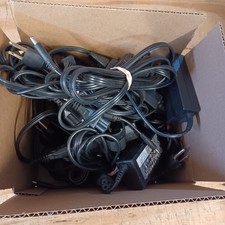
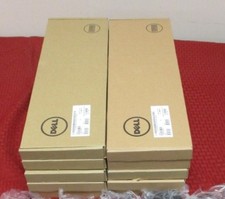
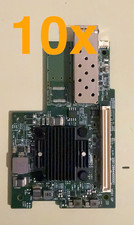
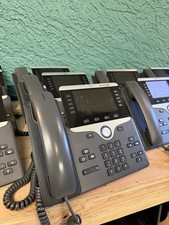
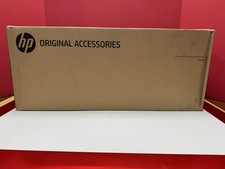
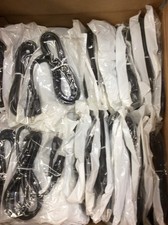
These units were removed from a local college due to an upgrade. They were working fine at the time of removal and they are in excellent condition with little to no visible wear.
Each unit was powered up with POE and the following was done to factory reset the units per Cisco specs:
Factory Reset: Unplug the power/PoE, hold the Mode button on the front/back, re-insert the PoE cable, and hold the button until the LED turns red, then release to clear corrupted configurations.
After reset the power was left on and after a few minutes of flashing blue LED the unit flashed red/green. Per Cisco specs:
A flashing red and green (or cycling green, red, and off) LED on a Cisco Aironet 3800 Series access point means the unit is actively trying to perform its Discovery/Join process to locate a Wireless LAN Controller (WLC)
This was the extent of testing performed.