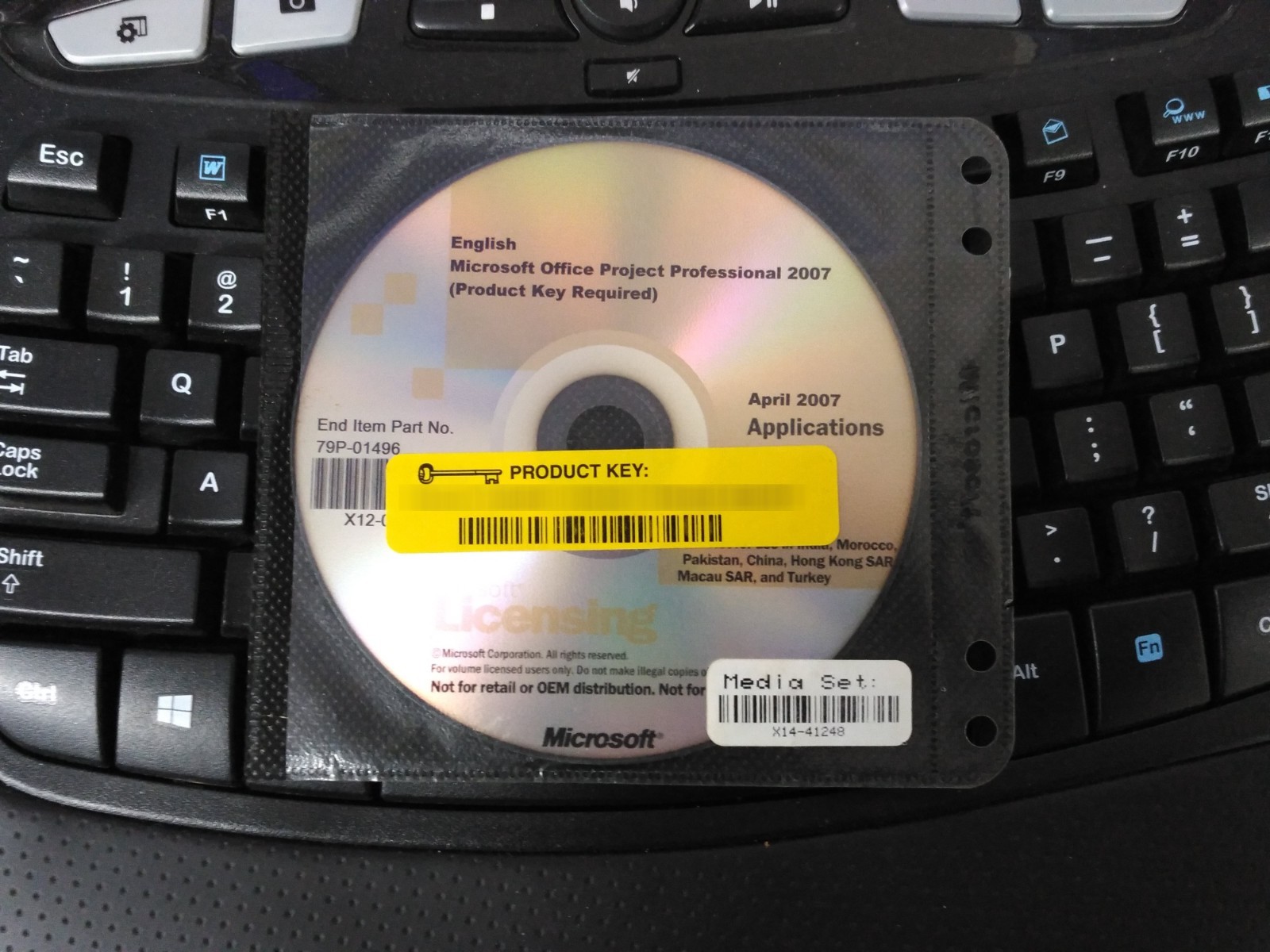
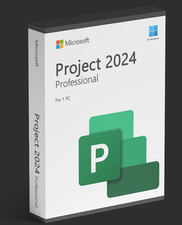
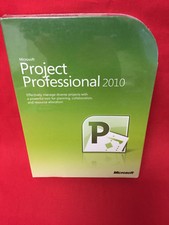
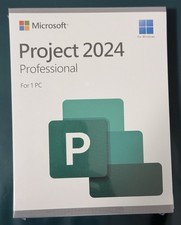
Includes: CD and Serial Number
No Serial numbers or product keys will be sent by email.
Serial number comes inside a New Sealed CD sleeve and will not be opened. The serial number is to be used with the media provided not with your existing versions. Product images are for illustrative purposes only; actual items may vary slightly due to multiple product versions. Please note that the received product may vary from the image shown, as multiple versions of this item exist. Actual product received may vary due to manufacturer updates and version differences.
Product Information Installs on Windows 11 Windows 10Windows 8.1Windows 7I SHIP MON-FRIDAY TO ALL 49 STATES EXCEPT CALFORNIA DUE TO CA FEESBe sure to read handling and shipping time before purchasing to see if the timeline meets your needs.RETUNS ACCEPTED: Must be returned unopened or used for a full refund.
TheOffice Project Professional 2007 Software for WindowsfromMicrosoftis a software application that provides robust project management tools. You'll be able to use it to control project work, schedules, and finances. It can help to keep project teams aligned, as it works with other applications in the Office suite to provide reporting, planning, and other tools. The software is compatible with the Microsoft Office Project Server 2007 software, which provides the tools necessary for enterprise-level project management.Understand and Control Project Schedules and FinancesUse the software to trace the source of issues, quickly determining factors that are affecting task dates and providing accountability for tasks. Task Drivers can determine the factor driving the start date of a task, so that you can follow a chain of factors back to the root cause of a delayYou'll be able to see the potential impacts of a change to your project with ease, as all items that shift as a result of a change are highlighted by the softwareYou can undo and redo changes to views, data, and options thanks to Multiple Level Undo. You'll be able to undo actions or sets of actions from macros, allowing you to test several what-if scenarios in order to fully understand the implications of each choice while making scope changesThe budget field allows you to assign budgets to projects and programs. A "Cost" resource type helps to improve cost estimates and tracking. Additional fields, such as cost code, map to financial fields tracked in popular project accounting systemsYou'll be able to compute and track core metrics that are unique to your project by defining custom fields based on your formulas. Graphical indicators are available to alert you to when specific conditions are metEffectively Communicate and Present Project InformationVisual reports feature uses Microsoft Office Excel and Visio Professional to produce PivotTable views, charts, graphs, and diagrams based on Project data. You can define custom report templates and share them with other Project usersYou'll be able to change the background color of a cell or row via Background Cell Highlighting. You can shade cells, in the same way that you would in Excel, to convey additional meaningAn enhanced Calendar interface with 3D Gannt bars allows you to create visually effective reportsWhen used with Windows Server 2003, you can share and manage documents related to projects thanks to the Windows SharePoint Services workspaces, which are integrated into the Tasks pane of the Project GuideGet Productive QuicklyYou can master the project management process with ease thanks to the Project Guide, a step-by-step, interactive aid that helps you set up projects, manage tasks and resources, track project status, and report project informationAccess the integrated online Help system to view the latest training, articles, templates, and resources. You'll find timely and relevant assistance as you work with the smart tags that alert you to alternatives when you make changes to your planStart projects with a prepopulated template to help save time when getting started. You can create your own custom template, or use one of the out-of-the-box templates provided with the software. More templates are available via the Microsoft Office Online website