Mini Wireless Keyboard with Gyroscope Air Mouse
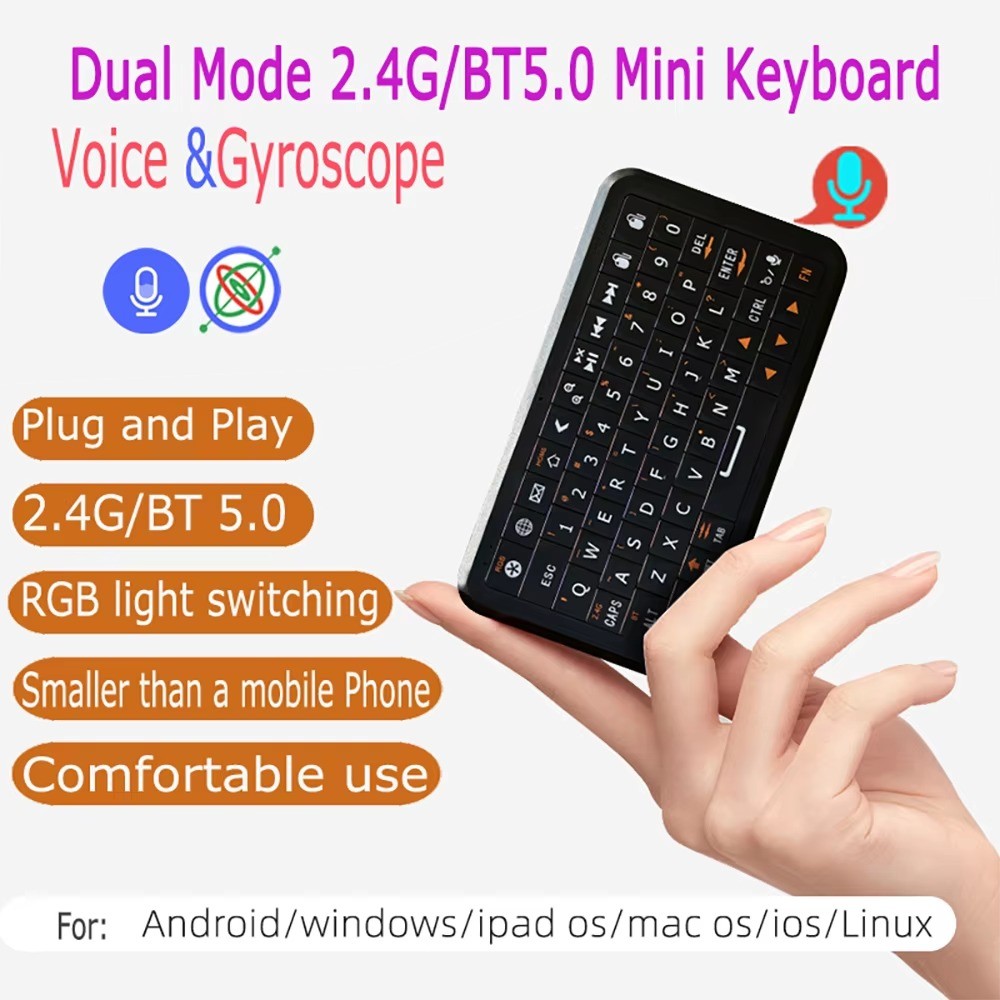
Dual Mode 2.4G + Bluetooth 5.0, Backlit, English Layout ⌨️✨
Overview
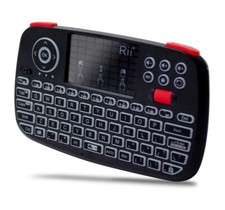
This compact mini keyboard combines a full QWERTY keyboard, touchpad, and gyroscope air mouse in one handheld device. Switch between 2.4G wireless (USB receiver) and Bluetooth 5.0 connection for use with multiple devices. The customizable RGB backlight makes it easy to type in low light, and its slim, pocket-sized design is perfect for controlling your Android TV box, smart TV, mini PC or projector from the couch.
Key Features🔄 Dual Connectivity
Switch between 2.4G wireless (USB dongle) and Bluetooth 5.0 pairing for flexible use across multiple devices.
💡 Backlit Keys
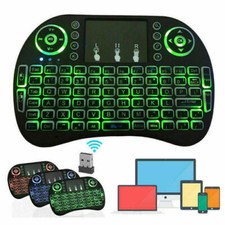
Adjustable RGB backlight for comfortable typing in the dark, with Fn+RGB shortcut to toggle or change color.
🎮 Gyroscope Air Mouse
Built-in motion sensor lets you control the cursor by simply waving the remote, ideal for navigating smart TV menus.
🌍 Broad Compatibility
Works with Windows, Android, Mac OS and Linux systems on TV boxes, mini PCs, laptops and projectors.
SpecificationsTypeMini Wireless Keyboard with Air MouseConnectivity2.4GHz Wireless + Bluetooth 5.0LayoutEnglish (Backlit)BacklightRGB, adjustable via Fn+RGBInterfaceUSB receiverOperating RangeUp to 3m (2.4G mode)Compatible OSWindows, Android, Mac OS, LinuxCompatible DevicesAndroid TV Box, Smart TV, PC, Projector, Mini PCPackage Contents1x Wireless Remote Keyboard, 1x USB Receiver, 1x User ManualProduct ImagesFAQQ: How do I switch to Bluetooth mode?
A: Long press Fn+BT until the LED flashes quickly, then search for and select the device from your Bluetooth settings.
Q: How do I switch to 2.4G mode?
A: Plug the USB receiver into your device and wait a few seconds for the driver to install. If the cursor does not move, press and hold Fn+2.4G until the LED stops flashing.
Q: Will this work with my Android TV box?
A: Yes, it is compatible with standard Android TV boxes, smart TVs, mini PCs and projectors.
Q: Does it support multiple languages?
A: This listing is for the English backlit layout.