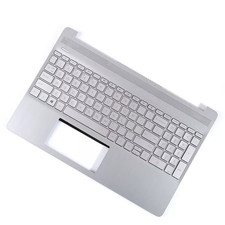
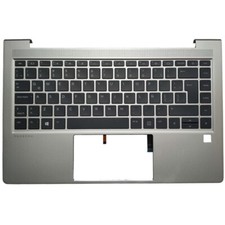
Must-read for buyers:
1.Check the compatiblemodel and color;
2.Understand the steps ofreplacement before buying this product;
3.Replacing Steps(needwelding tool):
①Use the welding tool to remove the bracket and originalkeyboard by heating connection points;
②Weld the new keyboard to the palmrest and weld thebracket back.
Productdescription: New
Color: Black
Black Keyboard without Backlight
New For HP 15-bs1xx 15-bs2xx 15-bs000 15-bs100 Laptop Keyboard Black
response
We willbe grateful if you can leave us your sincere comment. If you are satisfied withour products and service, please leave us a Five-Star rating.
If youhave some suggestion or complaint, please contact us by message, we wouldtry our best way to handle the problem quickly to make you satisfied,We wouldbe genuine to every customer. Thank you!