Product description
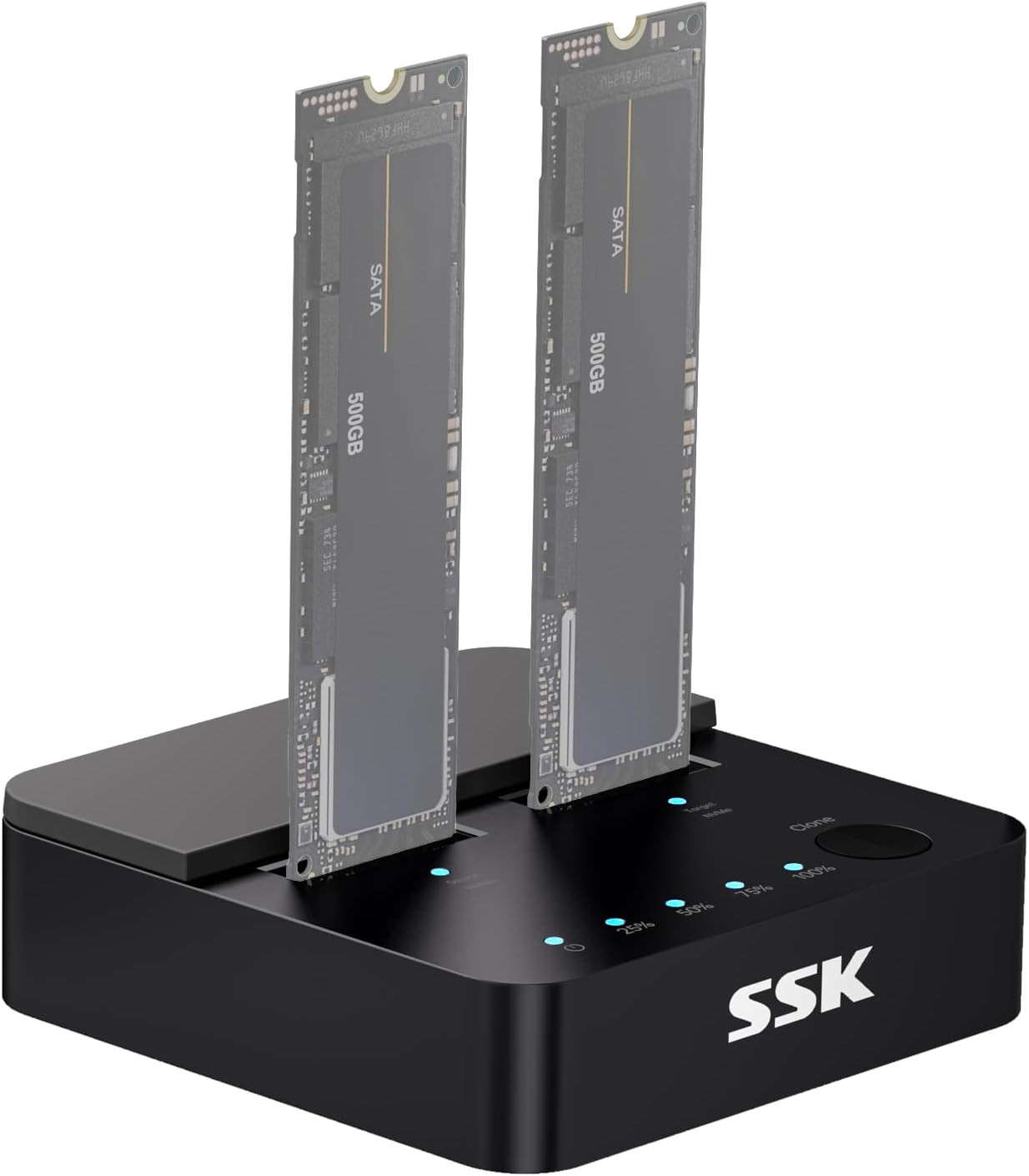
Powered by advanced RTL9210CDP chip, this ssd to usb adapter function as both high-speed ssd docking station and standalone ssd cloner
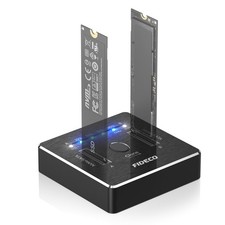
Dual Slot Simultaneously
SSK M.2 dock reads NVME and SATA SSD with M Key/ B+M Key PCIE3.0/4.0/5.0 SSD
M.2 docking station with 10Gbps USB-C to C cable, USB-C to A adapter, and 12V/2A power adapter
Reliable Data Protection
M.2 Docking station integrates S.M.A.R.T. health diagnostics and adaptive TRIM optimizing data block management—it sustains peak write speeds and extends the SSD's longevity
10Gbps NVMe/ 6Gbps SATA
SSD to usb adapter transfers at up to 10Gbps via USB 3.2 Gen 2 port, enhanced by UASP protocol support for efficient operation. Note: SATA SSDs operate at their standard limit of up to 6Gbps
2NVMe or 2SATA
To use both slots of this dock for access or cloning, both M.2 drives must be the same type (both NVMe or both SATA)
Inserting different drive types (e.g., one NVMe and one SATA) will limit functionality to a single drive
1 Offline Cloning 2 Read & Write M.2 SSD generate a lot of heat during use. Do not touch the SSD when using. Data Security Note & Clone Instructions
- Please check SSD type, this M.2 dock reads NVME and SATA SSD with M Key/ B+M Key PCIE3.0/4.0/5.0 SSD . Other SSDs will not work in both PC and Clone mode.
- To use both slots of this dock for access or cloning, both M.2 drives must be the same type (both NVMe or both SATA). Inserting different drive types (e.g., one NVMe and one SATA) will limit functionality to a single drive.
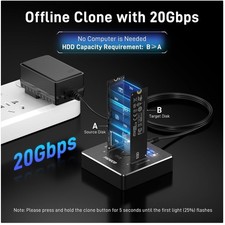
- The target drive has to be at least equal or larger than the source drive in capacity to use offline drive-to-drive cloning.
- The cloning process will eliminate your target drive's all existing data.
- To keep the existing data on the target drive and the source drive, switch the dock to PC mode and connect the dock to PC to transfer data through computer manually.
- To prevent accidental data loss, the cloning process requires a two-step button confirmation: press and hold to initiate, then briefly press again to confirm. Also, please ensure the data cable is not connected to computer during cloning mode.
- Please do not directly unplug the drives when cloning. Only when the cloning process is complete, can you eject your drives.
- When your hard drive is transferring data with the computer, PLEASE do not directly unplug the hard disk when the data transfer is in process. Eject the drive from the computer ONLY when transmission completed.
- Versatile M.2 Dock: Powered by reliable RTL9210CDP chip, SSK SSD dock combine high-speed SSD docking station and standalone ssd cloner into one compact unit, supporting both NVMe and SATA M.2 SSDs
- High-Speed 10Gbps: SSD to usb adapter transfer up to 10Gbps via USB 3.2 Gen 2, enhanced by UASP protocol support for smooth operation. Note: SATA SSDs operate at their native limit of up to 6Gbps
- One-Key, Offline Cloning: Clone M.2 SSD without computer. Press ssd cloner button to create a 1:1 duplicate. *Cloning within same protocol, Clone NVMe to NVMe or SATA to SATA only
- Reliable Data Protection: SSK SSD dock ensures data safety with built-in S.M.A.R.T. health checking and adaptive TRIM optimizing, optimizing performance and extends SSD's longevity
- Efficient Cooling: M.2 SSD dock open-frame construction facilitates excellent airflow and heat dissipation. Note: Drives may become hot during use. Please allow them to cool down before handling after operation