 When you click on links to various merchants on this site and make a purchase, this can result in this site earning a commission. Affiliate programs and affiliations include, but are not limited to, the eBay Partner Network. When you click on links to various merchants on this site and make a purchase, this can result in this site earning a commission. Affiliate programs and affiliations include, but are not limited to, the eBay Partner Network.
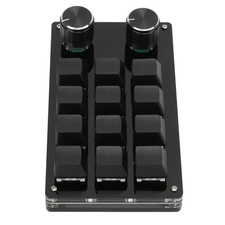
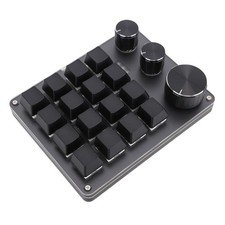
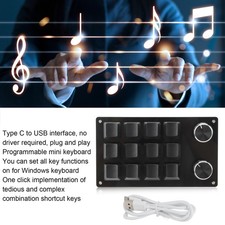
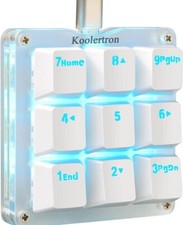
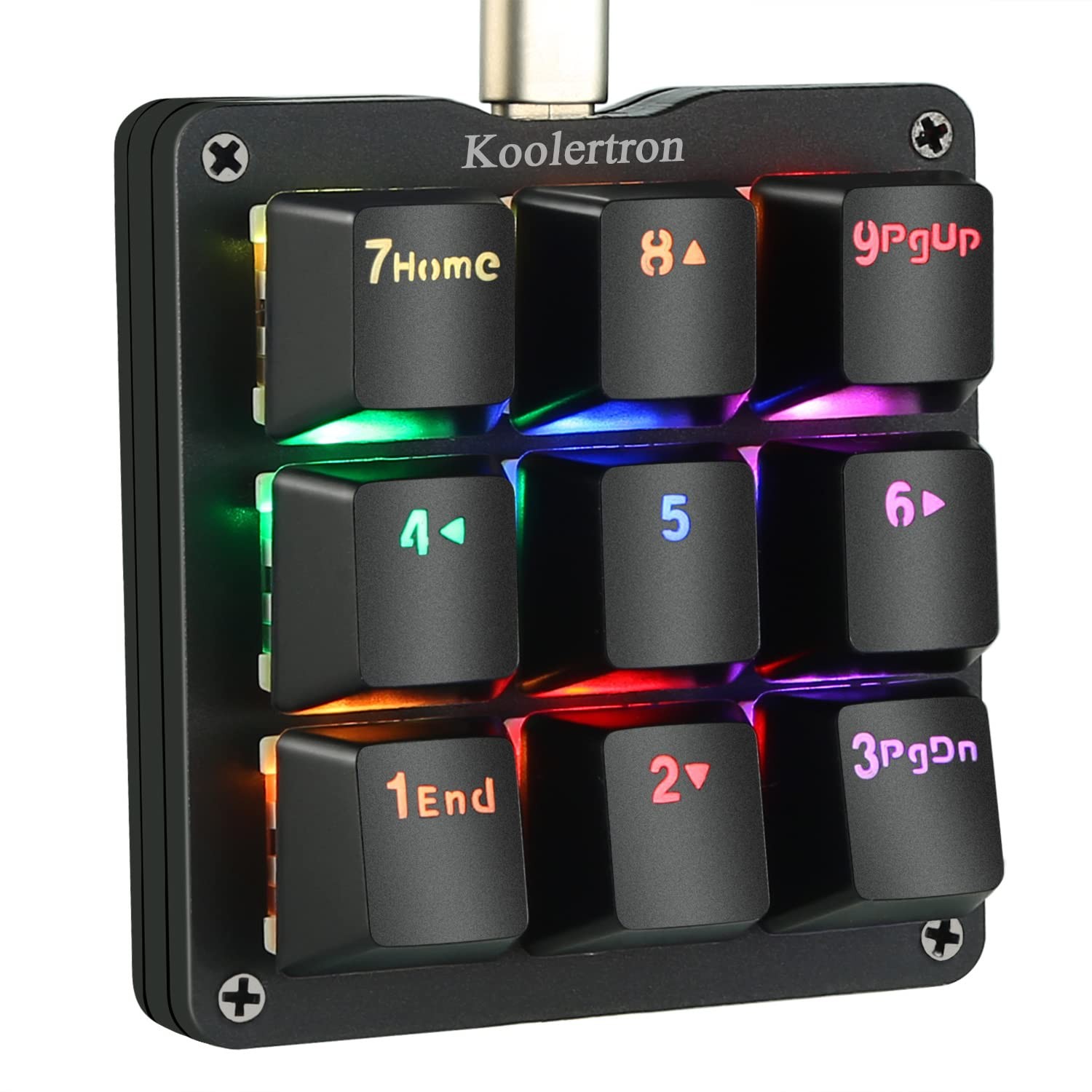
Listing Welcome to our store Your satisfaction is our highest priority One Handed Macro Mechanical Keyboard, 9-Key Mechanical NumpadProduct GalleryProduct Specifications - 【All 9 Keys Programmable】All keys can be programmable. The custom programmable key functions include regular 127 buttons, web navigation buttons, 19 multimedia shortcuts, keyboard locks, Windows locks, etc. Each button can be set to any of these buttons.
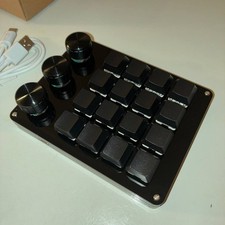
- 【All Macro Keys】There are 16 macro function buttons. Macro functions can be used in series and can support up to 349 key commands, which can meet various complex usage scenarios, Such as: office/wps and other office software shortcuts, CAD/Ae/Pr/Ps shortcuts, various user accounts and passwords, game quick tricks, OSU!, basic code for programmers. For example, setting a button triggers "ctrl+a 0.5s ctrl+c 0.5s ctrl+v" etc a series of operatio
- 【4-Layer Custom Configurations】 Built-in MCU, after keyboard keys be set up, it can be stored in keyboard's MCU, and no need reset the keyboard even replace the computer. Can save 4-layer of configurations to handle multiple usage scenarios. Perfect not only for gamers but also for so many other types of users including designers and video editors
- 【Portable Mini Keypad】Portable Mini keypad,2.7" x 2.5" x 1.2" ultra-small size, effectively saves desktop space. Detachable USB cable. You can connect the keypad (plug and play) and a 104-key keyboard with the same computer at the same time, they will not interfere with each other.
- 【RGB Backlight Keyboard】RGB backlight can be customized to the player's desired color. The backlight brightness can be adjusted/turned off. Dynamic effects can be summarized into 8, each dynamic light effect can be adjusted to 3 different speeds; In addition, you can adjust 30 levels of brightness, 32 levels of saturation, and 32 different colors (including 32 static monochrome and 32 static color) in the light effect.(NOTE: there is no support for using HUB)
Key Features Note:
1.When configuring the keyboard's software settings,please make sure your computer has a standard USB type-A interface,the keyboard can only be directly connected to the computer via the USB cable (HUB adapter and Thunderbolt USB will not be supported).The restrictions apply only to configure the keyboard's software.Once set,you can still connect via HUB adapter and thunderbolt USB.
2.Please download the keyboard's configuration software according to the URL on the package box/user manual
3.After opening the software,when you need to use the "Key Mapper/Custom Macro/Quick Macro/Options "function,you need to click the "Connect" in the top-left to connect the keypad.Once set up, you need to click the "Upload" to save.Otherwise,all settings are invalid.
Normal/FN/FN2/FN3 4-Layer Configuration
You can set up Normal/FN/FN2/FN3 4-layer configuration.
* You need to set a shortcut key of the FN layer in the Normal layer,When you need to enter a key on the FN layer,you need to press and hold the FN key on the normal layer,and then press the key of the FN layer that you want to enter.(The other FN2/FN3 layers are the same method, and the FN2/FN3 has a toggle button,only need to press once to switch to the FN2/FN3 layer,needn't hold it down when using)
Custom Advanced Macro
You can set up 12 advanced macros (with time delay)and 12 quick macros(without time delay).Each macro can record up to 42 characters.A total of 24 macros can be cascaded or cycled.Such as: office/wps and other office software shortcuts,CAD/Ae/Pr/Ps shortcuts,various user accounts and passwords,game quick tricks,basic code for programmers
The user can define a key as a specified macro,and automatically trigger the macro by simply triggering the key.When using a loop macro, press the key to trigger and press again to stop
Engineered For Excellence Each product in our catalog is carefully selected to meet our rigorous standards for durability and performance. Built To LastDelivery Info - Your item will be shipped to the address listed on your account. Please confirm your address before completing the purchase
- Delivery timeframe: 3-7 business days
- Shipping via USPS, UPS, or FedEx
- Continental US shipping only (48 states)
- No shipping to AK, HI, or US territories
- No APO/FPO or PO Box deliveries
Full tracking provided Payment Methods Secure checkout available through: Transactions protected by 's secure payment systemReturn Policy 30-Day Satisfaction Policy - Message us through within 30 days of delivery
- We'll provide return instructions and address
- Return item in original condition with packaging
- Refund processed within 2-3 business days of receipt
Support Questions about your order? Contact our team through messaging for prompt assistance. We typically respond within 24 hours.  |
|