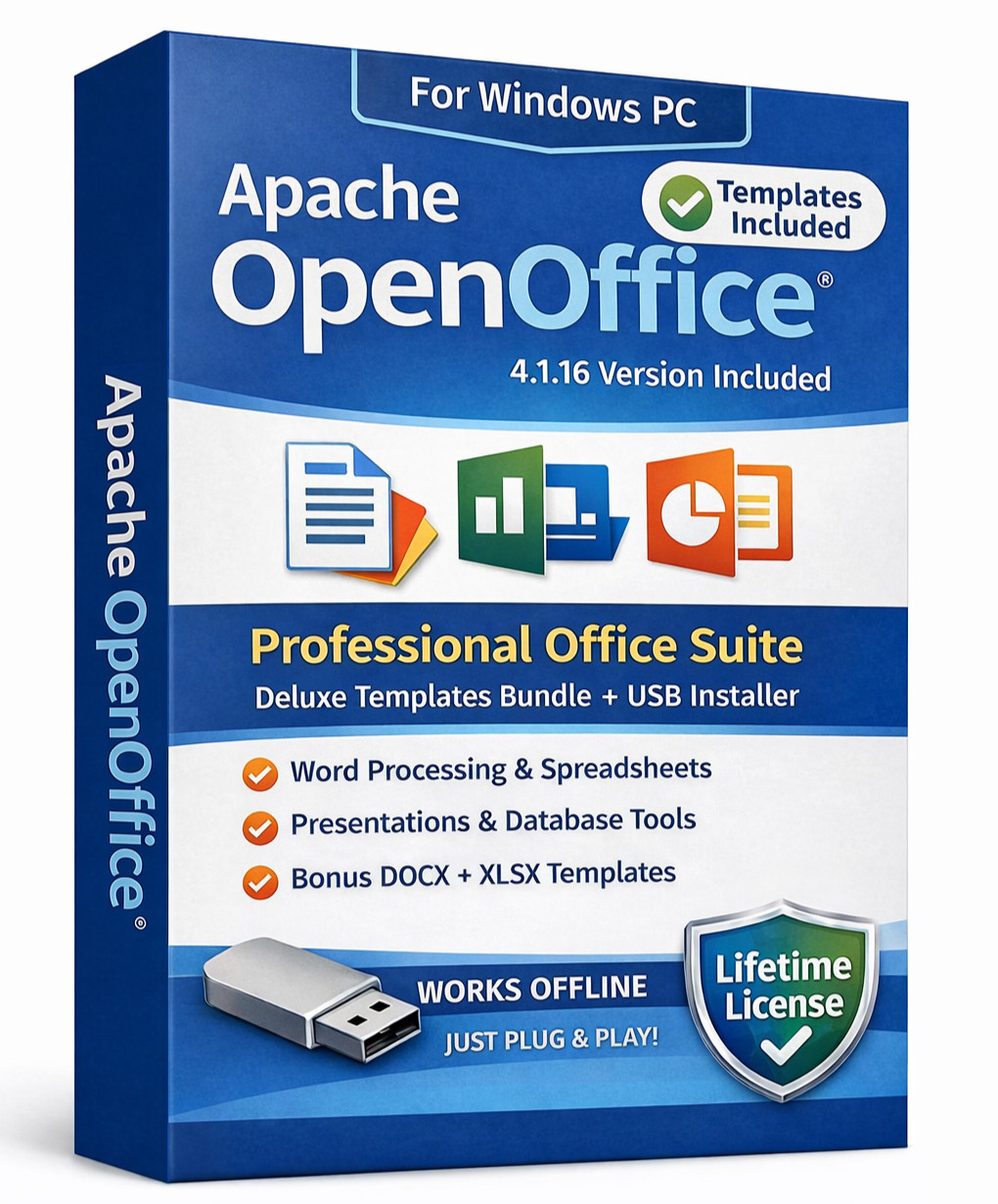
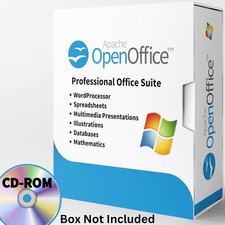
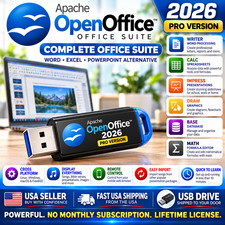
🖥️ OpenOffice 4.1.16Professional Office Suite, USB, Great for Home, Office & School
💲Save Hundreds! -- Works with Microsoft Office files (Word/Excel/PowerPoint)
♾️ Lifetime license. No renewals needed. Install on multiple computers
🖥️ Includes:Newest version of Apache OpenOffice(2025's 4.1.16), 100's of Ready to Use Templates, andStart Guide
Included Applications Powerful. Affordable. Easy to Install. •Writer (word processing) •Calc (spreadsheets) •Impress (presentations) •Draw (graphics/diagrams) •Base (database) •Math (formula editor) Tip: Works with many common Microsoft Office file formats (DOC/DOCX, XLS/XLSX, PPT/PPTX). Formatting may vary with complex layouts. FREQUENTLY ASKED QUESTIONS... Q Can I install this on multiple computers? A Yes. Apache OpenOffice does not have a product-limit style restriction. Install on multiple PC's. Q Does this require a product key or activation? A No. There is no product key, no activation, and no subscription. Q Do I need to register or create an account? A No registration is required. Install and start using it right away. Q What Windows versions does this work with? A This USB includes Apache OpenOffice 4.1.16 for Windows and is commonly used on Windows 10/11. It also supports many older Windows versions (XP/Vista/7/8/8.1). (Most modern PCs should be fine.) Q Are installation instructions included? A Yes. A Getting Started Guide (PDF) is included on the USB for easy access. Q Do you include a printed manual? A We include a printed Quick Start Guide to help you get started fast with Open Office (it's also included on the USB as a PDF). For more detailed “how-to” instructions and advanced help, we recommend the Apache OpenOffice community documentation and support resources. Q Do you include templates? A Yes. A Deluxe Templates Bundle is included on the USB in a folder named Templates. Document templates are .DOCX and spreadsheet templates are .XLSX so they can be used across multiple office suites. Q Can I save templates back to DOCX/XLSX in OpenOffice? A OpenOffice can open DOCX/XLSX files. However, to keep the best compatibility when saving from OpenOffice, we recommend using: .ODT (documents) and .ODS (spreadsheets) — or older formats like .DOC / .XLS. If you specifically need to save back to .DOCX or .XLSX, we recommend saving those versions using Microsoft Word/Excel, Google Docs/Sheets, or LibreOffice after editing. Q Does this come in a retail box? Will the USB look exactly like the picture? A Retail box is not included. The USB ships in protective packaging. The USB flash drive device may vary by availability (brand/shape may differ), but the contents will be the same. Q Is this legal? A Yes. Apache OpenOffice is open-source software. Your payment covers the USB media, preparation/organization, and the included templates bundle for convenience. Notes We are not affiliated with or endorsed by the Apache Software Foundation or Microsoft. “Microsoft Word/Excel/PowerPoint” are trademarks of their respective owners. File-format compatibility can vary with complex layouts or macros. 📬 FREE SHIPPING! Ships fast and packaged safely to protect the USB during transit. ✅ 100% Money Back Guarantee. Not satisfied, return for a refund.