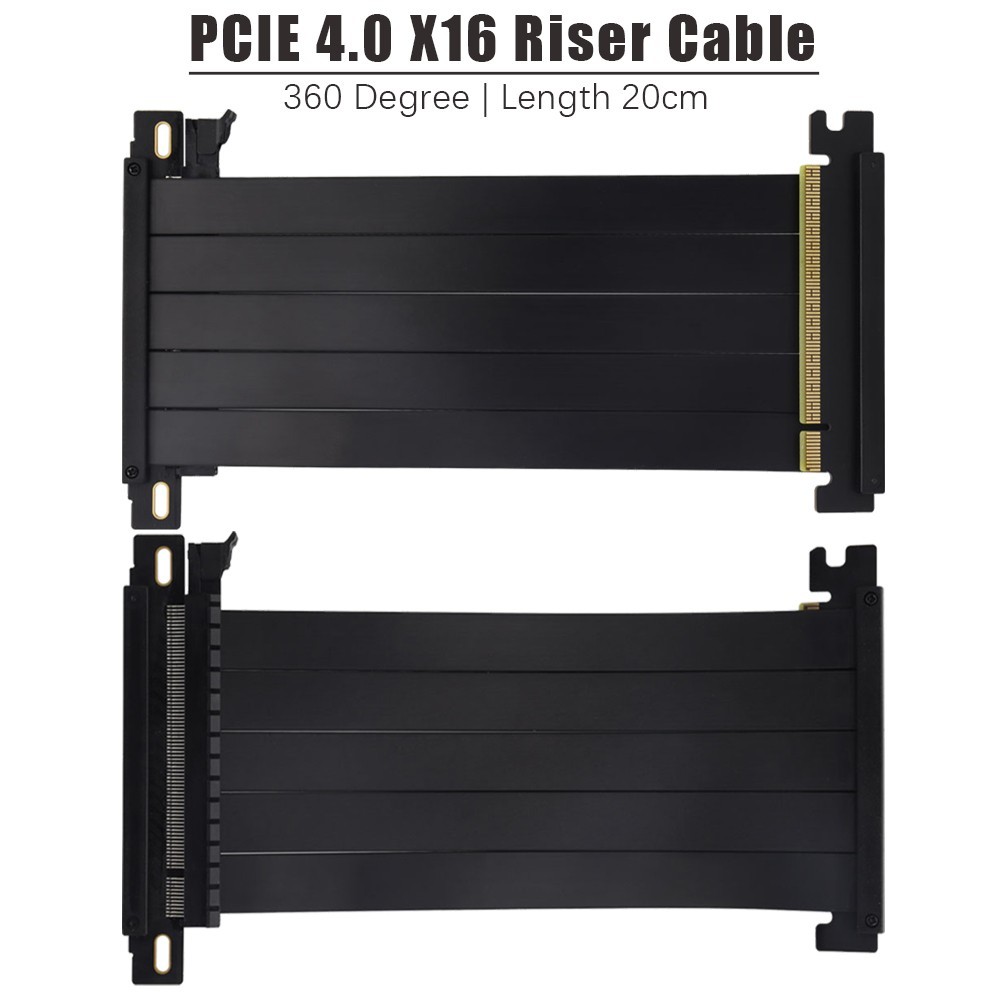
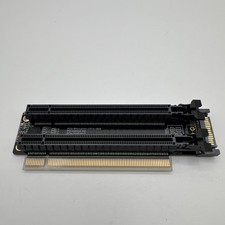
PCIE 4.0 Extension Cable, Black 16x Shielded High Speed GPU Riser Cable with PCI Express Port for GPU Extension Card, Length 20cm(360 Degree )
·2.Imported silver-plated cable with up to 64GBS, in line with PCIE 4.0 transmission standard and remains backward compatible with a maximum transfer speed. Enhanced 12V power supply with 12PIN silver-plated cable delivers 12V to meet the needs of 4090 high-power graphics cards.·3.With segmented design, this GPUriser cable allows for airflow, making it easy to reduce operating temperature and improve overall system performance.·4.Plug and play, no BIOS setup required. Featuring a unique cable protector that effectively enhances the durability of the extender as well as prevents cable damage, even if the extender is folded or twisted, this GPUextension cable provides the best connectivity and lifespan.·5.Compatible with most GPU/motherboard components and fits most cases. Supports PCIE 4.0/3.0/2.0/1.0, compatible with RTX4090 and all gen 4 GPUs, RTX3090ti, RTX3090, RTX3080ti, RTX3080, RTX3070ti, RTX3070, RTX3060ti, RTX3060, RX6950XT, RX6900XT, RX6800XT, RX6800, RX6700XT, RX6600XT, RX6500XT / Chipset - x570, B550, Z590, Z690
Package contents:
·1x PCI-E 4.0 Extension Cable
PCIe 4.0 GPU Vertical Cable - Quick Start Guide
🔧 1. Compatibility Check
- Standard: PCIe 4.0 x16 (works with 3.0/2.0, slight performance drop).
- Use Case: ITX chassis with vertical GPU mount only.
- Not for: Mini PCs, industrial motherboards, or low-power GPUs without separate power.
🛠️ 2. Installation Steps
- Power Off: Unplug power, hold power button for 10s to release electricity. No live operation!
- Plug In: Insert cable ends firmly into motherboard and GPU. Ensure clicks are heard.
- Power Supply: Connect GPU power cable separately. Cable does NOT supply power.
- Secure: Route cable straight, use ties. Do not bend or squeeze.
⚙️ 3. Critical Settings (Prevent Crashes)
- BIOS Setup: Press F2/Del/F10. Go to "PCIe Settings".
- Set Speed: Change "PCIe Link Speed" to Gen 3.0 (max stability).
- Test: Install latest drivers. Run game for 10 mins. No blackouts = success.
⚠️ 4. Warnings & After-Sales
- No Overclocking with this cable.
- No Hot-Plugging. Turn off before connecting/disconnecting.
- Disclaimer: Returns due to improper installation, BIOS settings, or incompatible use will not be accepted. Please contact support for troubleshooting first.
💡 Pro Tip: Following these steps ensures a stable connection and avoids unnecessary returns!