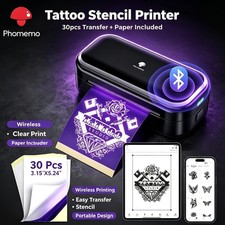
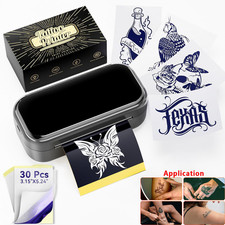
Product DescriptionBrandPhomemoColorBluePaper FinishSmoothSheet Size3.15" x 5.24"Sheet Count100
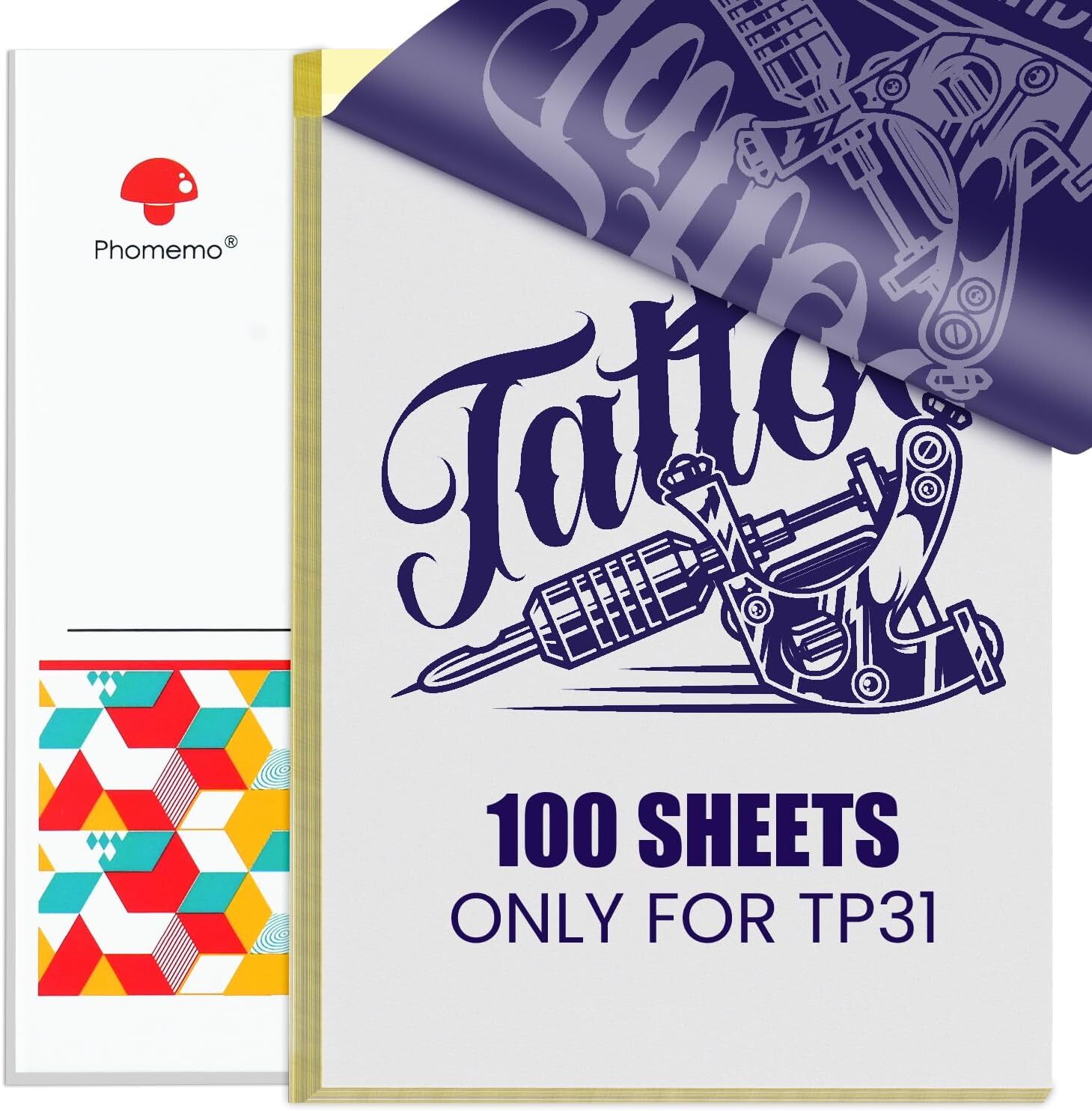
- Phomemo TP31 Transfer Paper only compatible with TP31 Tattoo Printer.
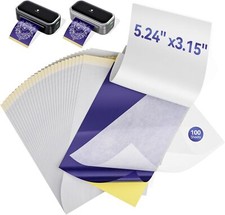
- TP31 Tattoo Transfer Paper Dimensions: 3.15 inches x 5.24 inches transfer paper, 100 sheets.
- High Quality - TP31 transfer paper is made from selected high-quality dyes and stencil paper. When used with the Phomemo TP31 Tattoo Machine, it ensures a clearer transfer.
- About TP31 tattoo transfer paper: The first layer is the transfer paper, the second layer is the protective paper (to be removed during printing), the third layer is the carbon paper, and the fourth layer is the yellow backing paper (to be torn off during printing).
- How to print a design: 1. Tear off the yellow paper, 2. Remove the protective paper, 3. Turn on the TP31 mini tattoo printer, 4. Put the transfer paper and print. Note:Blue Carbon paper must face up when printing,otherwise, it affects the clarity of the transfer
- How to transfer onto skin: Apply tattoo gel/tattoo cream to the transfer area, then place the printed tattoo design onto it, wait for 2-5 minutes, and the transfer will be complete. If the transfer is incorrect, you can wipe off the transfer mark with alcohol.
Phomemo TP31 Tattoo Transfer PaperOnly For TP31Tattoo Printer,3.15" x 5.24"Transfer Paper,100Pcs
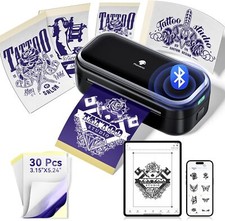
Easy to Work with TP31 Tattoo Printer
How to Transfer Your Tattoo on Skin
Suitable for professional tattoo artists and beginners
Not onlysuitable for professional tattoo artists and beginnersbut alsofor enthusiasts who enjoy temporary tattoos - Allow you to showcase yourself at music festivals, various parties, fashion shows, Halloween, Christmas, and other event
Only Work For TP31 Mini Tattoo PrinterTP31 Transfer Paper - 100 SheetsTP31 Tattoo Transfer Paper Customer's Voice