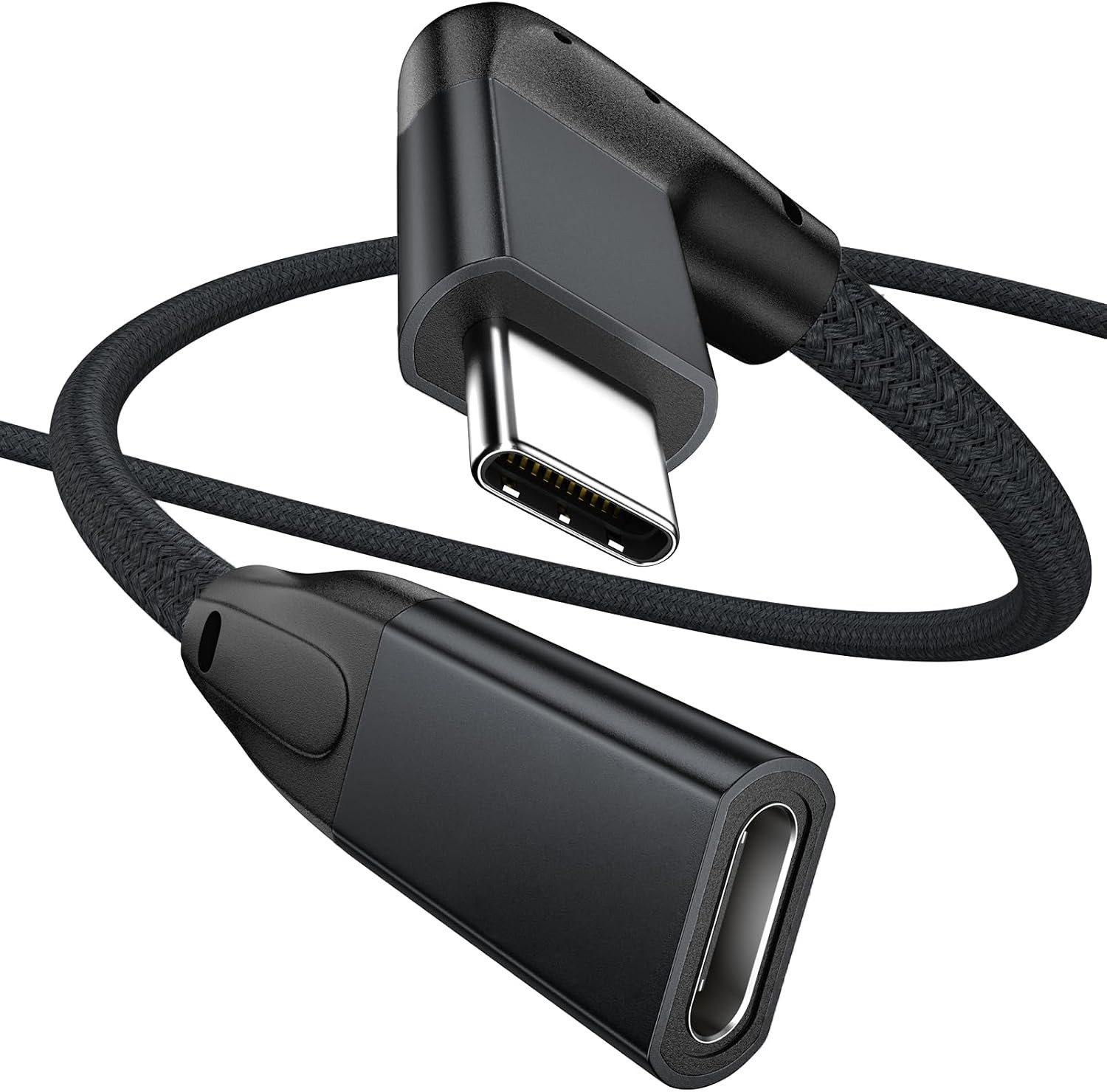
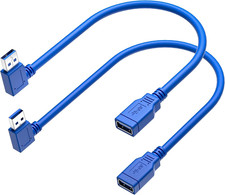
Product description 90 Degree Right Angled USB C 3.1 Gen 2 Extension Cable
Max Output:20V 5A 100W
Date transfer:USB 3.1 10Gbps
Video Resolution:4K@60hz Video Output
Material:Aluminum-alloy housing
100W Fast Charging
This cable equipped with E-Marker chip supports fast charging up to 100W(20V 5A) and helps to automatically adjust the current within the specification to ensure safe charging of your devices
Plug in, Power up
- 10Gbps Data Transmission
Supports SuperSpeed+ data transfer up to 10Gbps Max, and backward compatible with USB 3.1 and 2.0, complete large store file and UHD video or audio transferring in seconds.
- 4K@60HZ UHD Visual Feast
Mirror or extend your screen with USB C 3.1 Gen 2 extension cable and directly stream 4K 60Hz UHD video to HDTV or monitor.
- User-friendly 90 Degrees L Design
It's much more convenient and more comfortable for playing games, watching videos, reading e-books when you lie on the couch or bed while charging.
Exceptional Durability
Our nylon braided Type-C extension cable features triple-protection design with a double-layer premium nylon braided sleeve and specially reinforced plug, offering both tangle-free performance and flexible handling. It withstands 15,000 bend tests and incorporates an intelligent current-matching chip to extend battery life.
ONE CABLE FOR ALL(Not a complete list): Important Notes Important Note 1 The transfer speed is limited to Max 10Gbps, NOT 40Gbps. Important Note 2 Video transmissions can degrade or fail if you want to connect a long cable carrying video signal (HDMI, DP, and more). Important Note 3 Please locate a USB-C or Thunderbolt 3 port on your device that supports video output since not all USB-C ports are able to carry a video signal. Important Note 4 The recommended total length is 10ft: If the total length is too long, there will be severe signal attenuation. We recommend using this extension cable to connect cable with a total length within 10 feet to achieve the best charging, syncing, and 4k video performance. Important Note 5 If you hook up a USB-C 2.0 peripheral( mouse,keyboard,etc.) to this USB-C 3.1 extension cable and it doesn't work as you expected, flip the connector over and try once more. It happens as a result of the compatibility issue of USB-C protocols and you need to connect a USB-C 2.0 peripheral to a USB-C 3.1 port in a specific direction. Important Note 6 Please confirm that your charger or cable supports the features - including PD fast charging, 10 Gbps data transmission, 4K@60Hz HDR display - you would like to achieve, otherwise, this extension cable is unable to accomplish as well. Quality Service
We dedicated to share the superior-quality cable products that improve the lives of our customers. Please don't hesitate to reach out if you encounter any problems during use)
- New Right-angled USB-C Extension Cord--Innovative 90 degrees L design, Protect the plug and extend the life of cable by reducing the strains of everyday use.
- The USB-C Extensions extend the reach of your existing USBC cables,which makes it easier to connect devices for greater convenience;Support charging and data transmission for audio or video (4K).
- This Male to Female USB C Extender supports Power Delivery up to 100W, providing the fastest possible charging for your devices. Data transfer speeds up to 10 Gbps, allowing you to transfer bulky files like an HD video in seconds.
- Sleek aluminum shell and Premium nylon braided cable adds additional durability and tangle free. Double side can be in, easy to use.
- *NOTE*--- If you hook up a USB-C 2.0 peripheral to this USB-C 3.1 extension cable and it doesn't work as you expected, flip the connector over and try once more. It happens as a result of the compatibility issue of USB-C protocols and you need to connect a USB-C 2.0 peripheral to a USB-C 3.1 port in a specific direction.