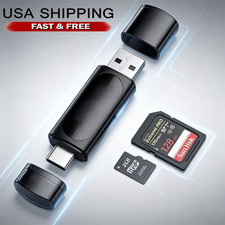
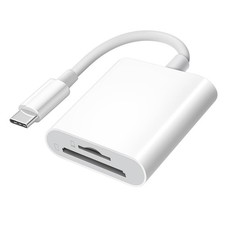
Camera Reader 8 pin to SD Card Adapter For iOS 9.2 iPhone 6 7 8 Plus 11 XS
Note:
Please enter the lower right corner of the mobile phone album to see if there are photos, otherwise use a computer to check whether the root directory and photo names in the SD card meet the format requirements.Our products are fully tested and shipped(See description for details).Thank you!
1. 8 pin to SD Card Camera Reader
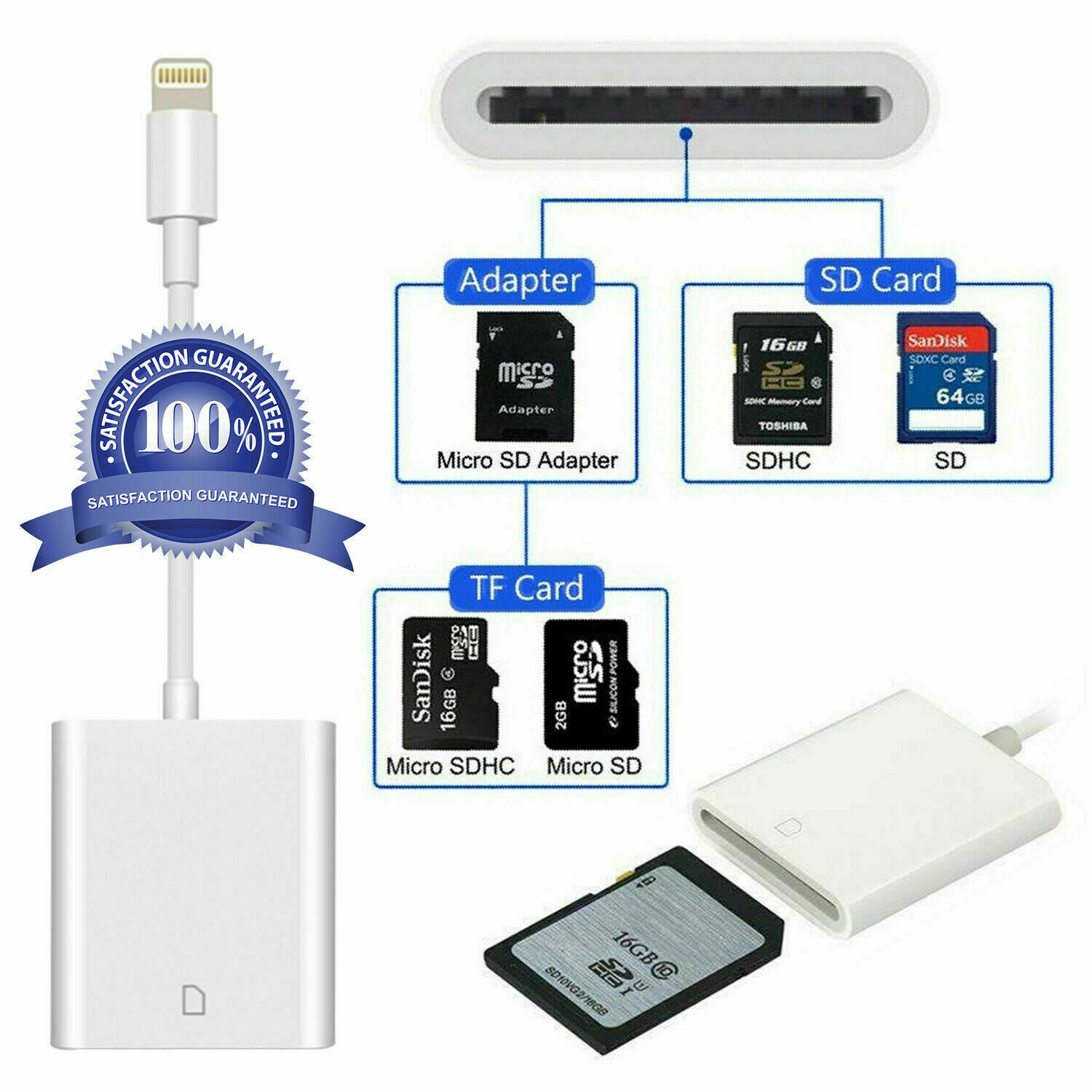
With the 8 pin to SD Card Camera Reader,it is very convenient to download your photos& videos from a SD card equipped in thedigital camera and transfer to your iPhone /iPad/iPod Touch, so you can easily enjoy and share them with family and friends.
2. Basic parameters
Operating Voltage: 3.3V
Operating current: <100mA
Interface: 8 pin and SD Card
W/R Speed: USB2.0 Speed (14MB/S~16MB/S)
3. To import photos from an SD card
1.Insert a SD card into the Reader.
2.Connect your iPhone/iPad/iPod Touch with your Reader through Lightning connector.
3.Your iPhone/iPad/iPod Touch automatically opens the photos app, which organizes your photos into Moments, Collections, and Years. And when you use iCloud Photo Library, all your full-resolution photos and videos are stored safely in iCloud and automatically added to the Photos app on all your devices. With iCloud Photo Sharing, you can share your photos and videos with just the people you choose.
4. Supporting
The reader supports general standard photo formats, such as JPEG and RAW and HEIF/HEVC, along with SD and HD video formats, including H.264 and MPEG-4.
5. Compatibility
The lightning to SD Card Camera Reader iscompatible with standard SD and SDHC. Miniand micro SD card are also supported whenused with an adapter to fit the slot (adapternot include). MMC cards are also supported.
6. Tips and trouble shooting
1.If photos or video can't be accessed, makesure the SD card is inserted properly into theReader. If not, insert the SD card to thereader again.
2.If the SD card is not readable, please checkif the iPhone, iPad and iPod touch models iswith iOS 9.2 or later.
3.If the photos and videos are not generatedfrom a camera, you need to turn to thecomputer for help. Create a folder called“DCIM” to the root of your SD card, andtransfer all your photos and videos there.Only photos and videos inside the DCIM foldercan be managed.
4.Using Media Info to check if the video filesare H.264 or mpeg-4. Rename each photoand video file like this “MVI_XXXX”, whileXXXX is a unique number. For example, if youhad one JPG file and one MOV file, namethem with MVI_0001.JPG and MVI_0002.MOV.(The same as IMG_0001.JPG)
7. Package include
1* Lightning to SD Card Camera Reader