SIM Card Data Management on PC
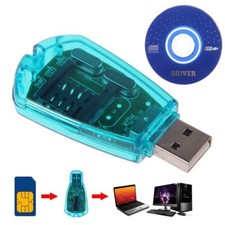
This USB SIM card reader enables direct reading, viewing, editing, and writing of SIM card data via a Windows computer. It bypasses mobile device limitations, offering superior control and flexibility for managing SIM information.
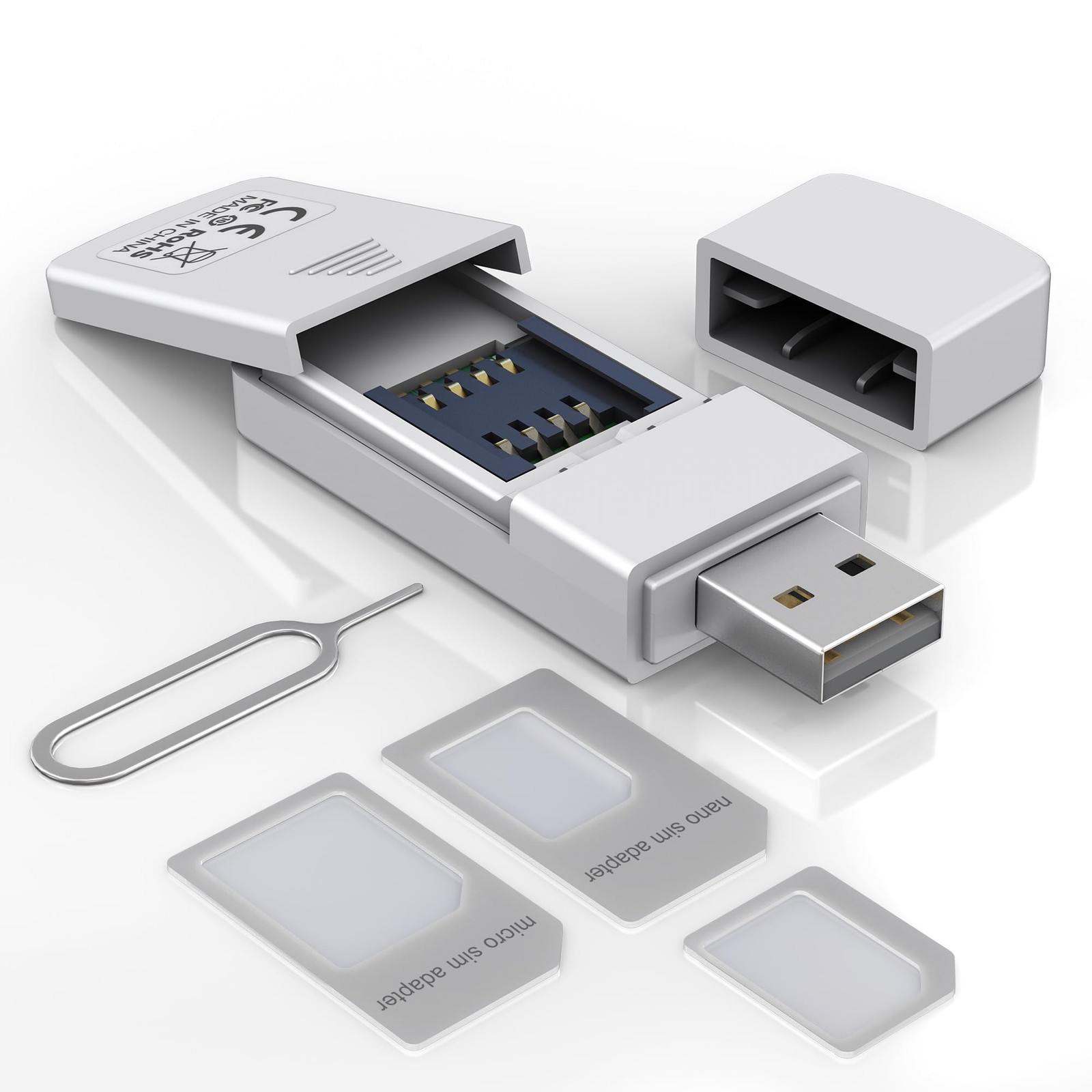
Discreet Slot & Adapter Kit
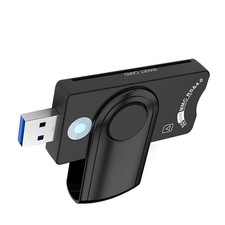
Featuring a concealed SIM slot with a removable cover for protection, the kit includes a full set of adapters. Easily convert between Nano, Micro, and Standard SIM sizes to ensure compatibility with virtually all phones, , and SIM-based devices.
Technical Compliance & System
Manufactured in compliance with the ISO 7816 standard for reliable performance, the reader supports plug-and-play operation and is exclusively with Windows systems, including Windows XP through Windows 11.
Software Notice
The device functions as a hardware interface. To utilize its full editing capabilities, users must install third-party SIM editing software from a trusted source. The reader maintains broad compatibility with most common SIM editor applications.
Simple 4-Step Setup Process
① Connect to a Windows PC. ② Install your preferred SIM editing software. ③ Insert the SIM card into the reader's slot. ④ Link the reader to the computer via USB to begin accessing and modifying data through the software.
Notice: This SIM card reader is plug-and-play. However, you will need to download a SIM editor to your computer. You can download a SIM editor via the link in image 4, or you can search for on Google or other websites. Our reader is widely with various SIM editors. If you still cannot obtain an editor, you can the seller's to obtain the installation package.
[SIM Card Adapter Reader] This USB SIM Card Reader features a discreet, covered SIM slot and enables direct interaction with SIM card data via editing software on a Windows PC/Laptop. Users can read, view, modify, and write SIM card content conveniently from their computer, offering greater flexibility beyond typical mobile device restrictions.
[SIM Adapter Kit ] The package includes a SIM card adapter set and eject pin, allowing conversion between Nano SIM, Micro SIM, and Standard SIM card form factors. This ensures broad compatibility with various mobile phones, , and other SIM-based devices.
[Technical Compatibility] Designed in accordance with the ISO 7816 standard, this SIM card adapter supports plug-and-play operation exclusively on Windows systems. It is with Windows XP, Vista, 7, 8, 10, and 11. Note: Use of this device requires installation of third-party SIM editing software, which is widely available online.
[How to Read a SIM Card] 1. Ensure you are a Windows-based computer or laptop. 2. Install a SIM editor program of your choice from a trusted source. This reader is with most common SIM editing applications. 3. Insert your Standard SIM card into the reader's slot. 4. Connect the reader to the computer via the USB port to begin accessing the SIM card data.