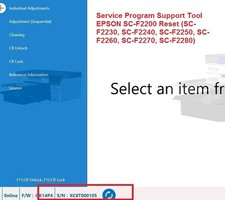
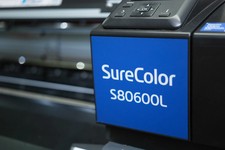
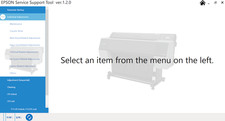
DescriptionService Program for Epson SC-S60600L Plotter Epson Service Program Ver.1.2.0
Official Epson service tool, installed on ONE COMPUTERfor resetting counters, adjusting motherboards, and maintaining and repairing your plotter.
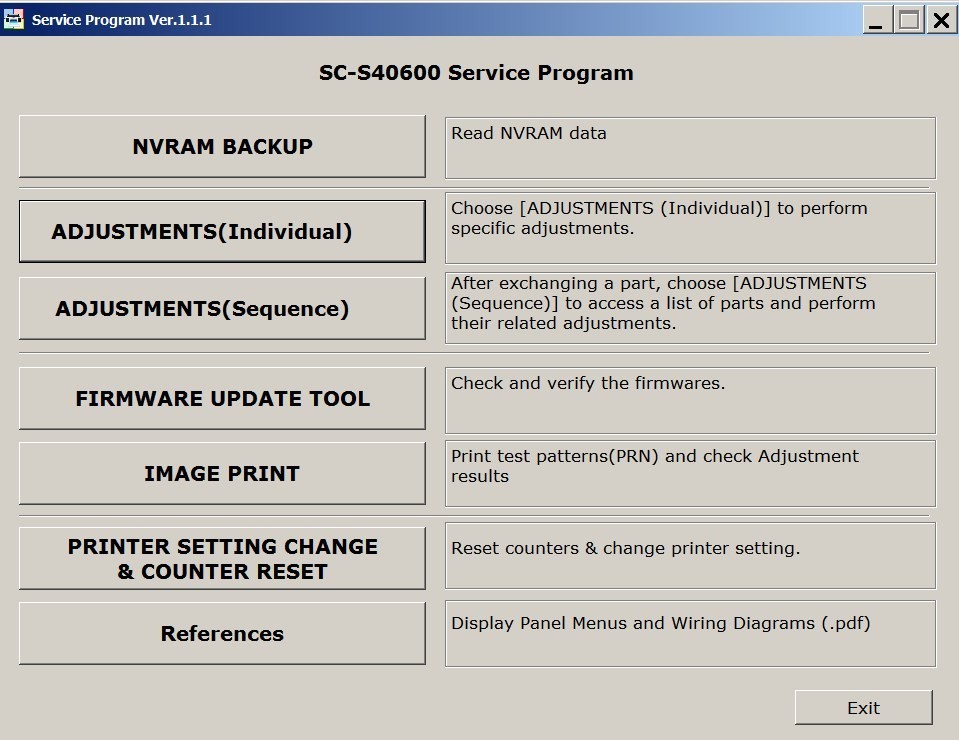
MAIN FUNCTIONSNVRAM BackupRead NVRAM data– Read and back up NVRAM dataADJUSTMENTS (Individual) – Individual adjustments
ADJUSTMENTS (Sequence) – Sequential adjustments
Print test patterns (PRN)
PRINTER SETTING CHANGE & COUNTER RESET
References
Control panel manuals
Wiring diagrams (.pdf)
COUNTER RESET – Reset of available countersCounterFunctionPrint Head Counter ResetResetting the printhead counterDuctCR Counter ResetResetting the car's duct counterCR Motor Counter ResetResetting the car's engine counterCR Encoder Scale Counter ResetResetting the encoder scale counterPump Cap Counter ResetResetting the pump/cap counterAir Unit Counter ResetResetting the air unit counterPump Unit Counter ResetResetting the pump unit counterInk Tube Counter ResetResetting the ink tube counterCirculation Pump Counter ResetResetting the circulation pump counterInk Leak Sensor ResetResetting the ink spill sensor (error 0014BD)
Keyboard shortcuts:F11: CR Unlock / F12: CR Lock (carriage unlock/lock)
What errors and problems does it solve?Problem / ErrorSolutionErrors 0001, 0002, 0004, 0008 and similarResetting internal countersError 0014BD (ink spill)Ink Leak Sensor Reset% of engine wear (without physical damage)Verification and resetIncorrect date and timeSoftware correctionPrinthead replacementEnter the new header codeGeneral maintenanceMultiple utility optionsWhat this software does NOT solveGeneral, non-specific errors
Installation RequirementsRequirementDetailOperating systemWindows 7, 8, 10, 11 (32/64 bit)MacNot compatibleConnectionUSB cableDriversYou must keep the original plotter drivers installed.License1 license per 1 computerInstallation and Activation
Purchase– Make your payment with debit card, credit card, PayPal.
Instant download– Once payment is confirmed, you will receive the software
Activation– We will send the activation code to your email or message
Installation– Can only be installed on1 computerper purchase
Do you need licenses for more than one computer?Contact us via WhatsApp for wholesale license discounts.
READ CAREFULLY
If you don't know what the problem is with your plotter, don't buy it.
THERE WILL BE NO REFUND.
Secure Purchase
Payment methods:Debit card, credit card, PayPal.
Delivery:Immediate after payment confirmation.
Additional References
The software includes access to:
Control panel manuals
Wiring diagrams (.pdf)