Starlink Gen 3 Dish
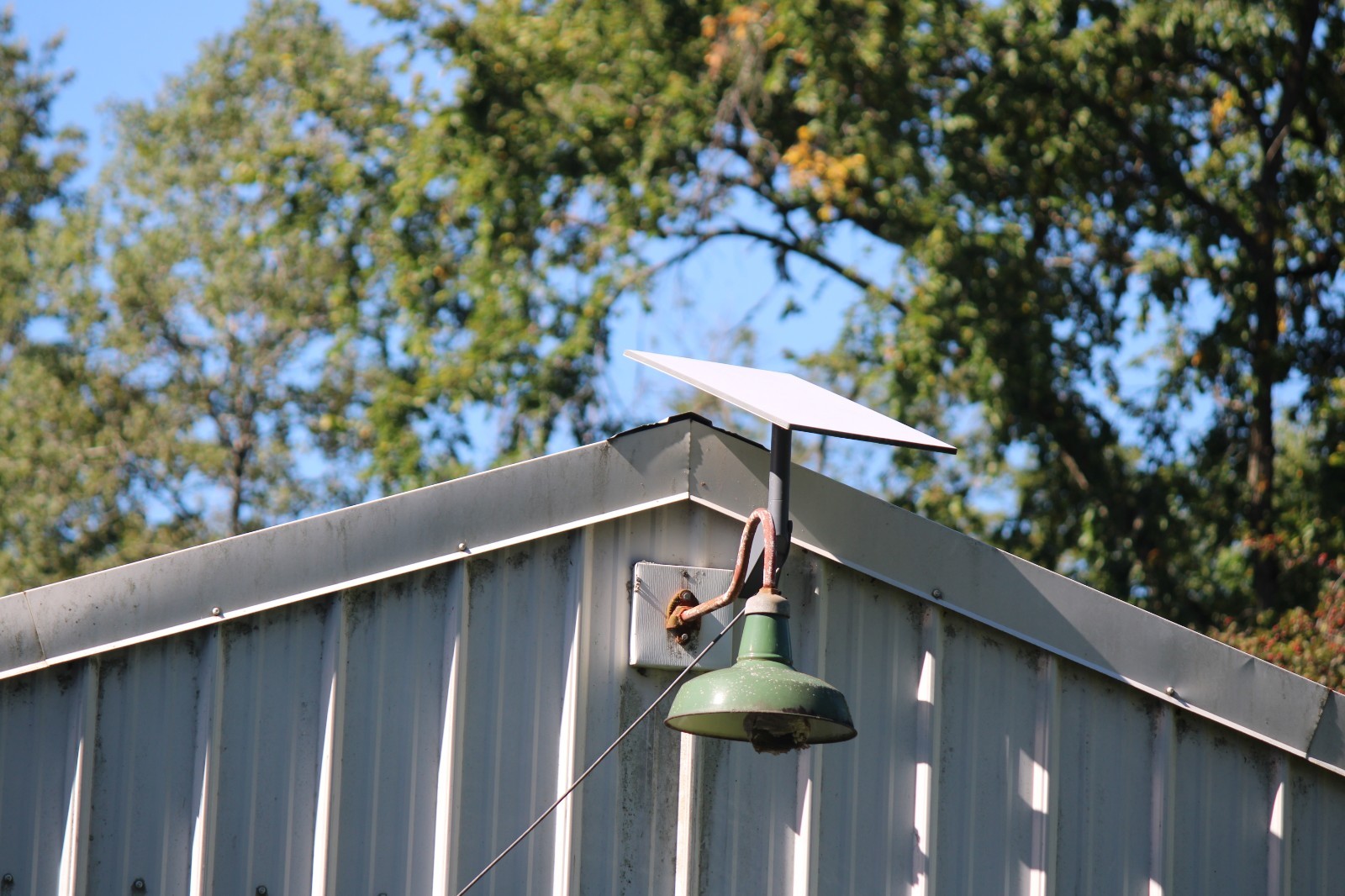
Starlink is the fastest and most reliable dish system available, beating hughesnet and others hands down. And I've tried them all over the last 25 years.As shown in my photos, the speeds are very fast on my desktop, averaging 350mbps download and 30 to 40mbps upload. And you can see that Wifi is fast as shown on my Galaxy S10.
Only reason I'm selling it is because my rural home was just offered fiber optic as I couldn't get that before. Everything works great. The modem I kept in my basement office and the wifi worked on both of the floors above in my home, along with quite a large range around the house.
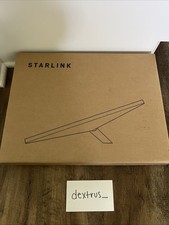
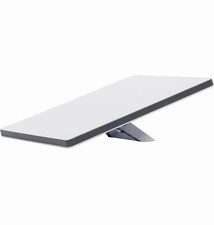
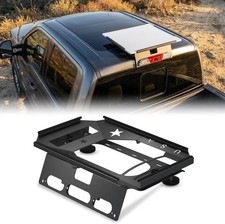
It comes as shown, with the wall/fascia mount and two mounting lag bolts. 50' of cable from the dish to the router. A decent amount of clips to run your cable with. Power pack and all the cables to hook up the modem.The modem has cable in and power in on the back, along with two ports to hook up your computer network.
I brought the dish down on the 8th of this month, cleaned everything up and packaged it back into the original box. The mount will be shipped in a second box at the same time as the dish at no extra cost.
I live in the lake effect snow belt in NW Pennsylvania. Using the app, you can control the built in heater to keep snow and ice from building up on your dish. If we had snow in the forecast, I just go to the app and turn the heater to 'Auto' and when it feels the dish covering with snow it turns the heater on. When there's no chance for snow or ice, I just turn the heater off to save a bit of power. No other dish system has this feature that I know of.
Just download the StarLink app to your device and find the best location to do a simple install. Mount the bracket with the two bolts. Set the attached dish into place and use the app to align. Tighten the thumb screw on the mount when you find the correct angle. Run your cable to your router. Hook up your home network and you are set. Took me less than two hours from start to finish.
If you have any questions, just fire away as usually respond within a couple of hours, even on the weekends.